Selected Work
Identity, packaging and visual worlds.
Browse by
Projects 28
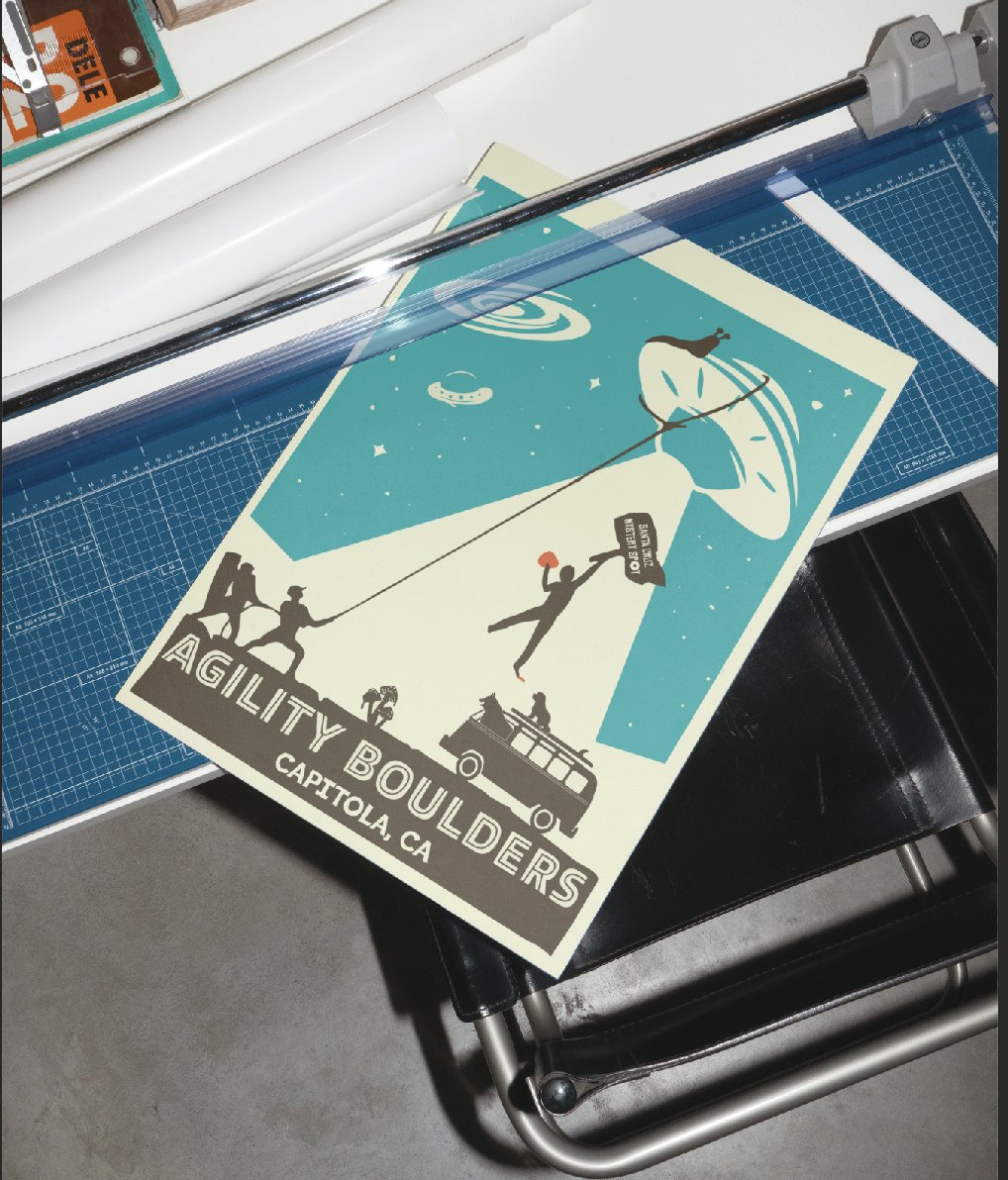
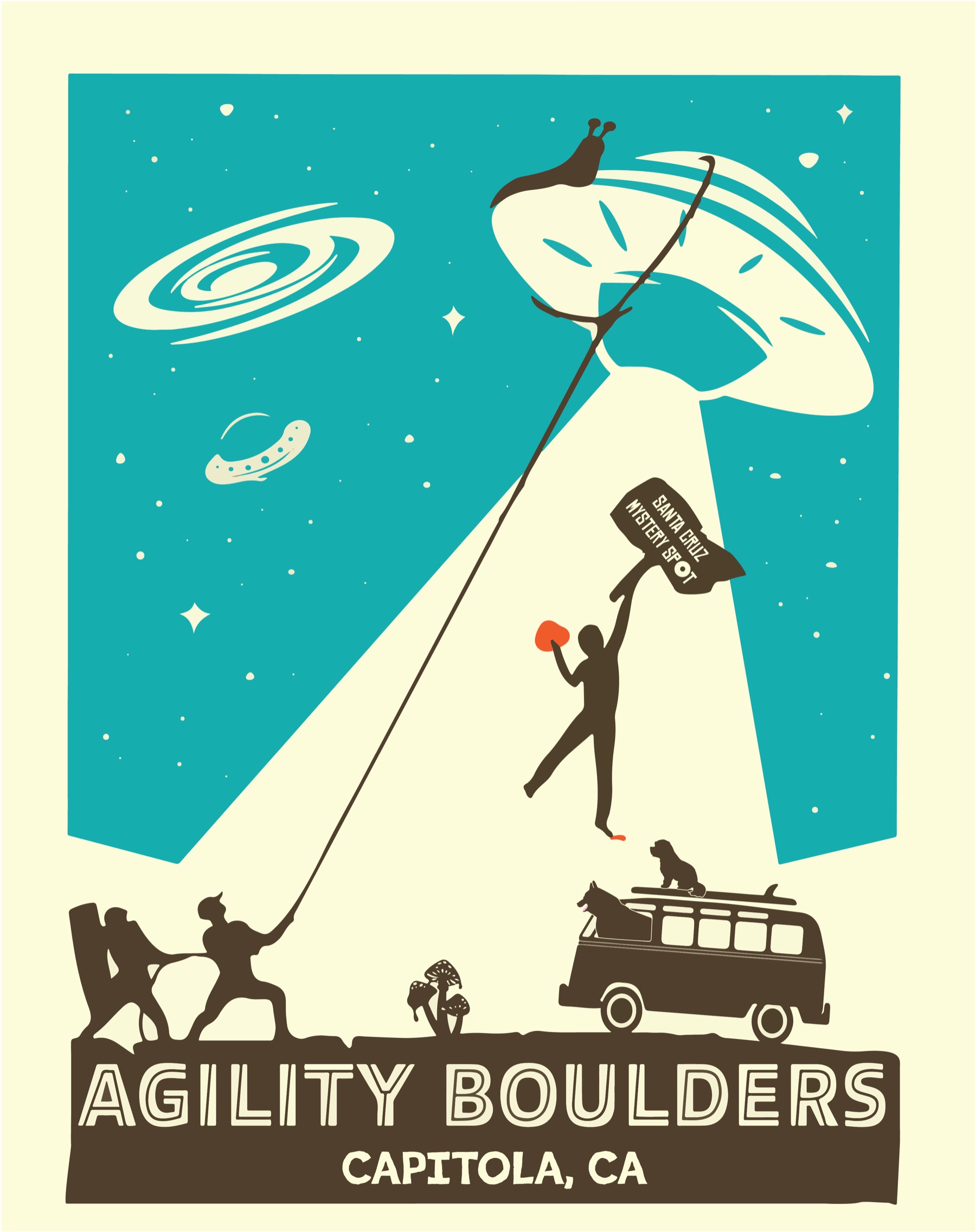
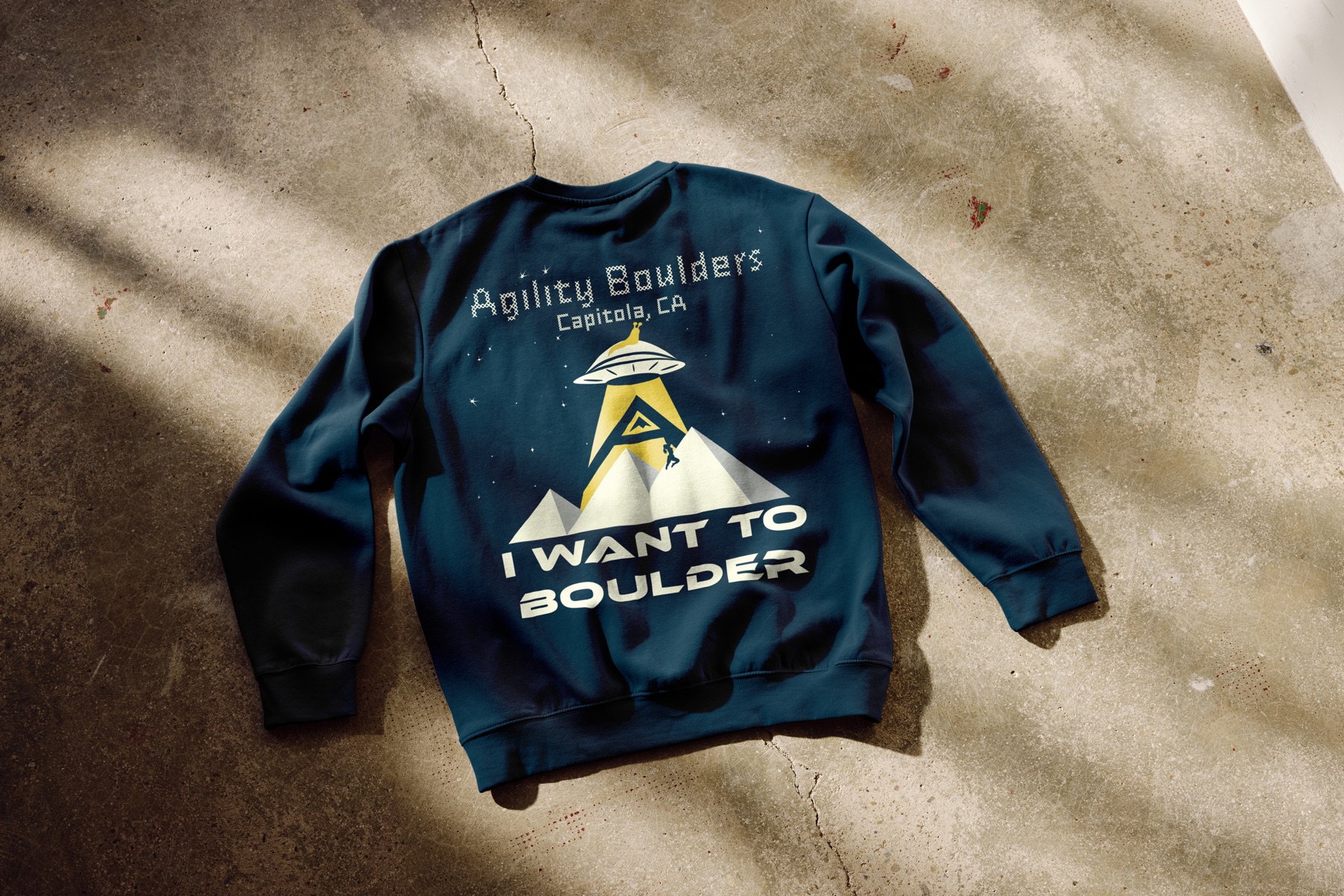
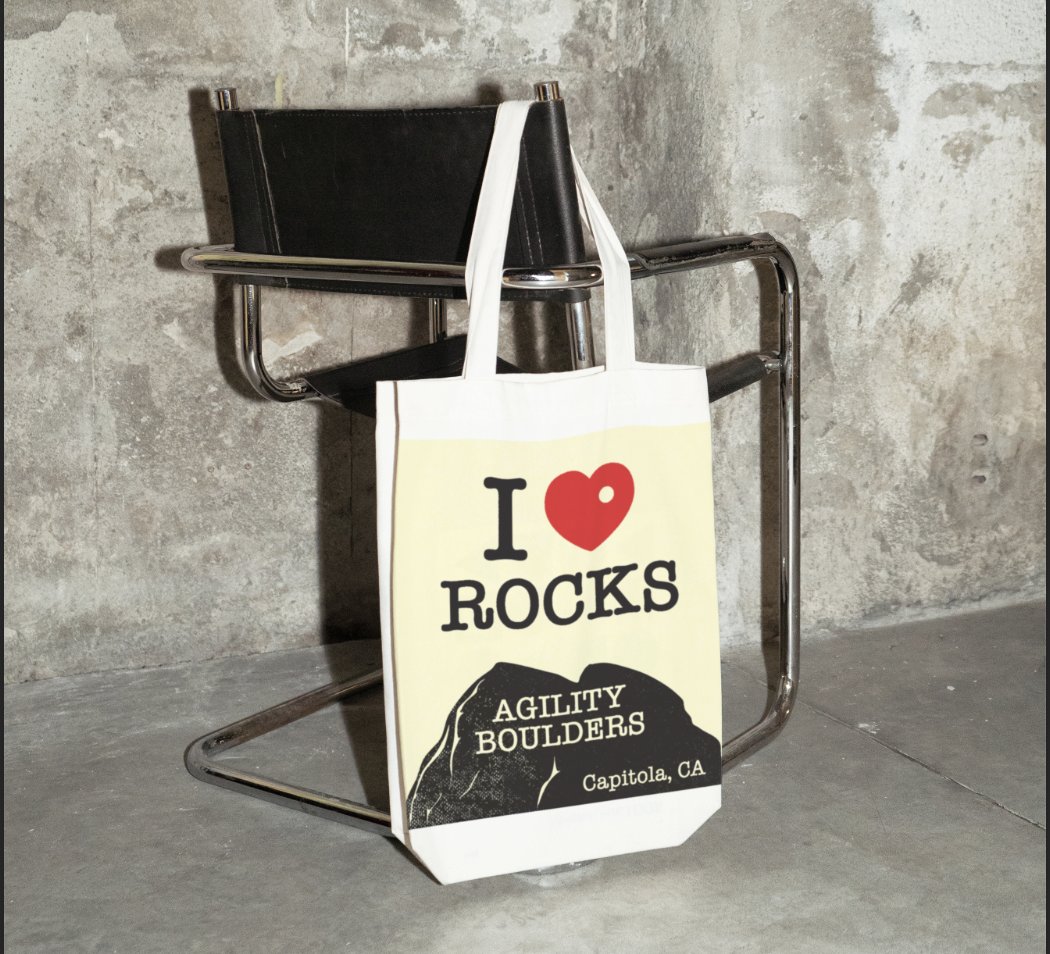
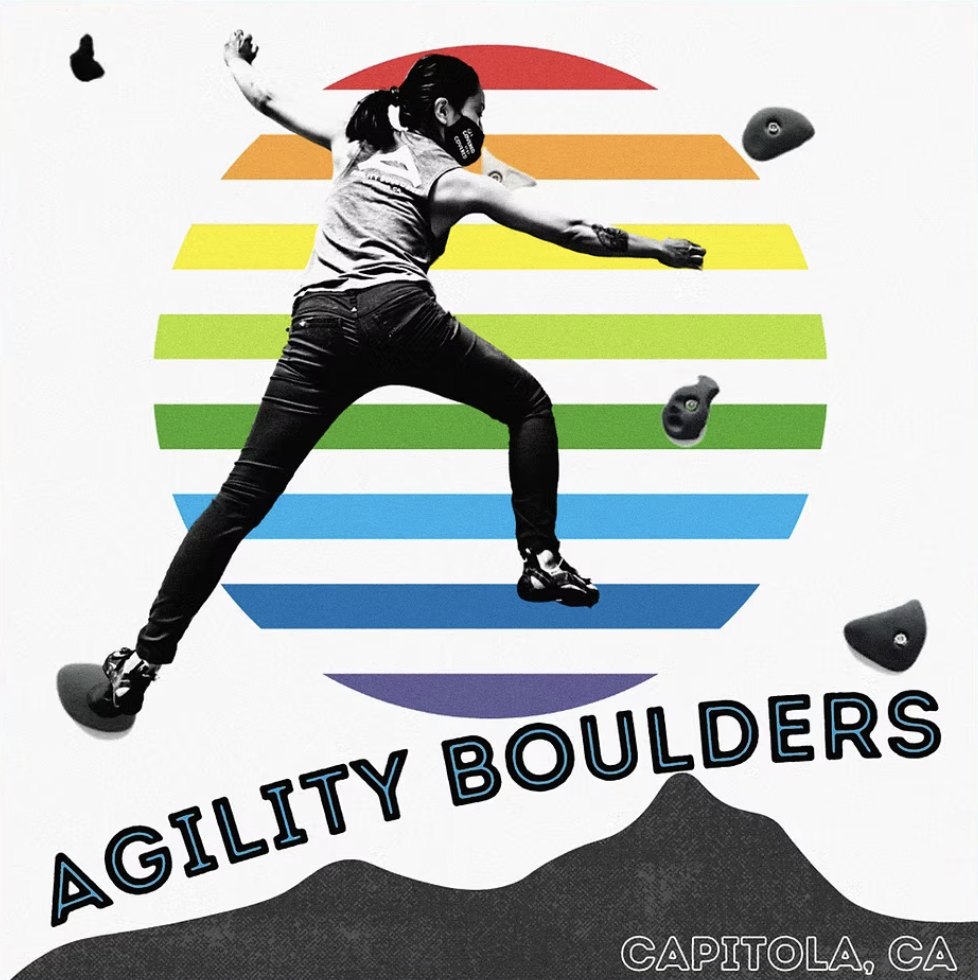
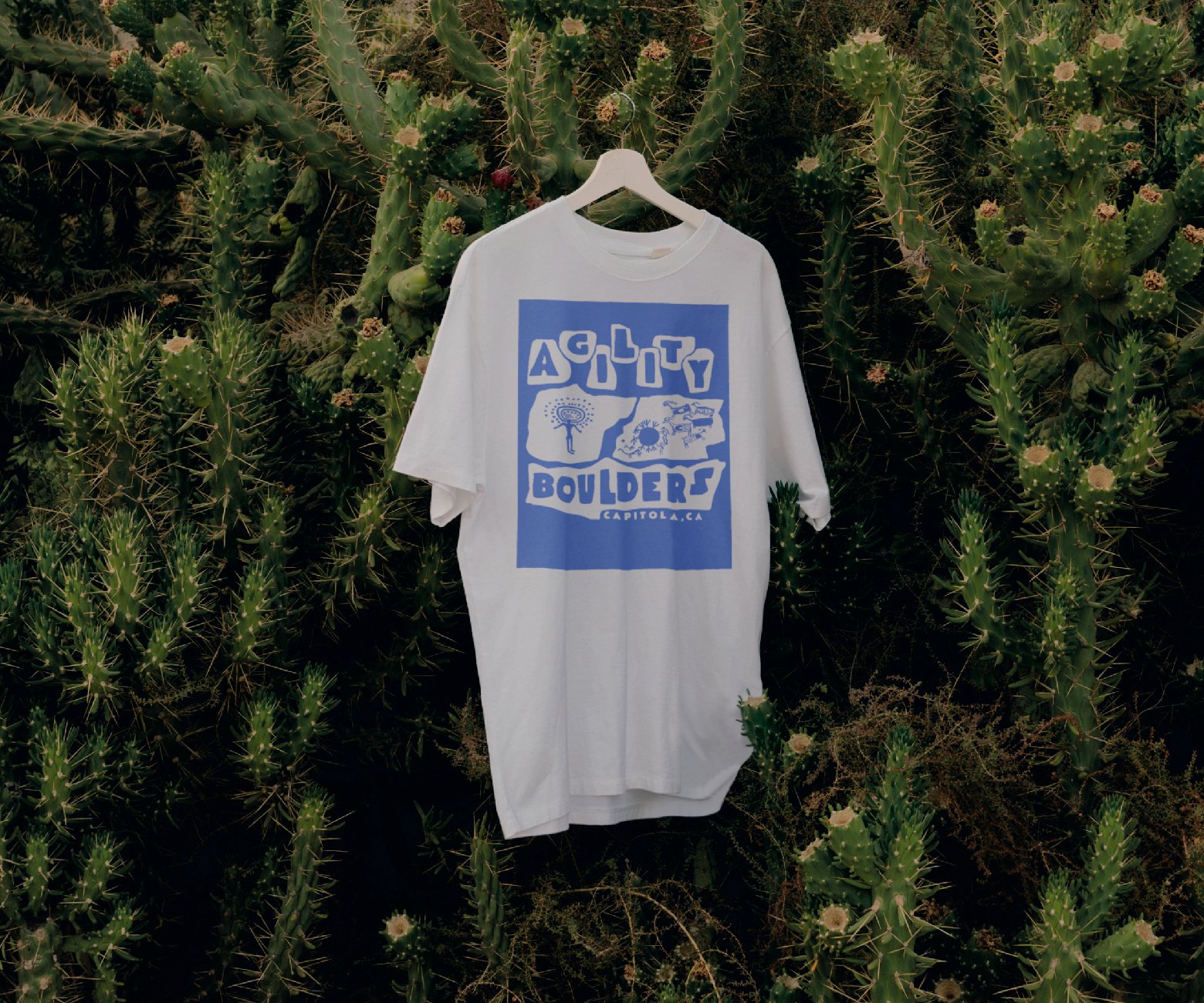
Agility Boulders

Pleasure Point


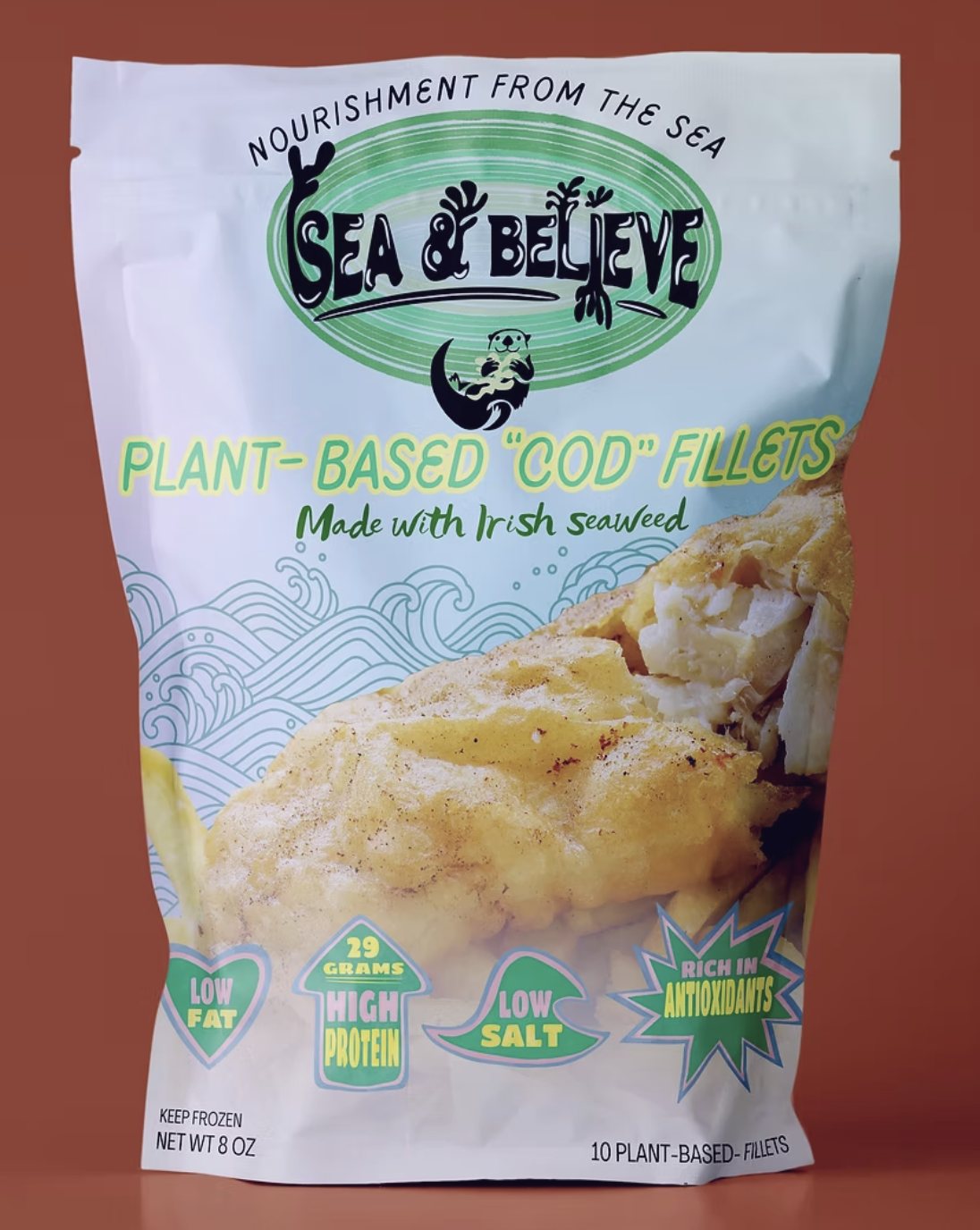
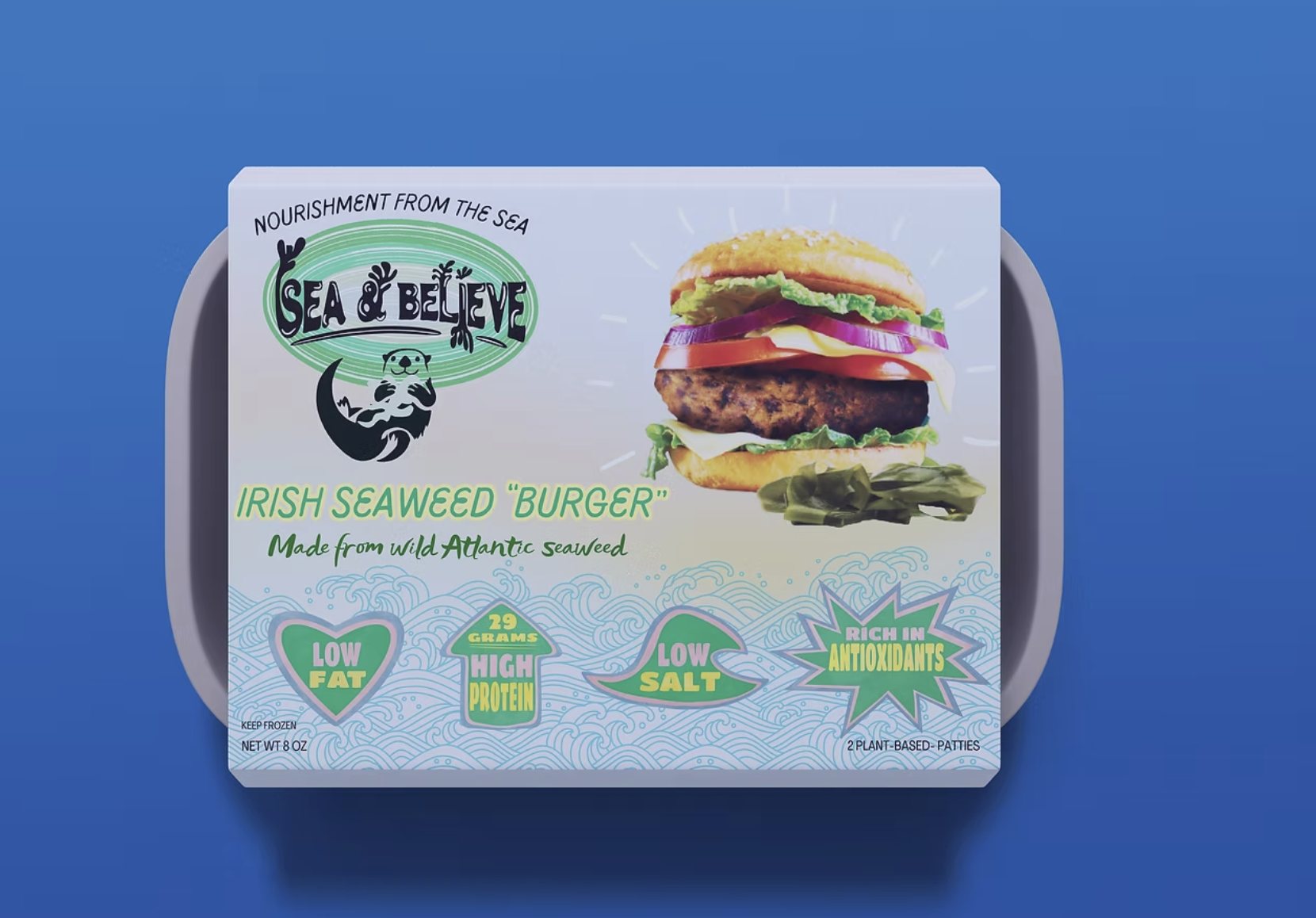
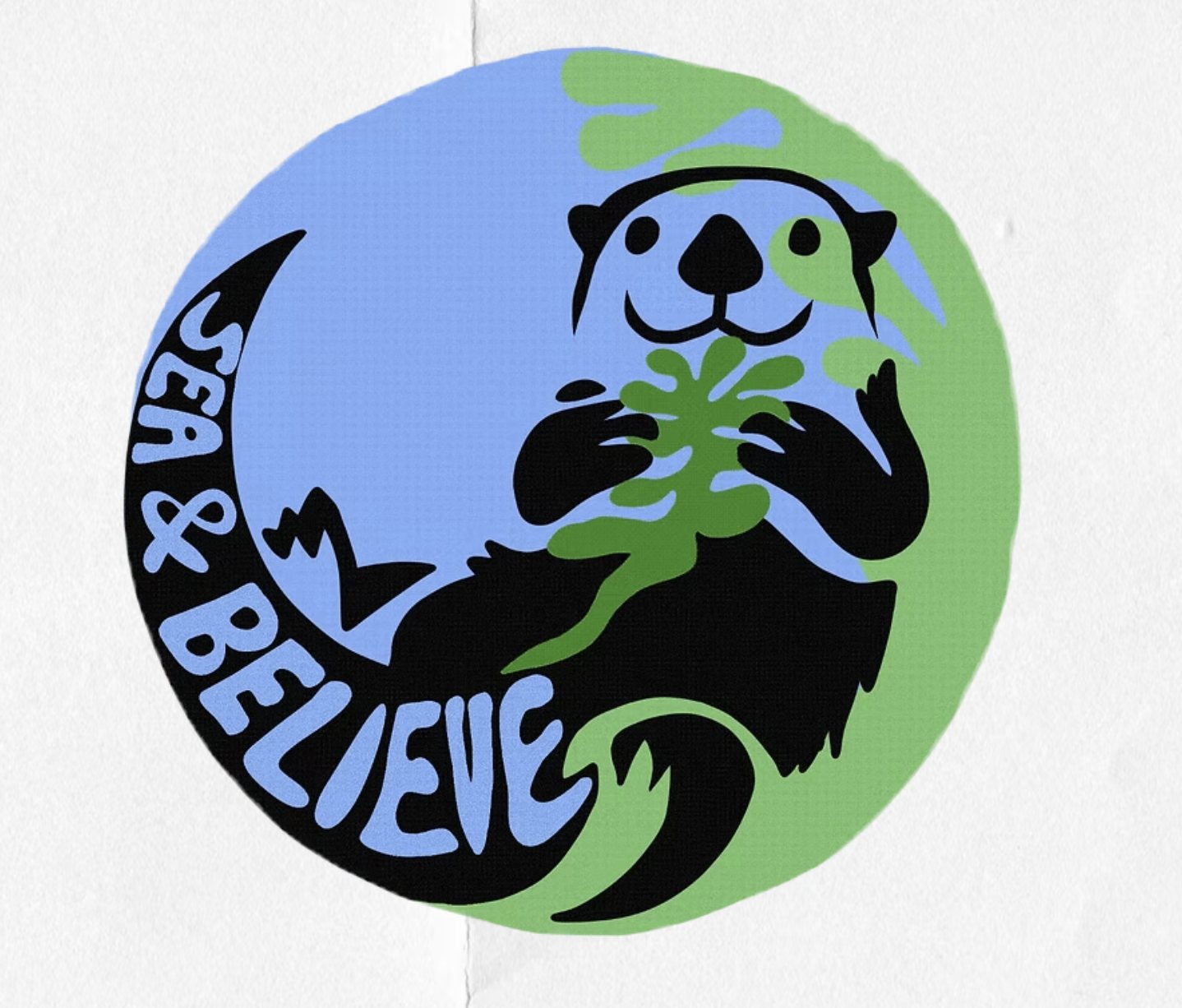
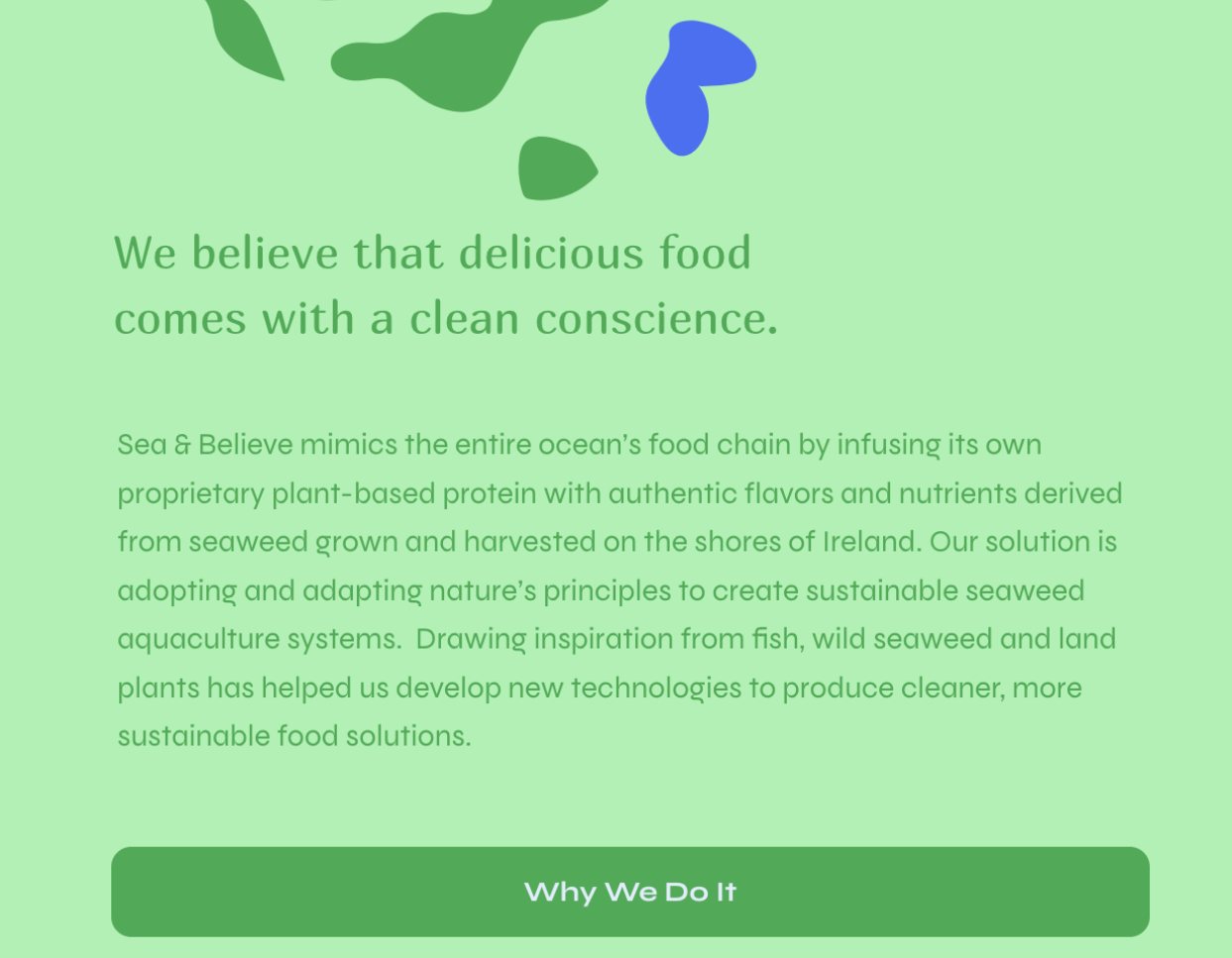
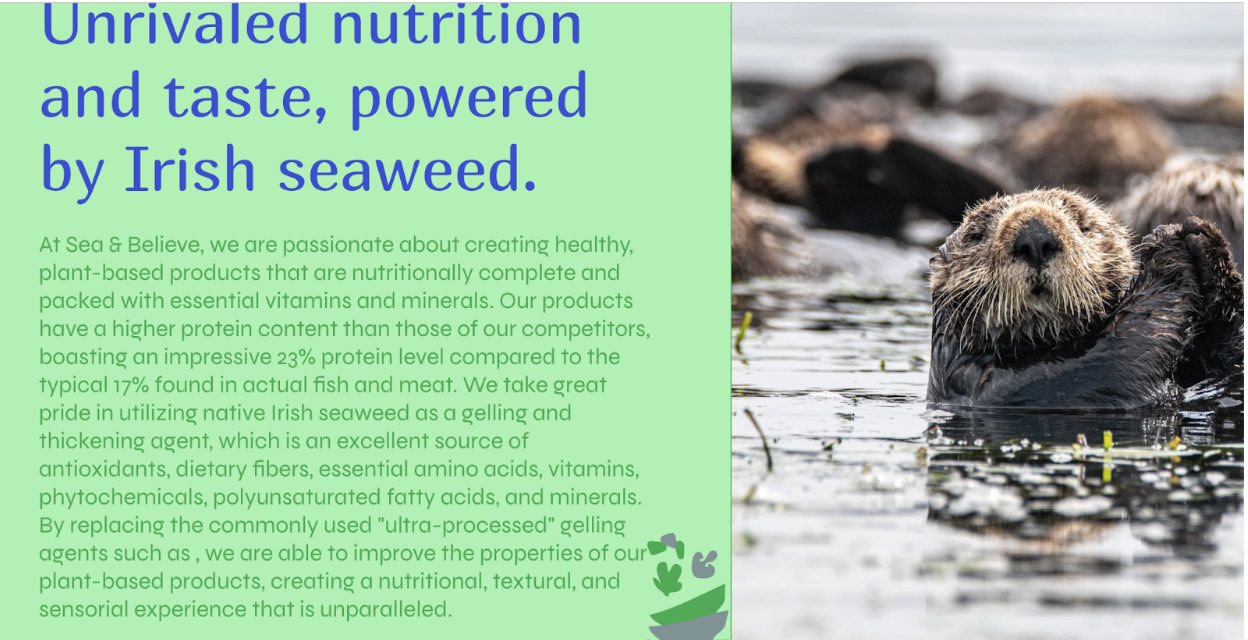
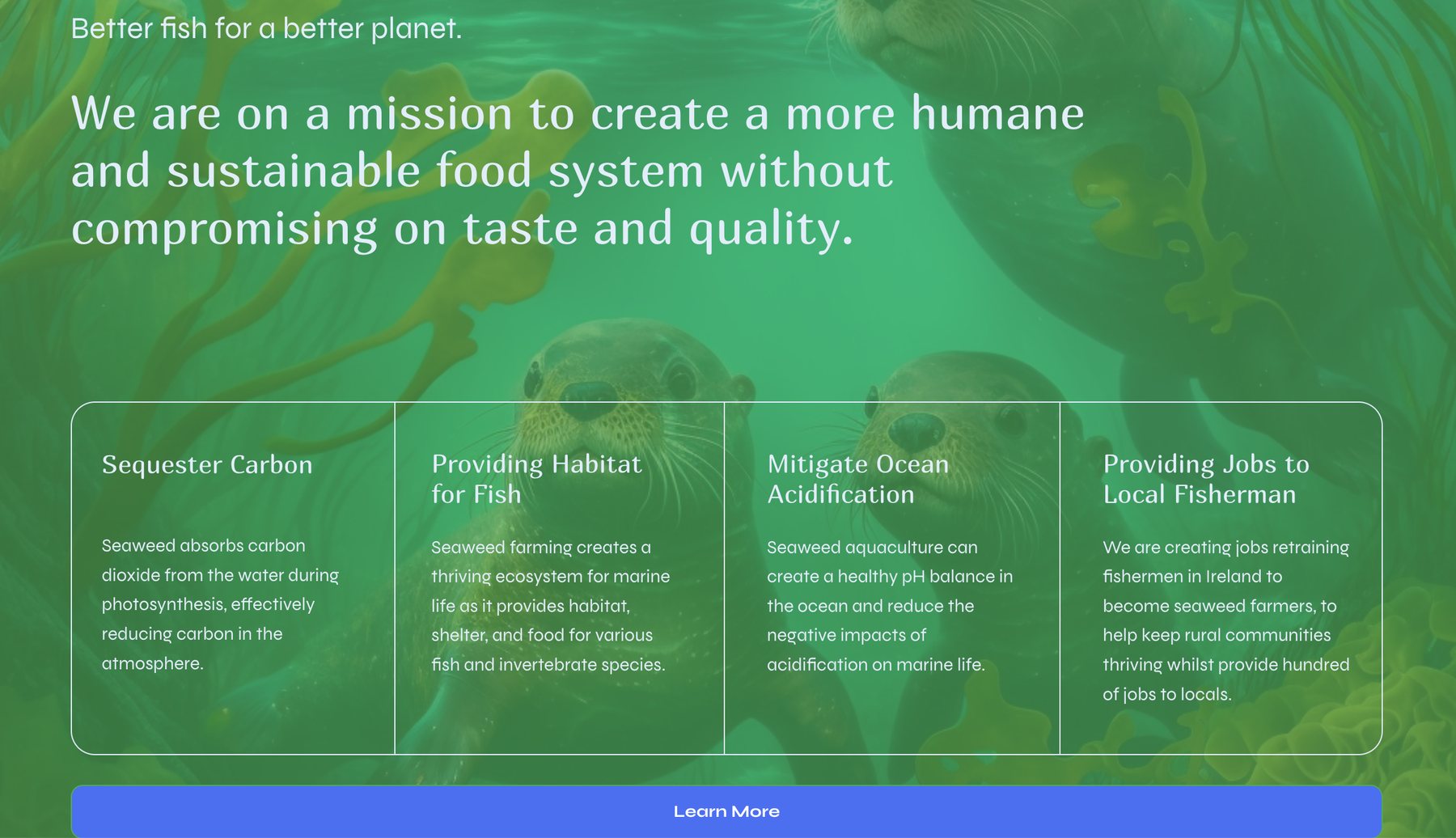
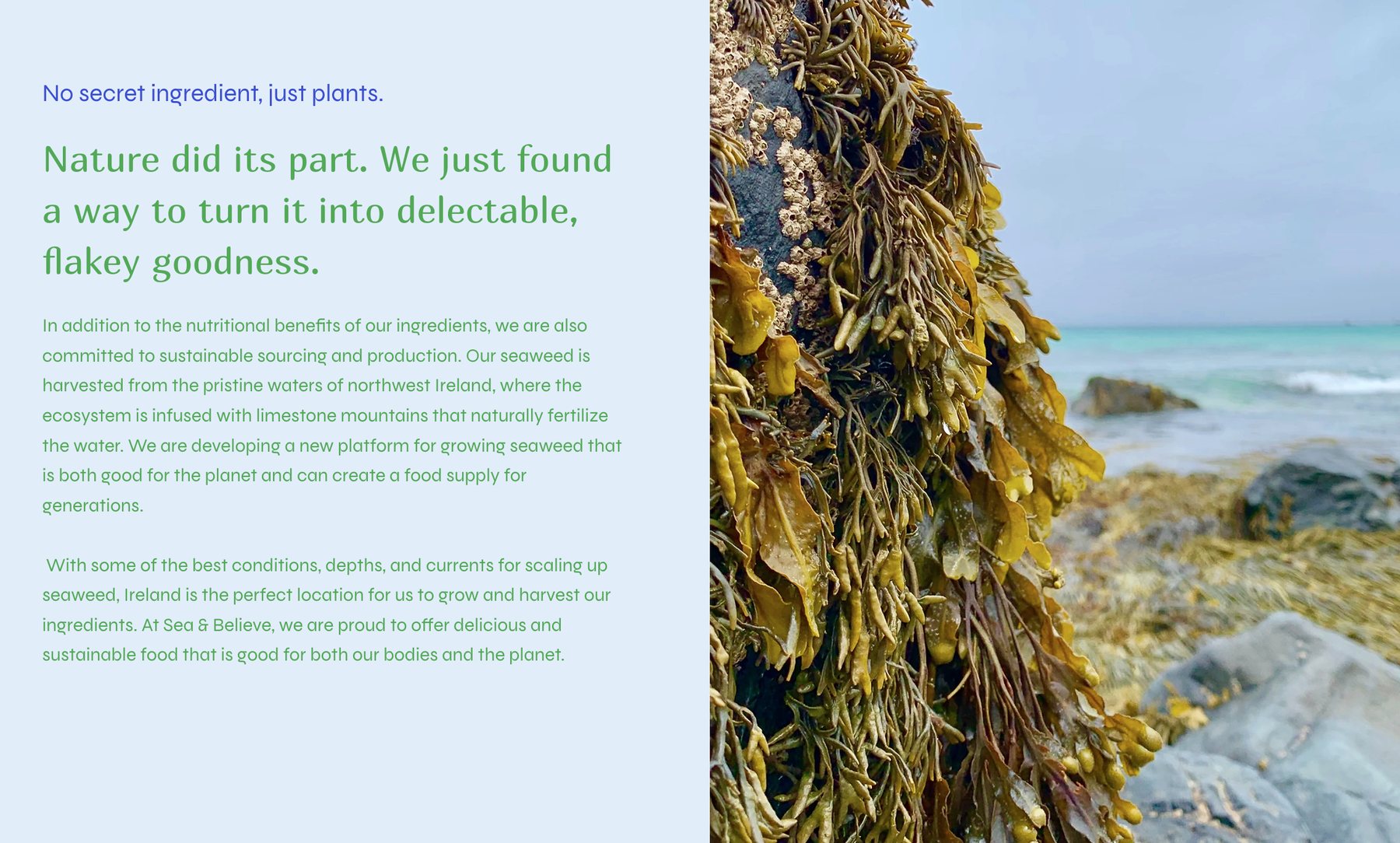
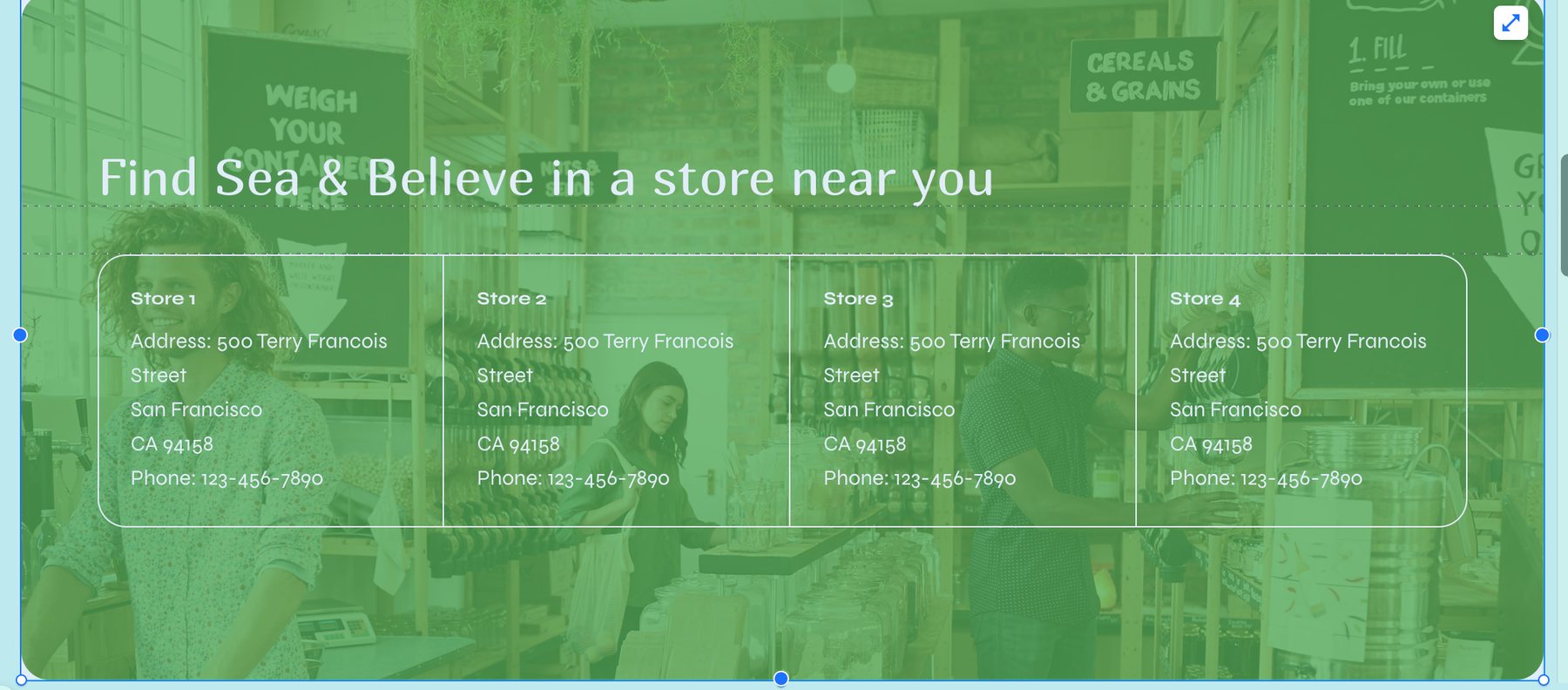
Sea & Believe

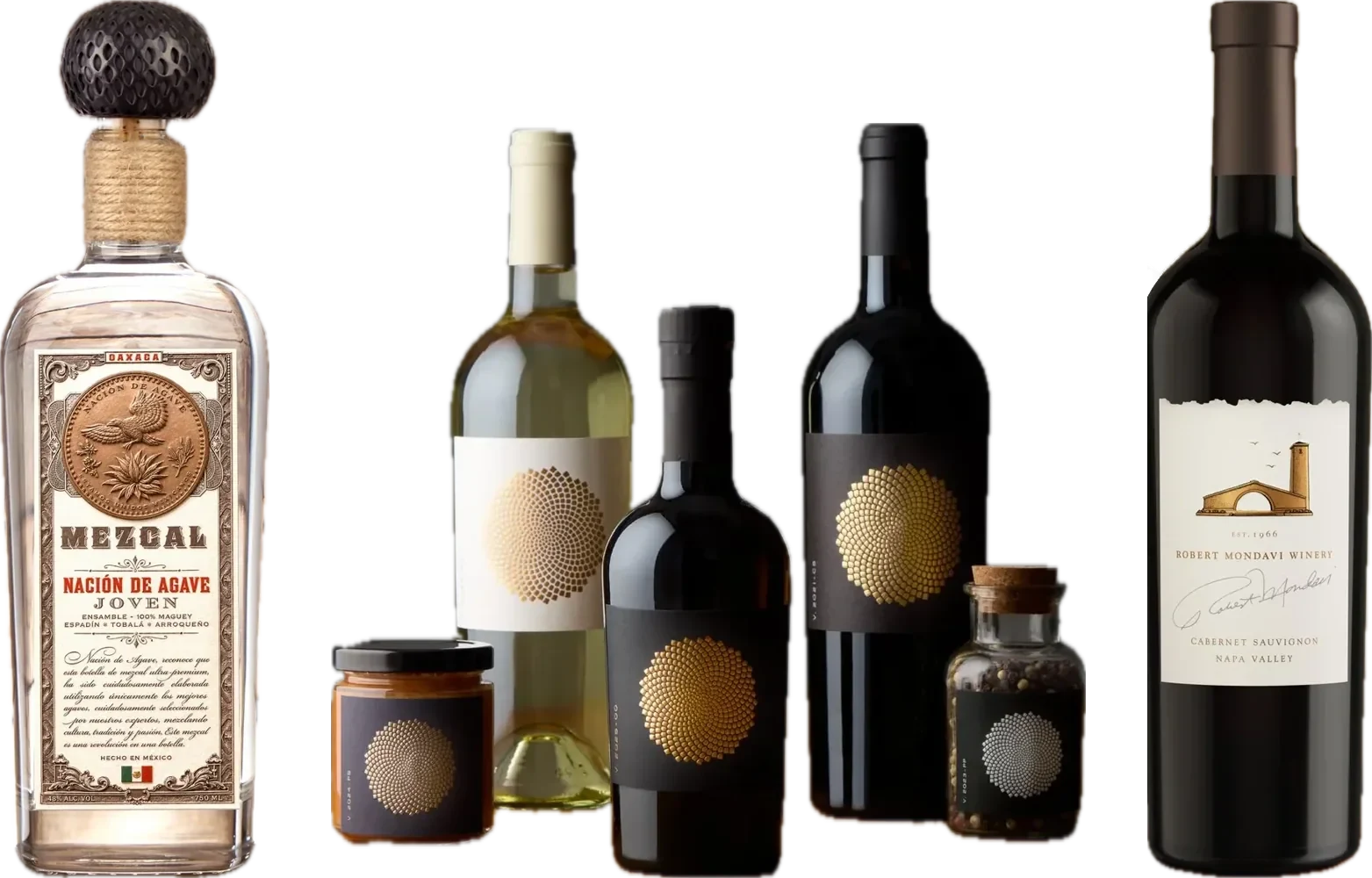

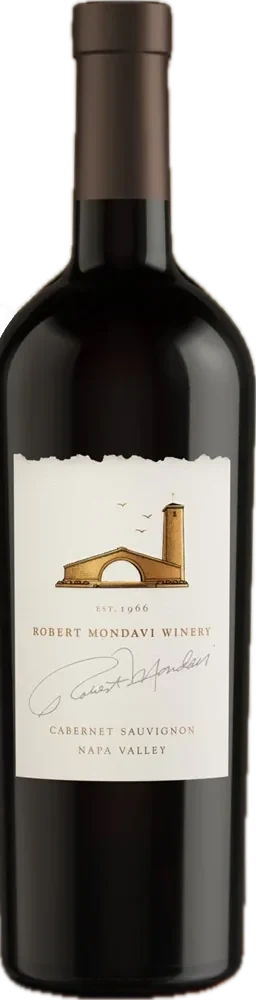
Pate International
Santa Cruz Gymnastics



Apple Park





Pacific Outdoor Living



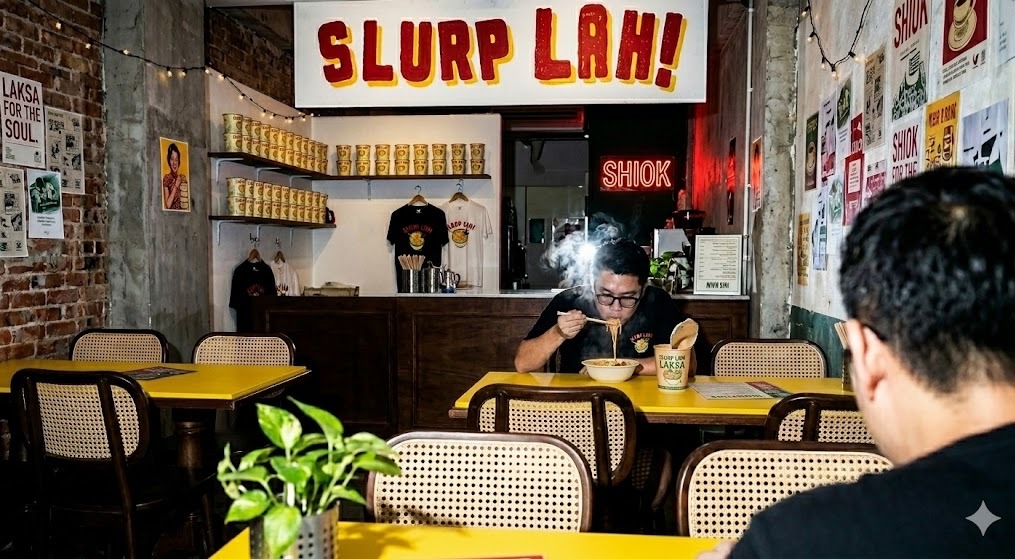

Slurp Lah
Aperol Spritz Activation
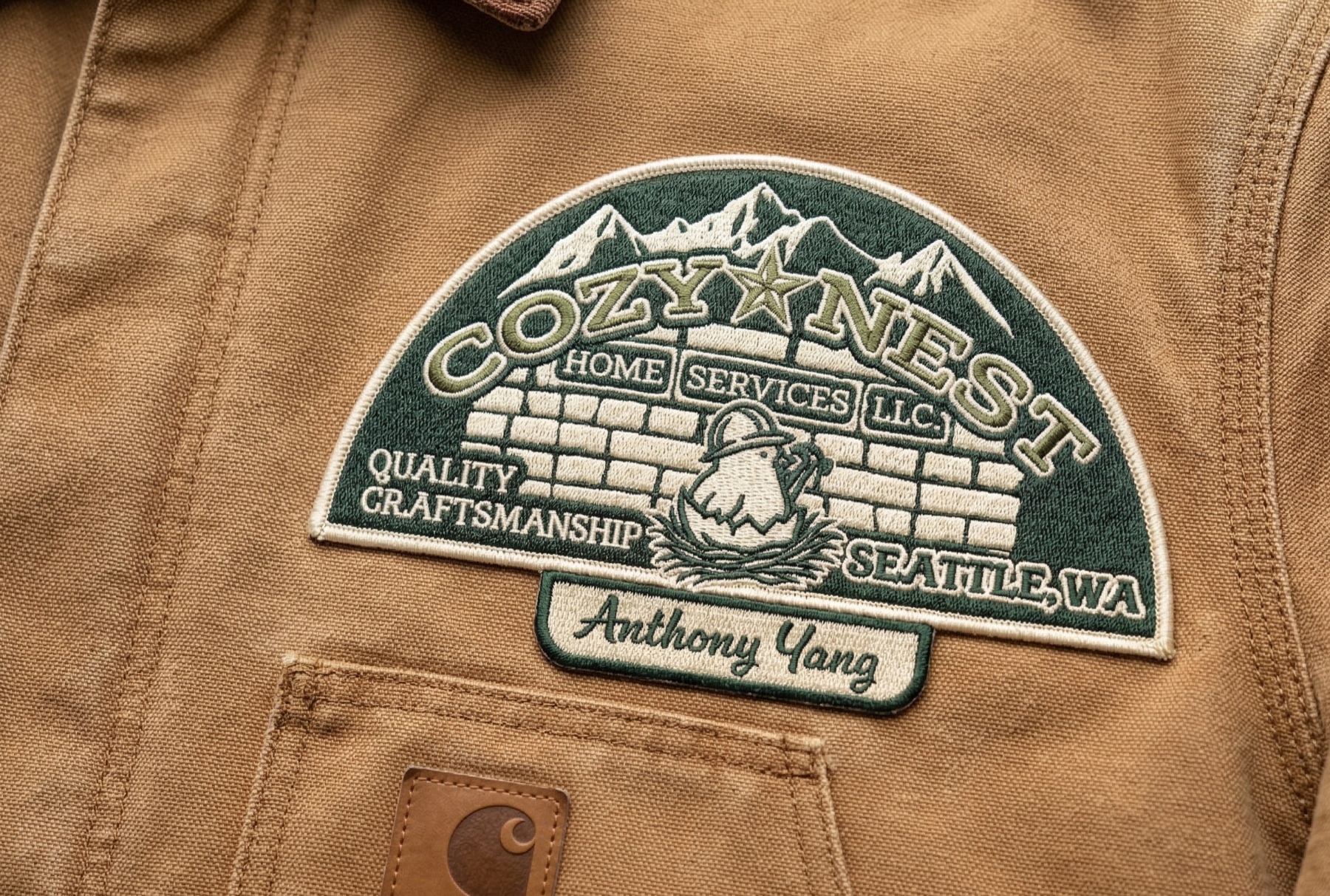

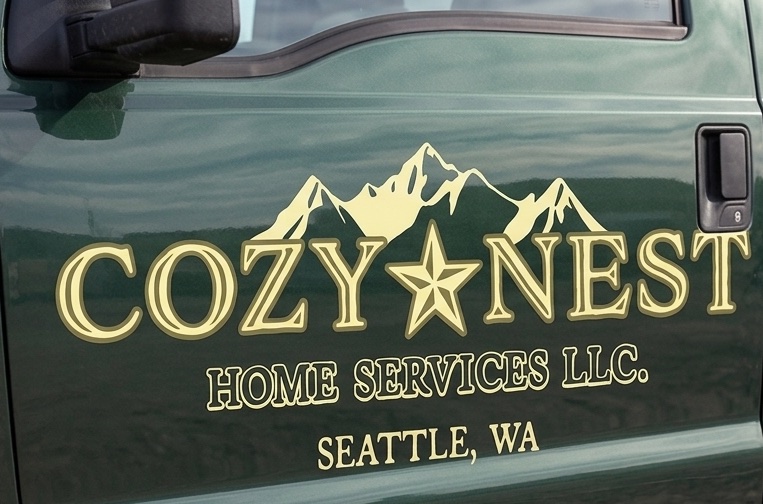
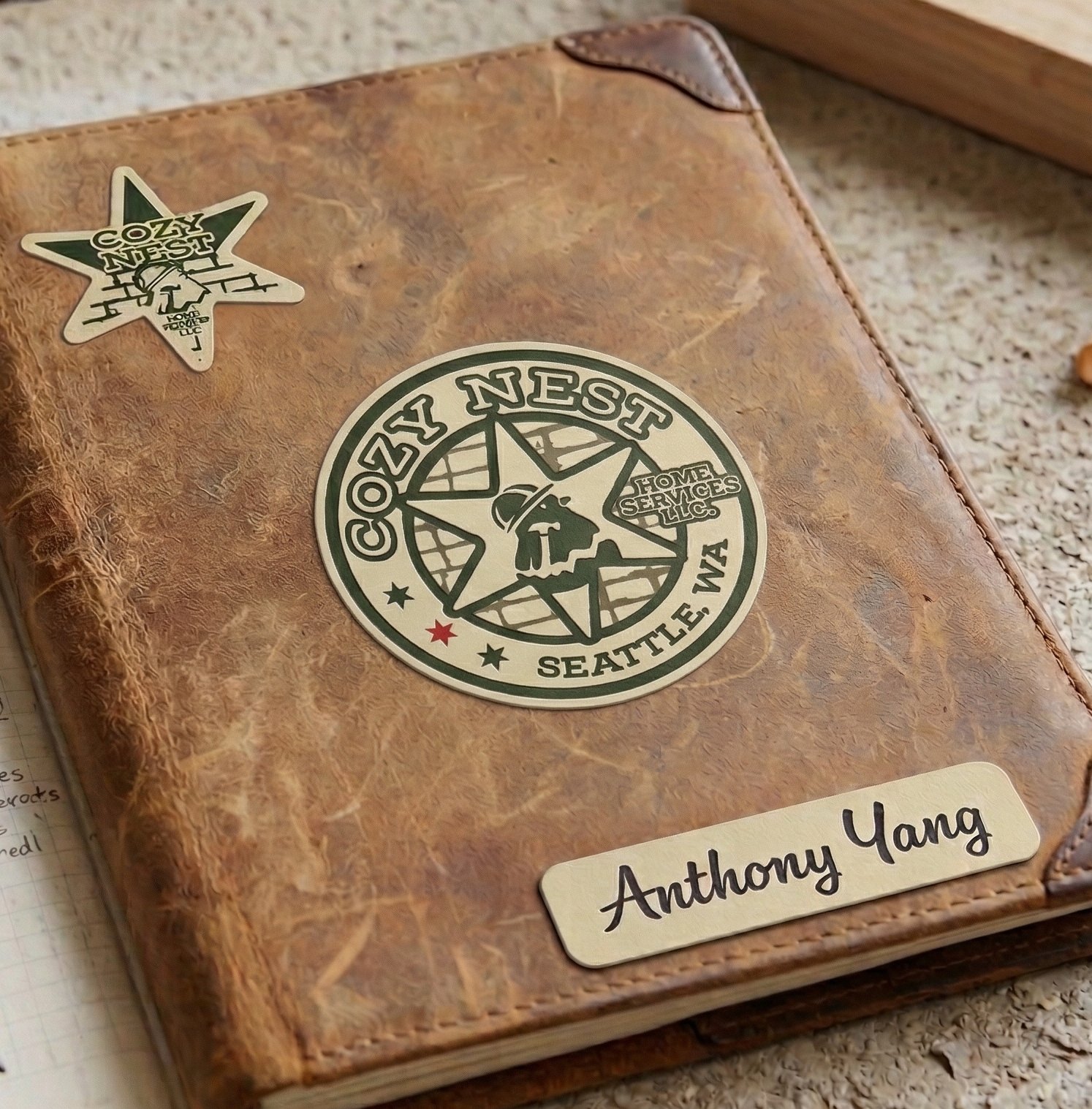
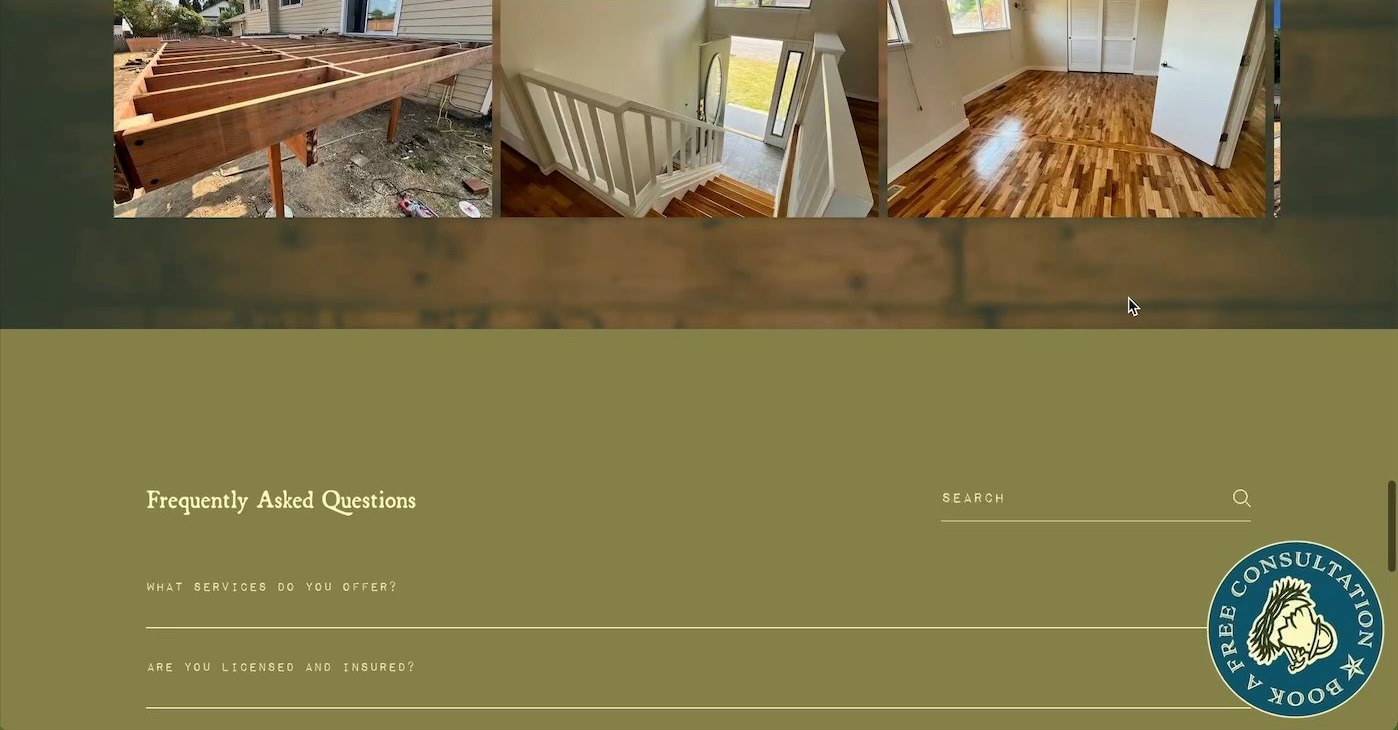

Cozy Nest
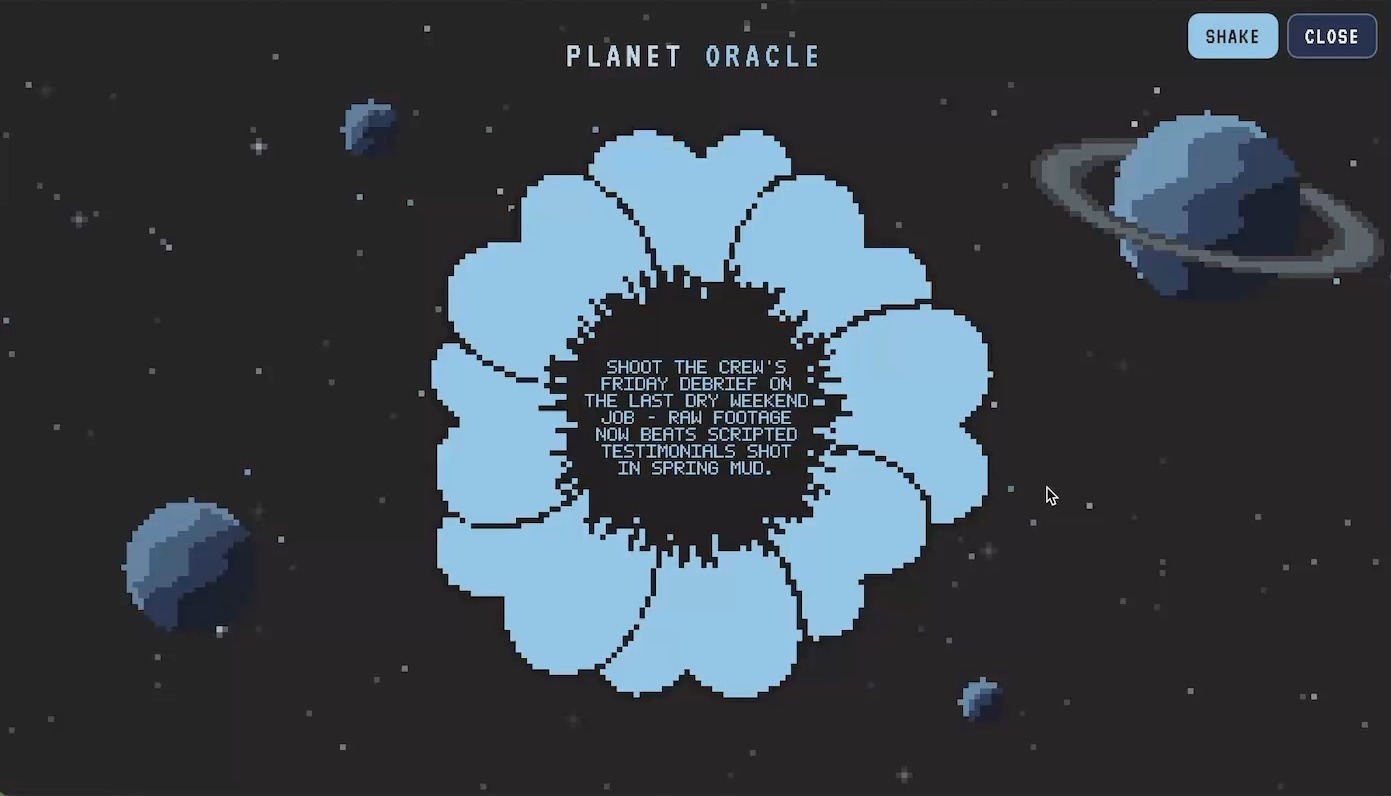
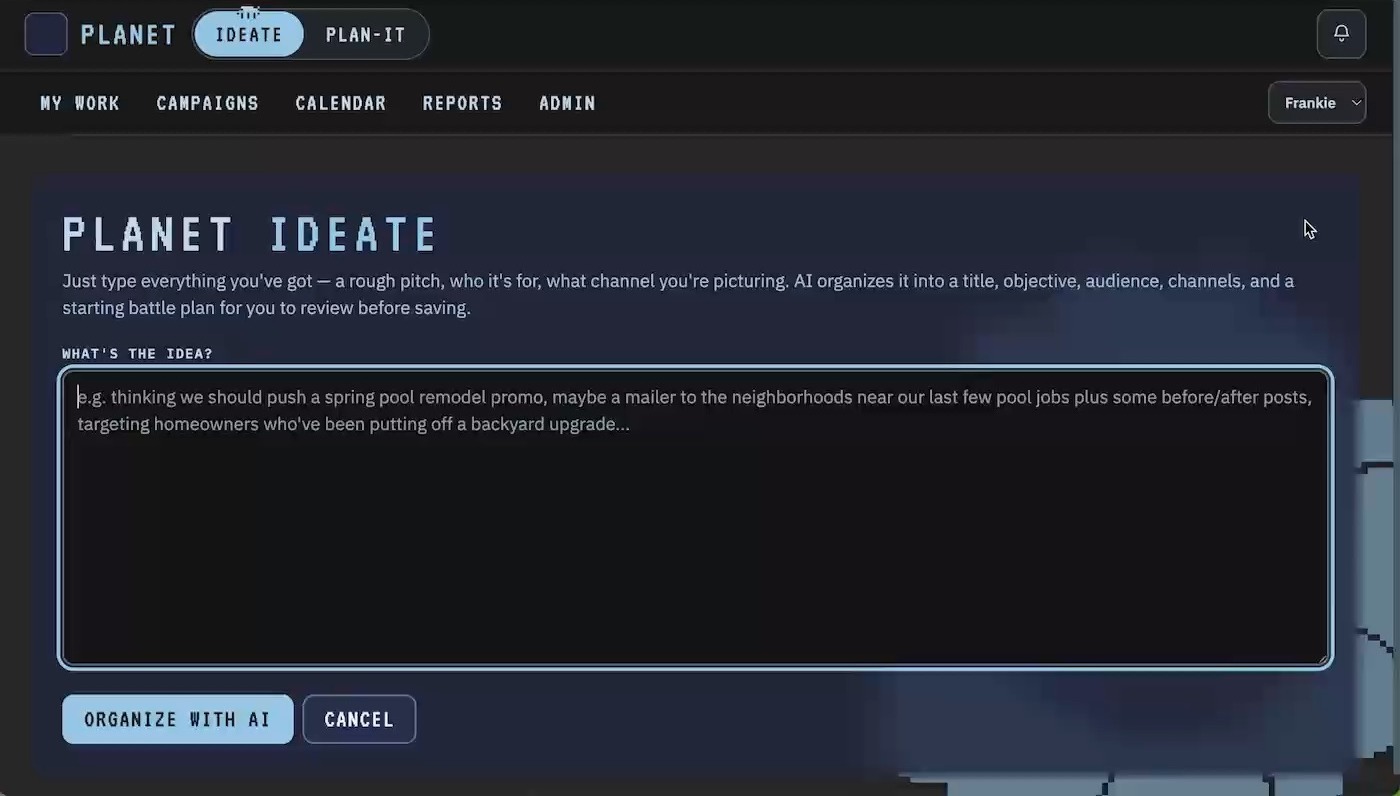



Planet

Synodic

BRTR



Tonko

Blackberry Bruises

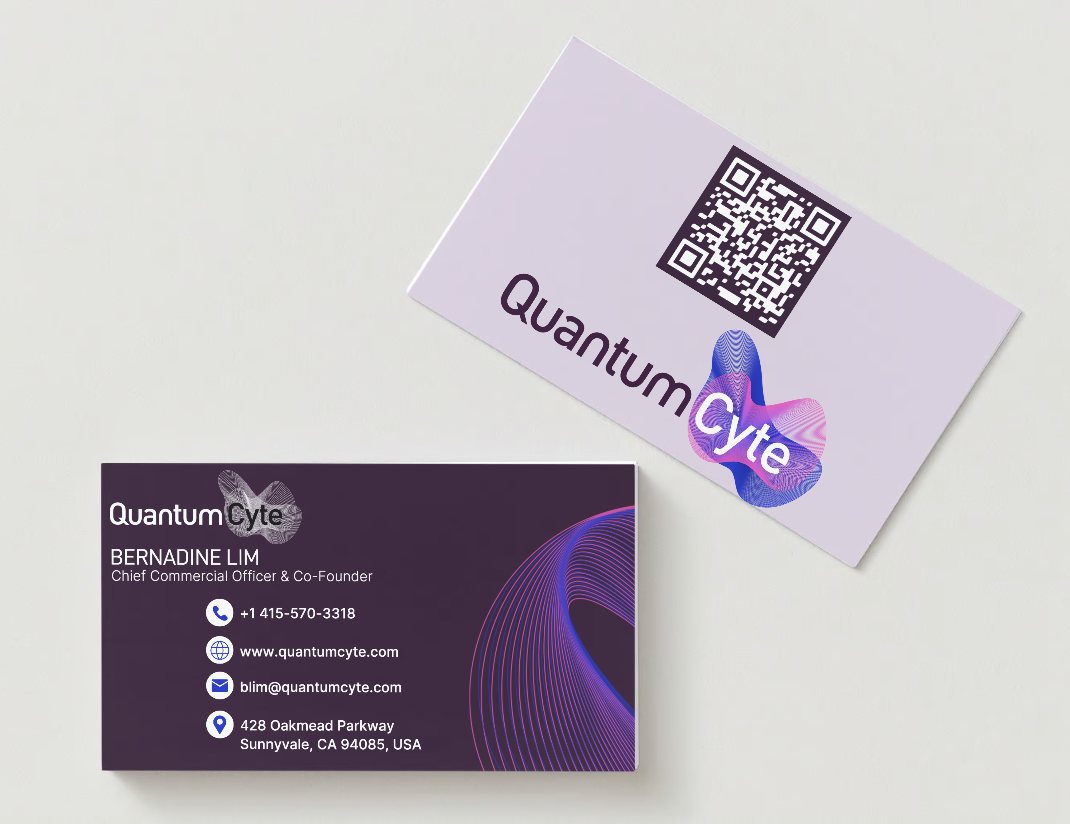


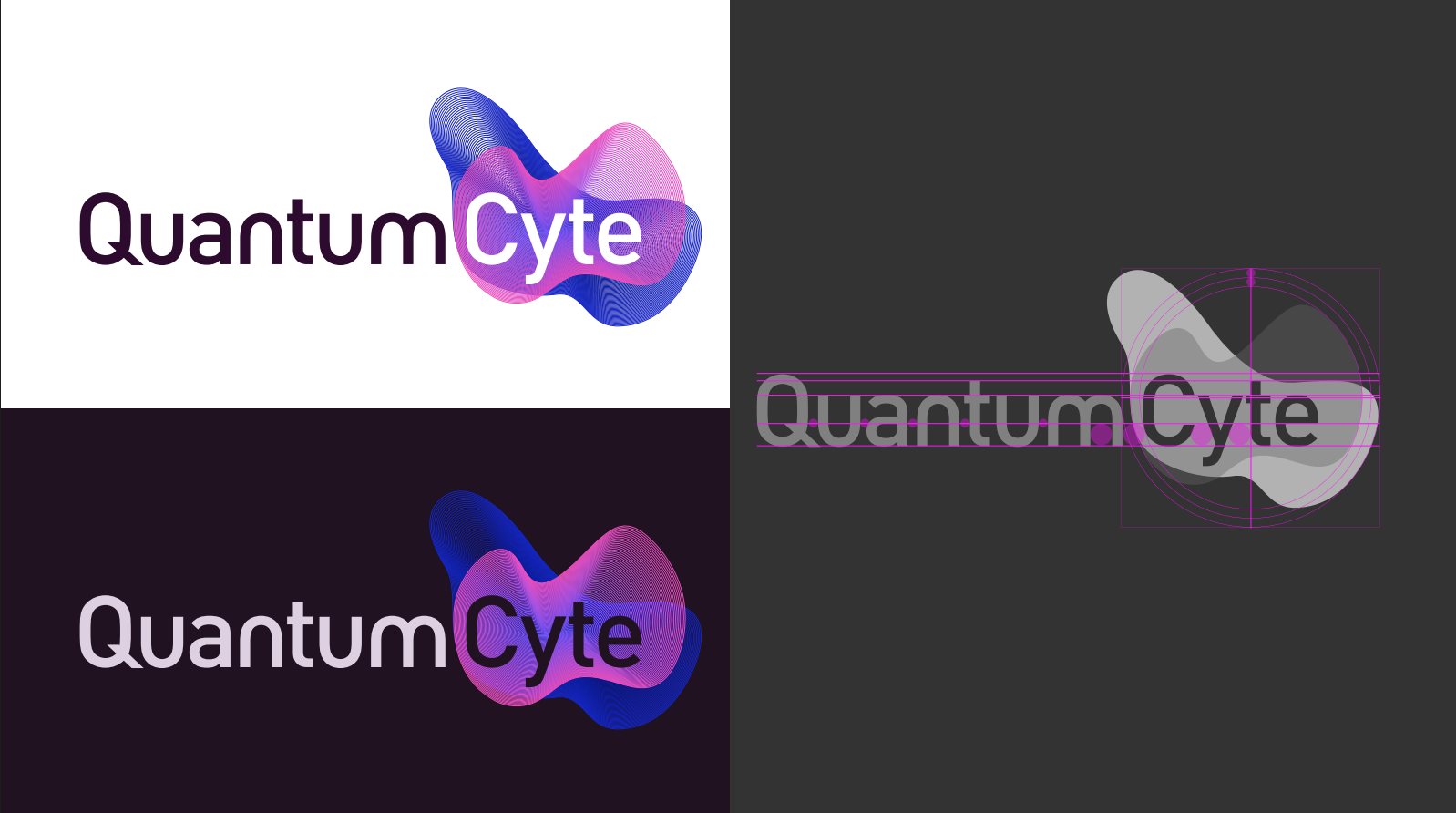
QuantumCyte
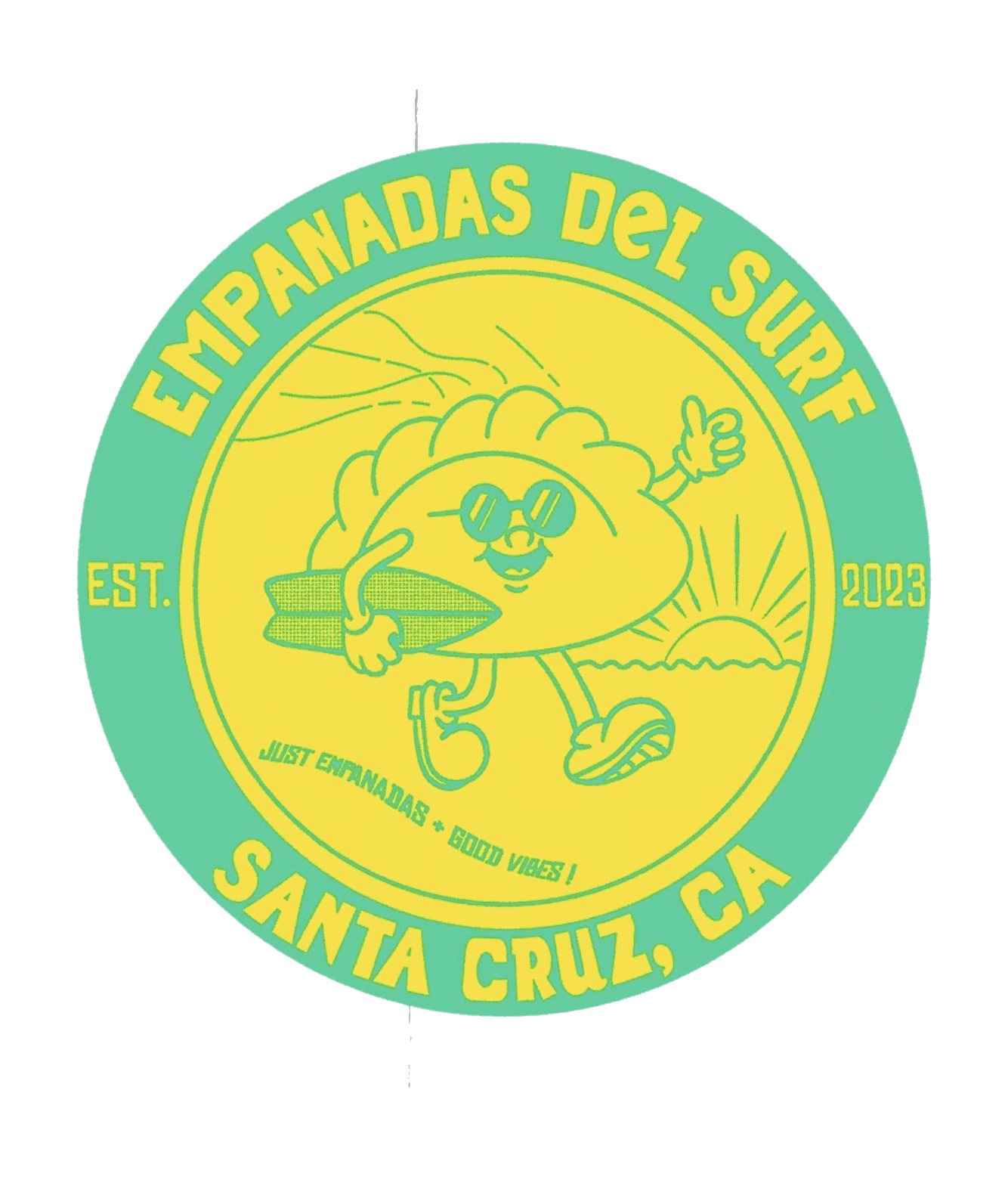
Empanadas del Surf
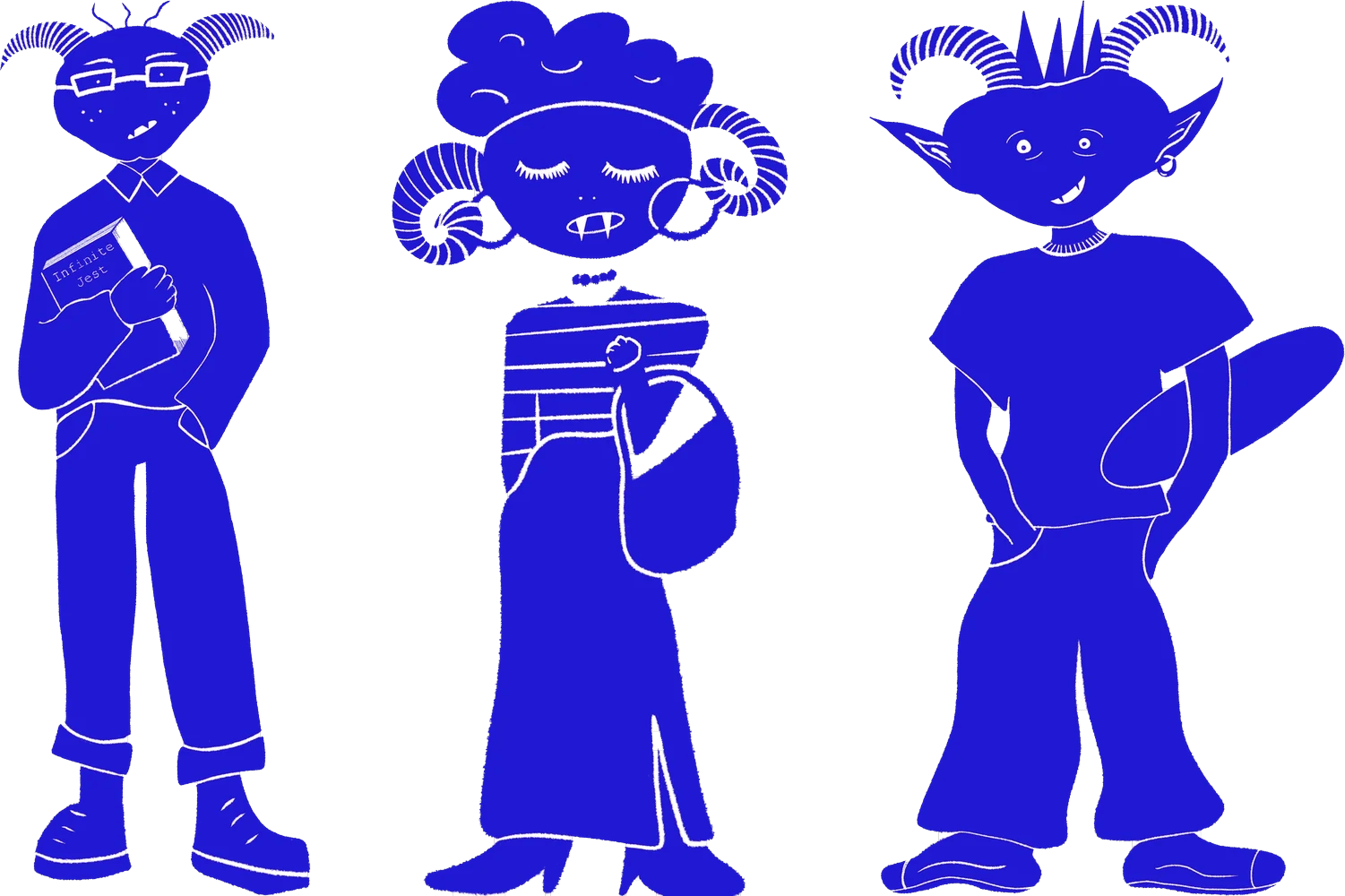
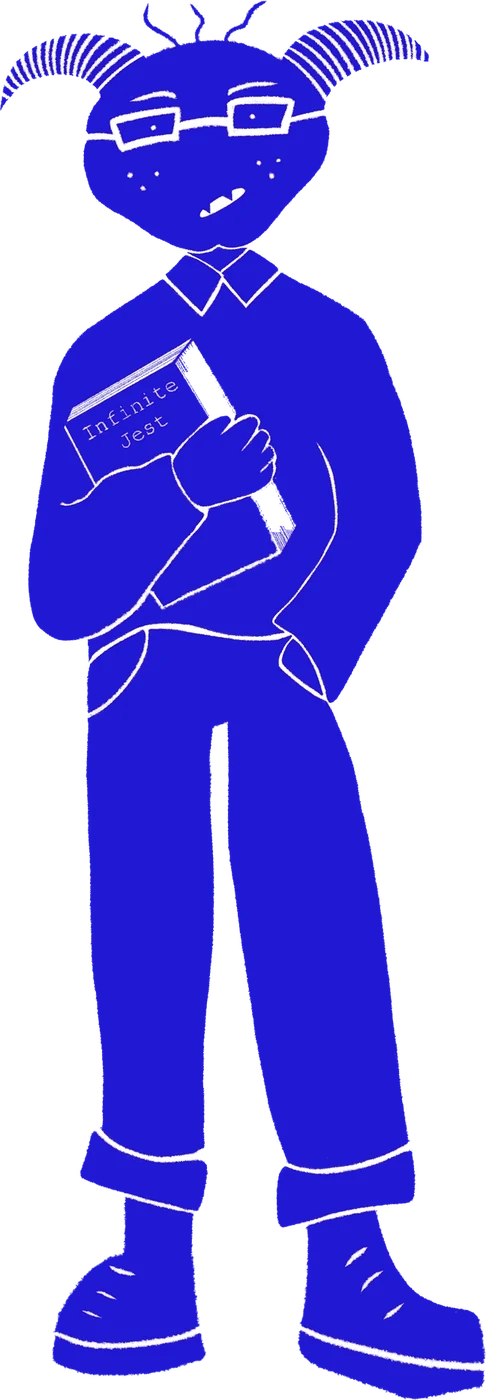

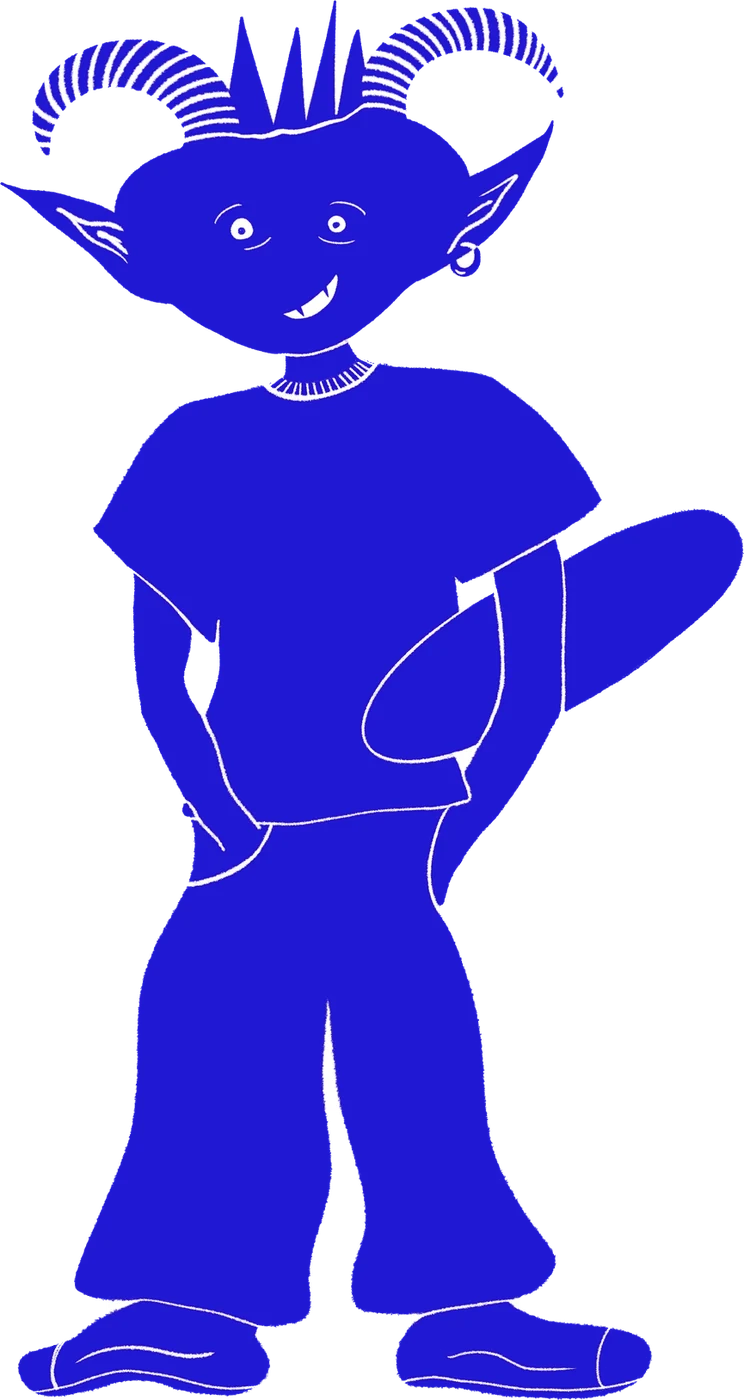
Identity Studies
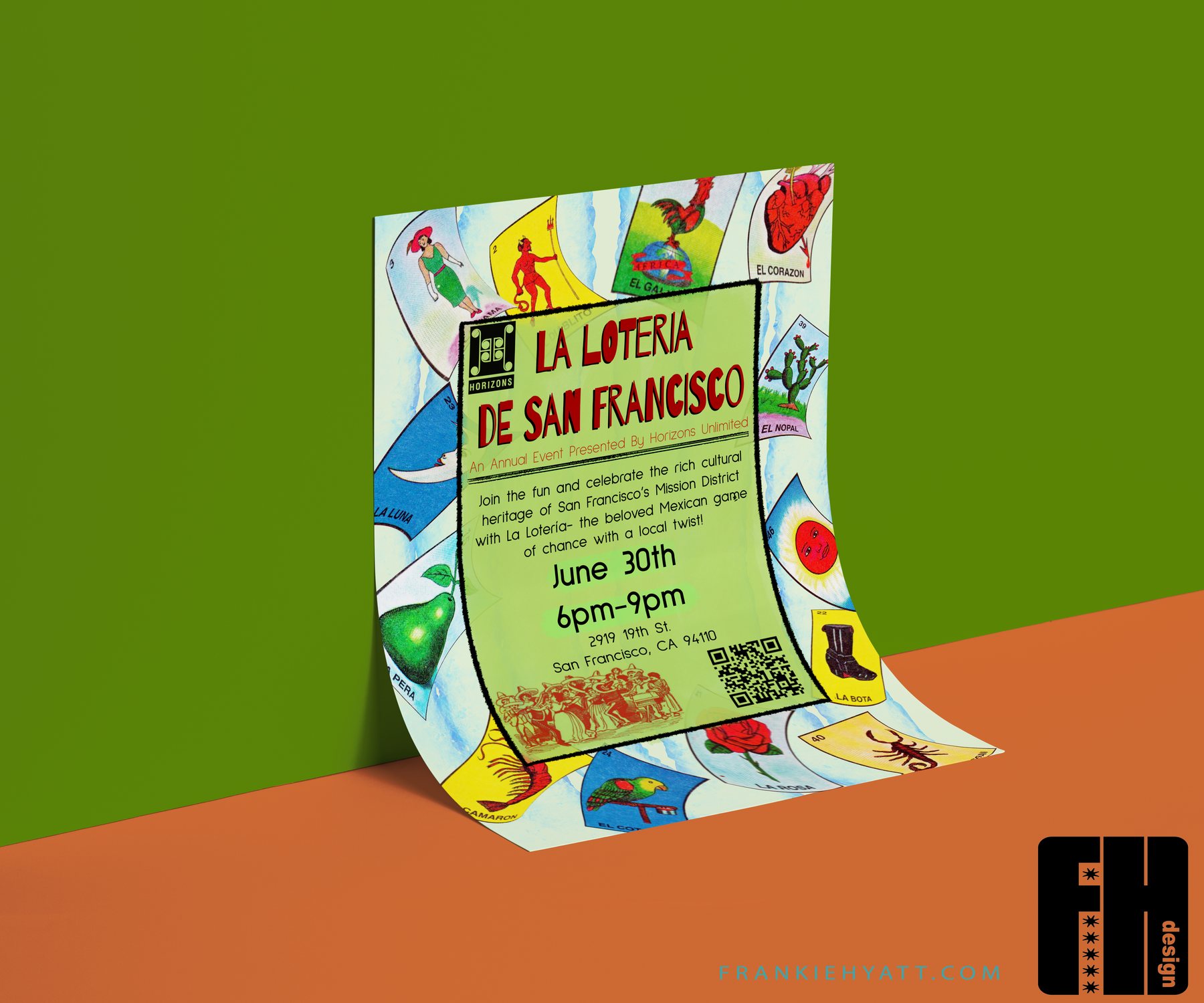
La Lotería de San Francisco
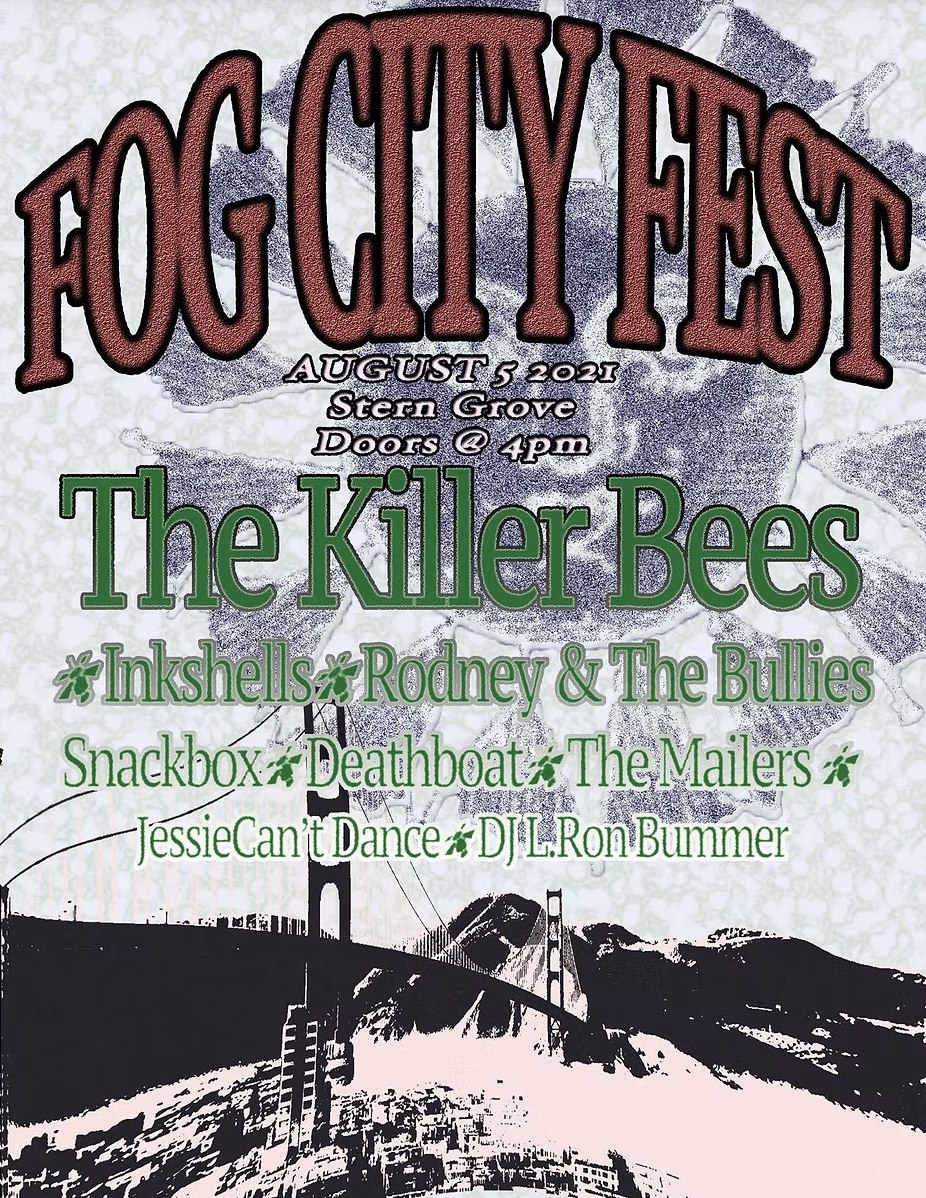
Fog City Fest
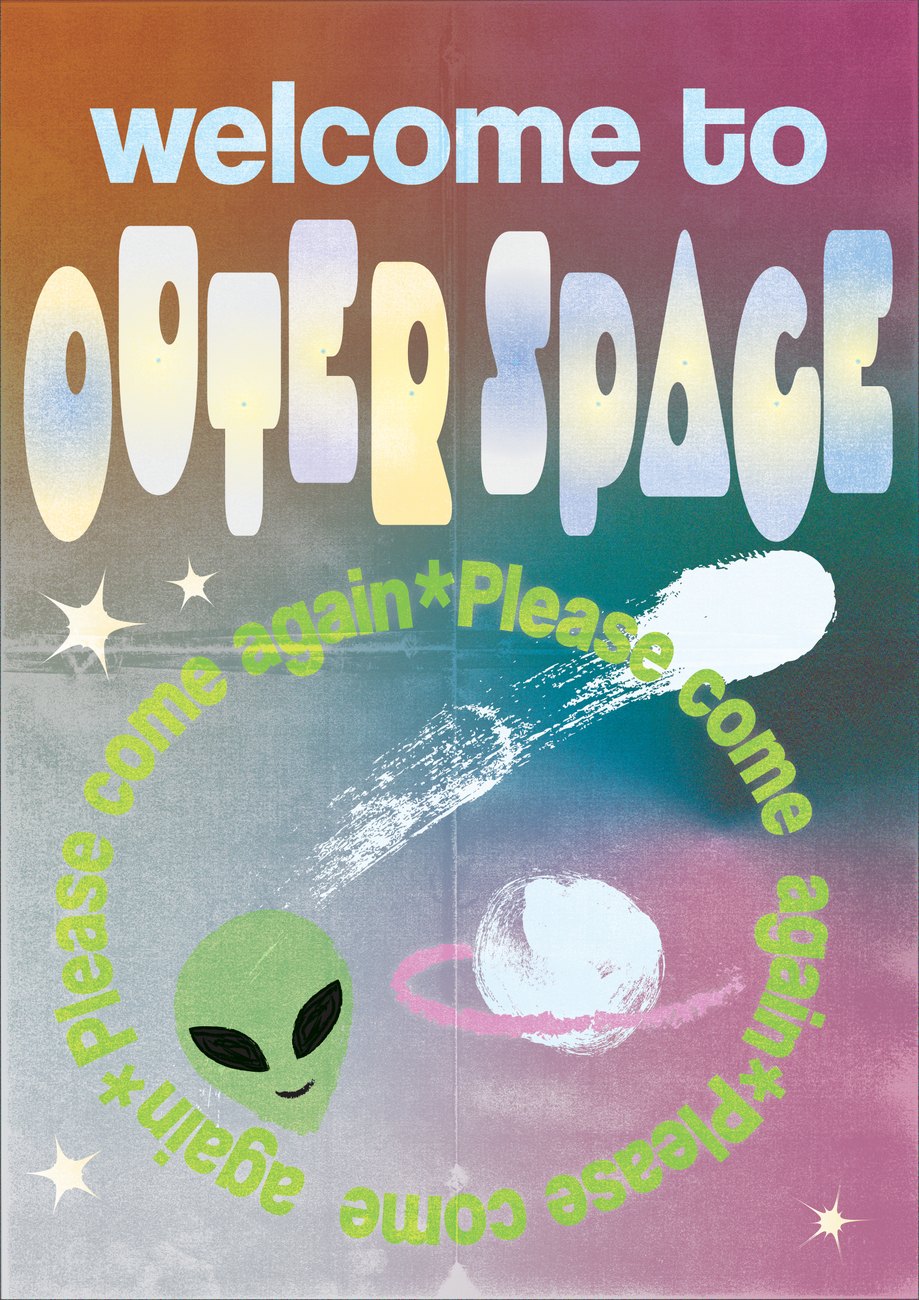
Welcome to Outer Space
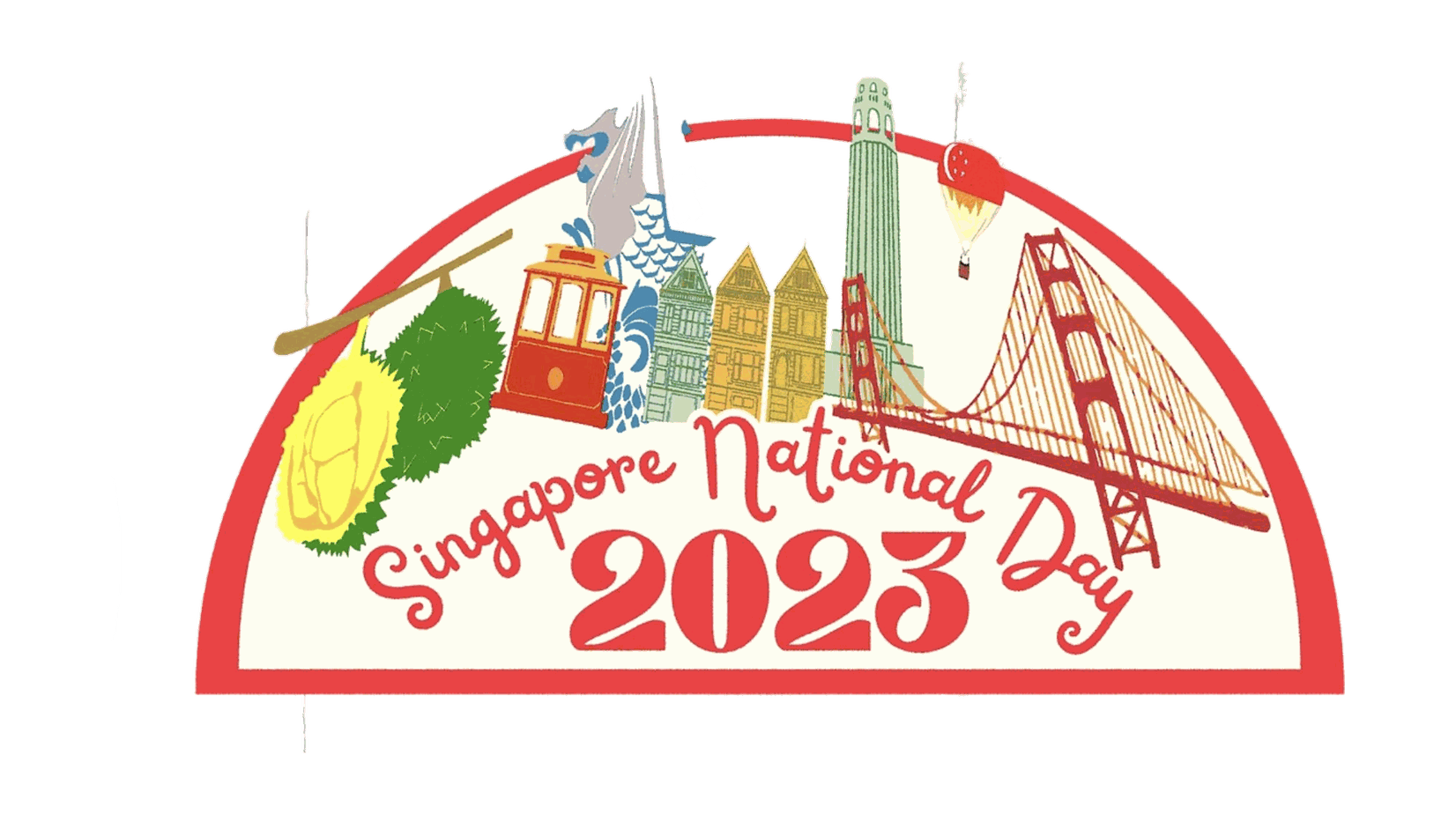
Singapore National Day

Clint Eastwood

Real News
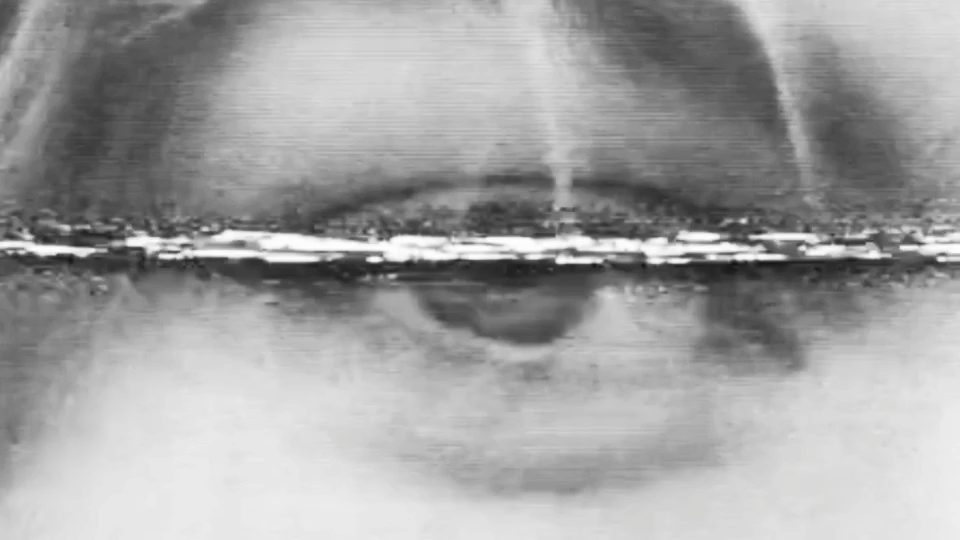
Twin Peaks / Law & Order
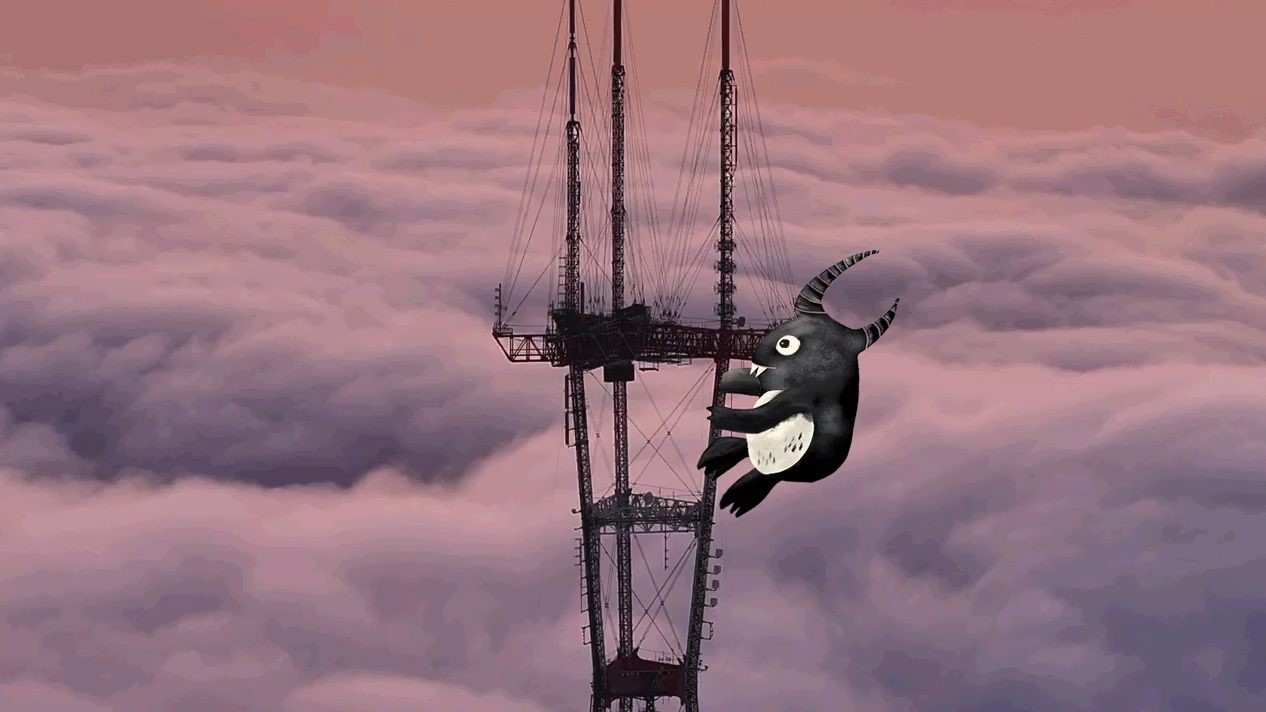
Sutro Tower Monster
Heaven Adores You
Kinetic
Letterform Studies
Editorial Spreads
Graphics 25
Print & Apparel 18
Illustration for Agility Boulders
Pleasure Point
The gym’s summit mark carried down the coast to Pleasure Point: a red sun over the headland, a surfer on the cliff path, the teal triangle riding above. A sister to the mountain ridge piece, drawn for a climbing gym whose members surf.
See case study

Brand Activation
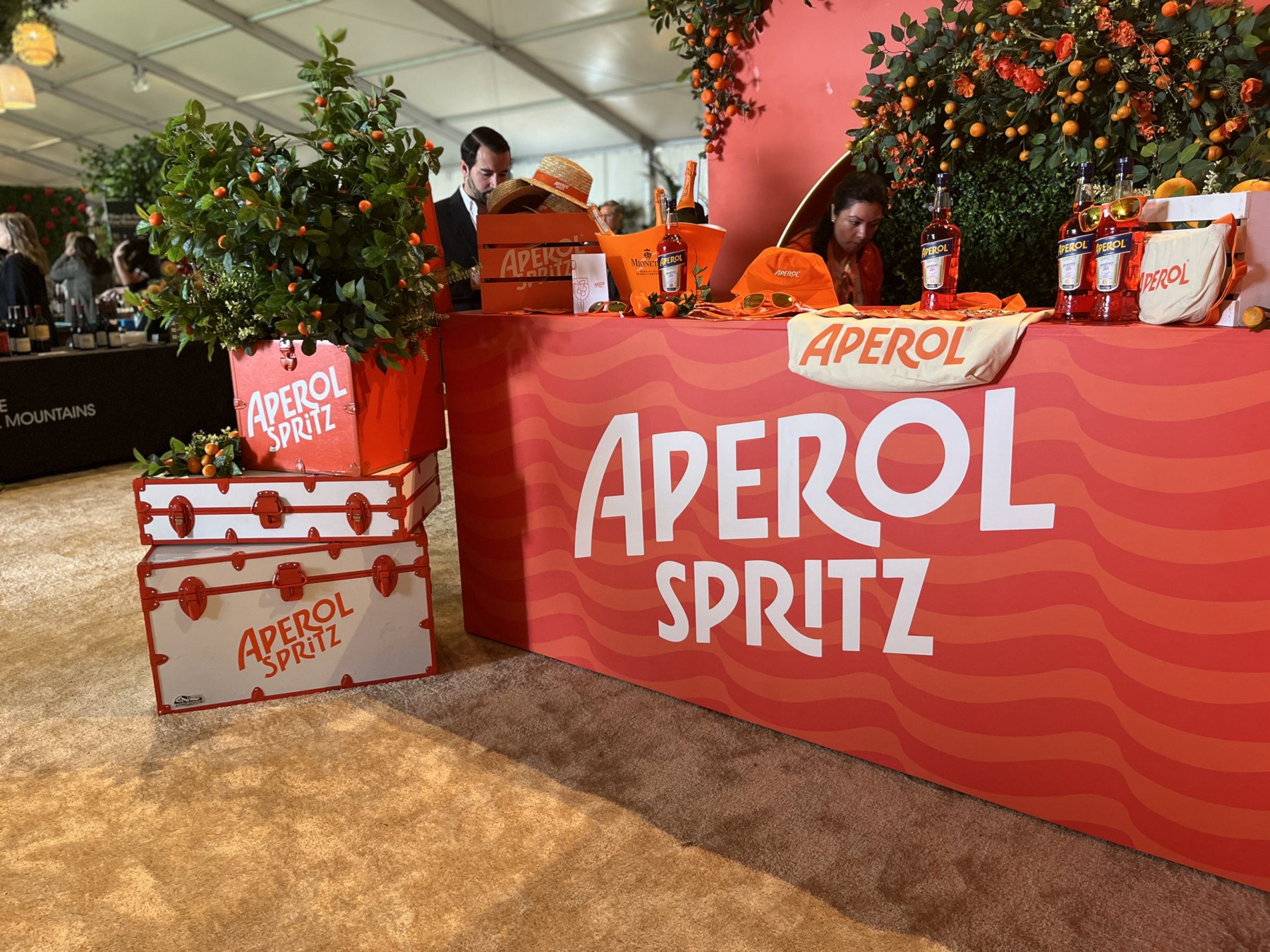
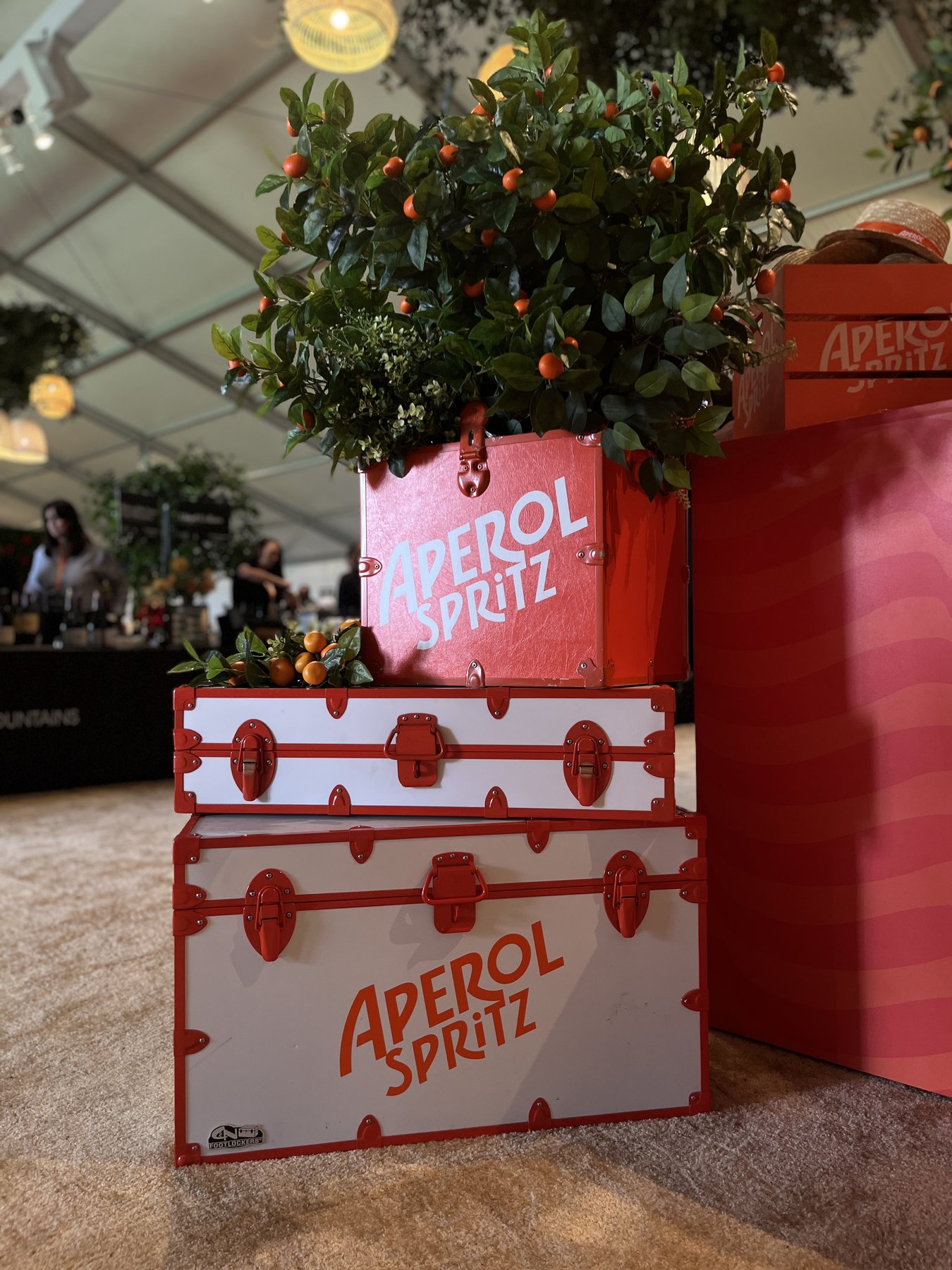
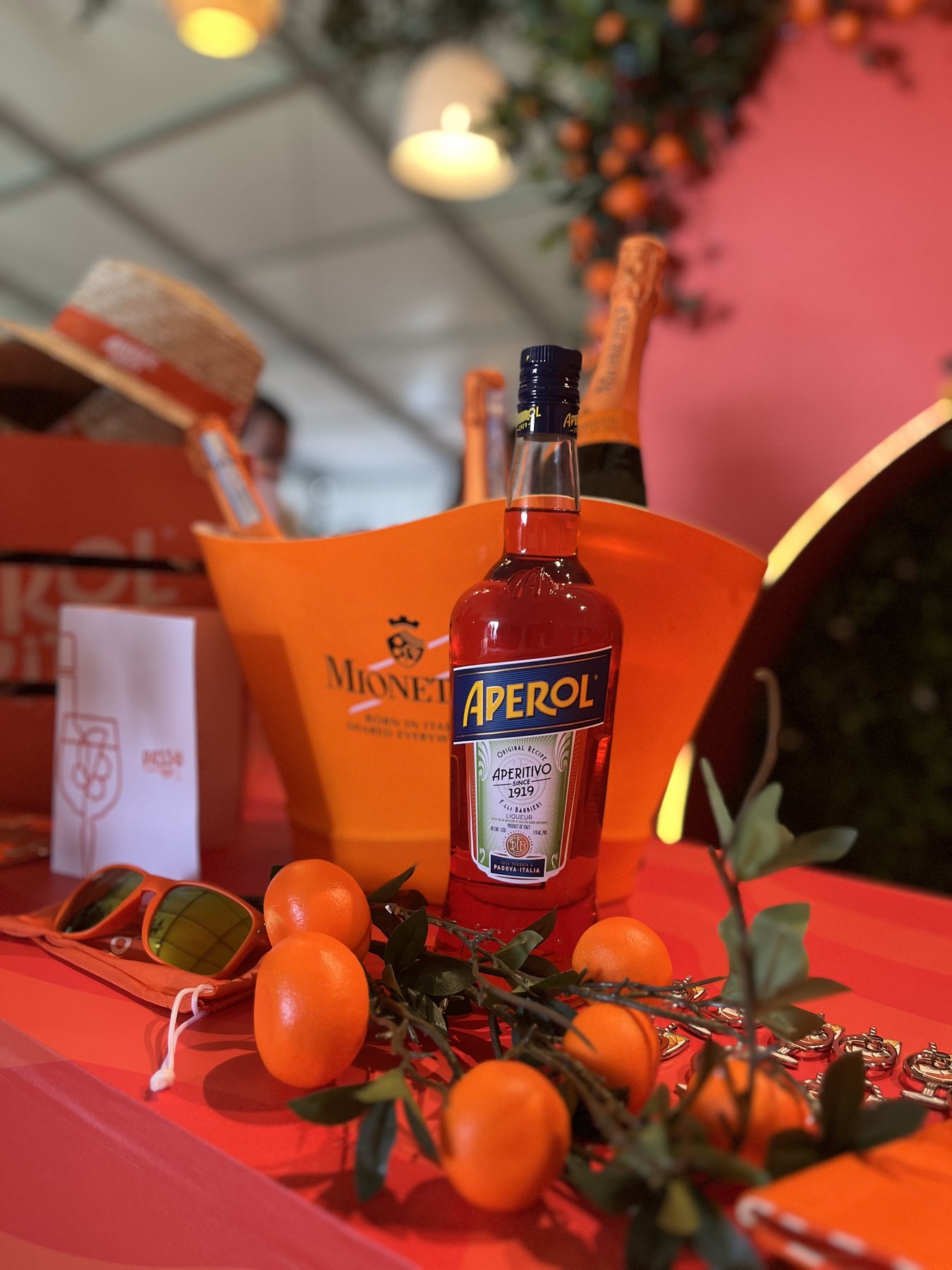
Aperol Spritz Activation
An Aperol Spritz bar and lounge built for Pebble Beach Food & Wine. Ambience, set styling, brand messaging and on-site build, as part of the design and build team.
Packaging & Label Design
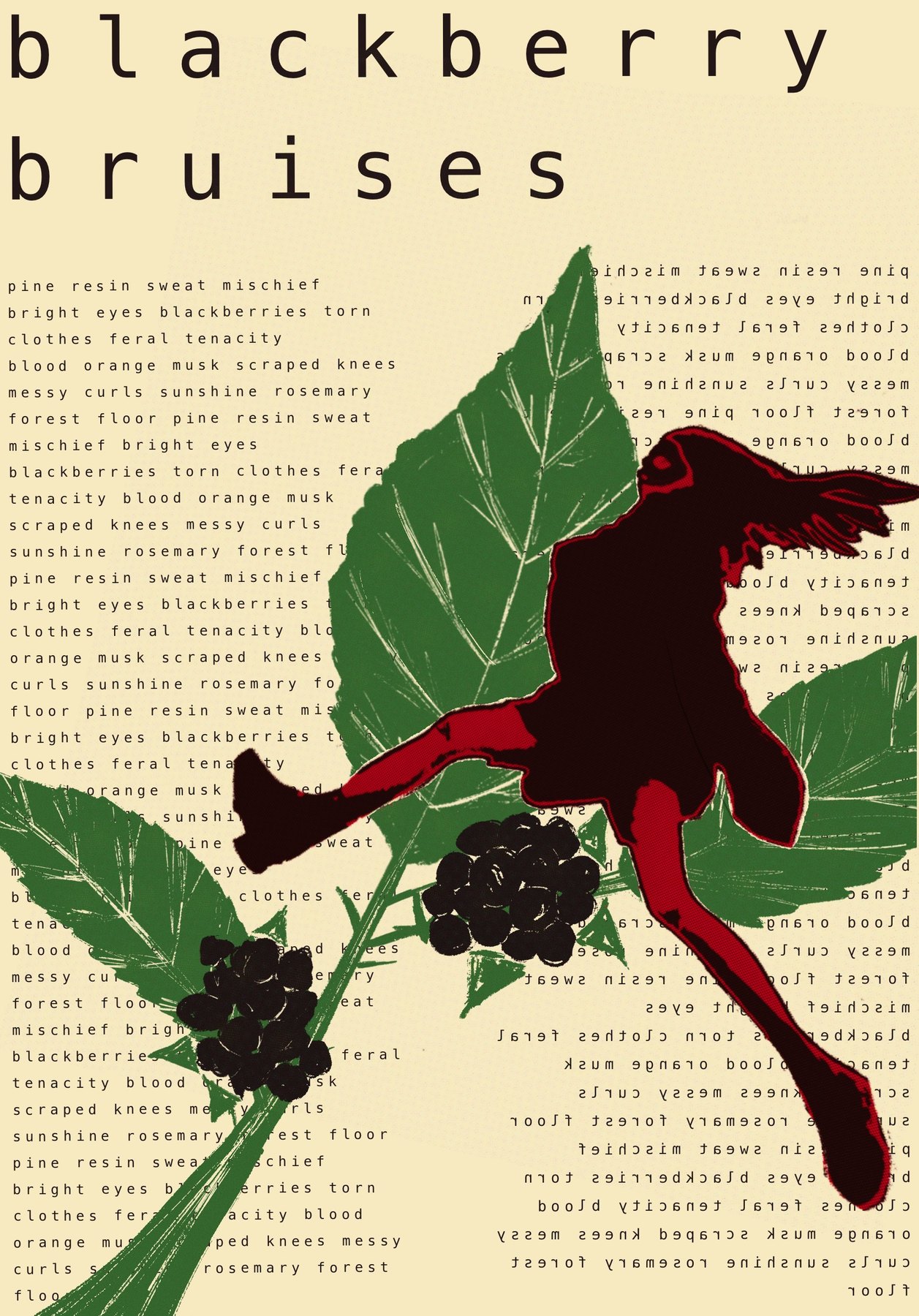
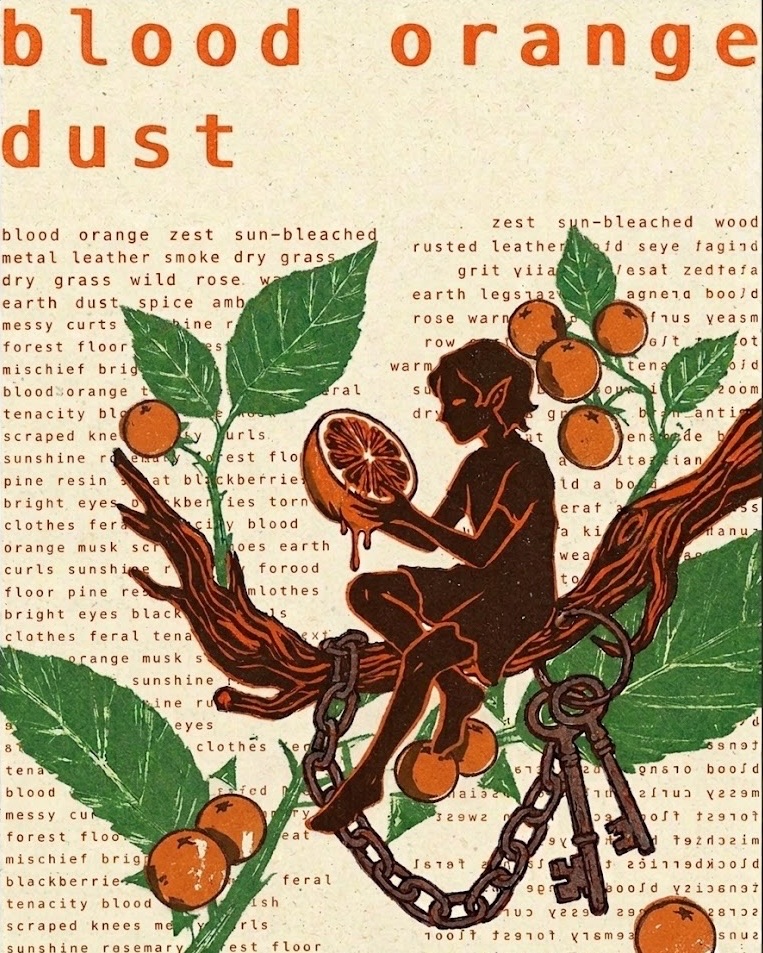
Blackberry Bruises
A fragrance label concept where the copy becomes the texture. Two scents sharing one visual and verbal system.

UX/UI Design & Branding
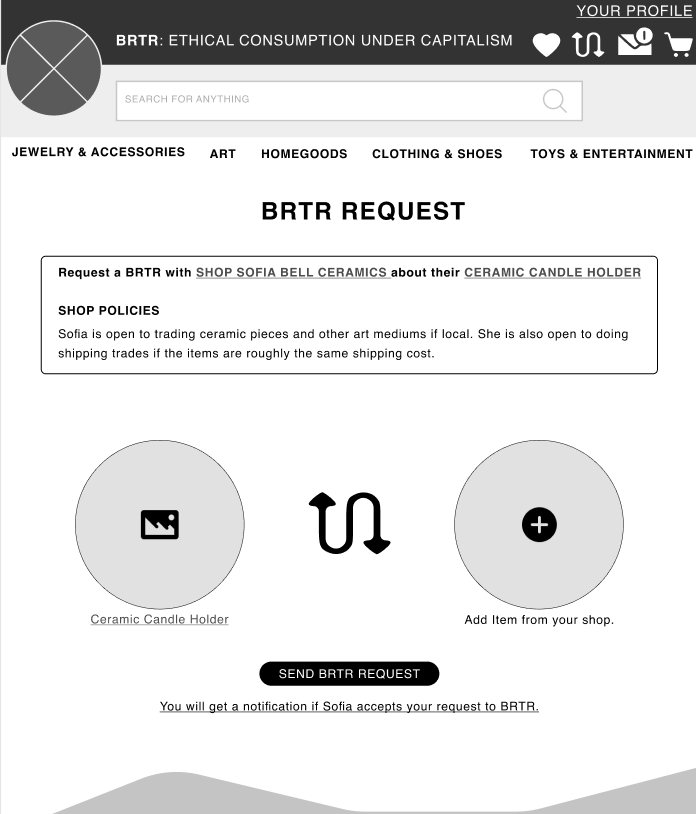
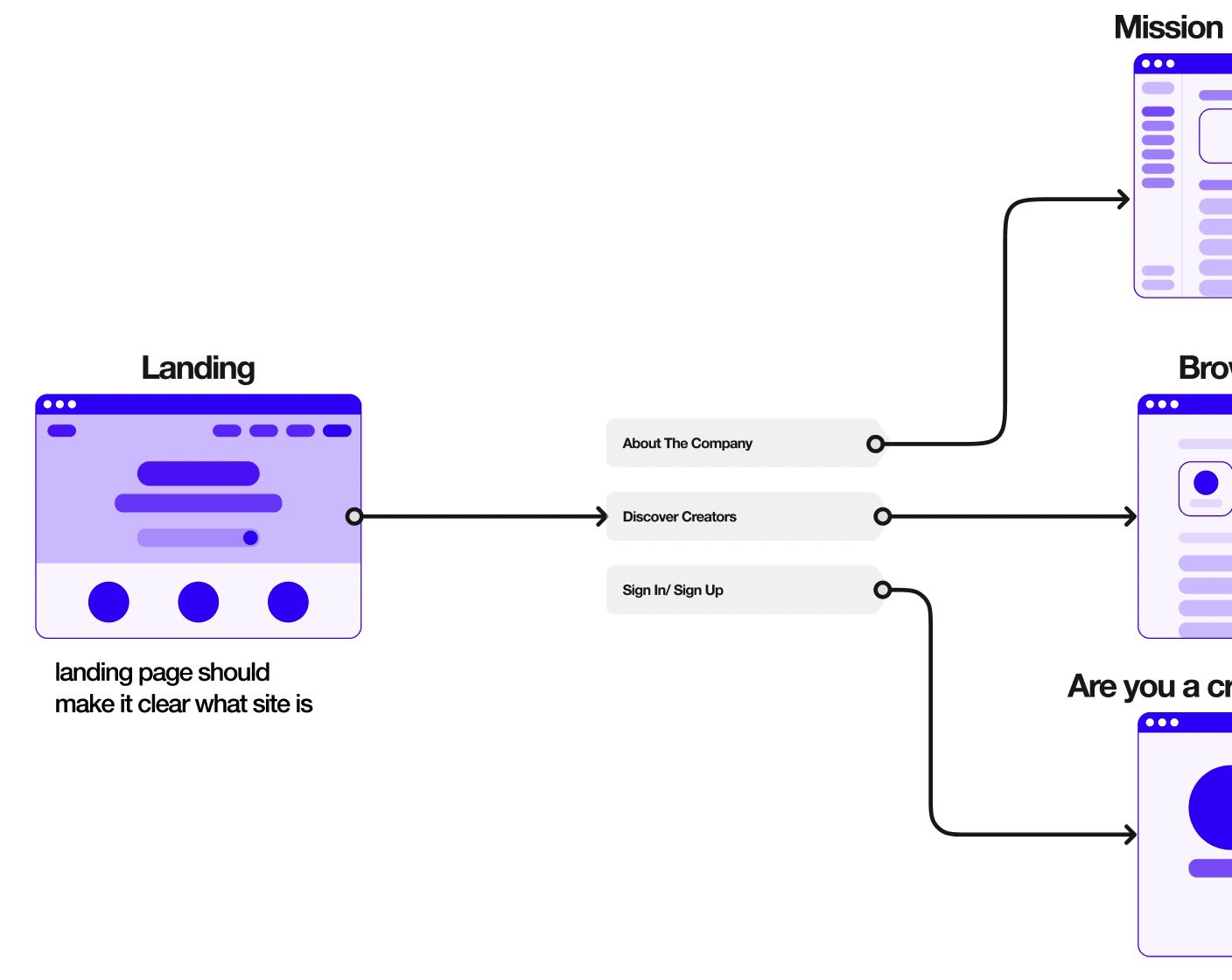
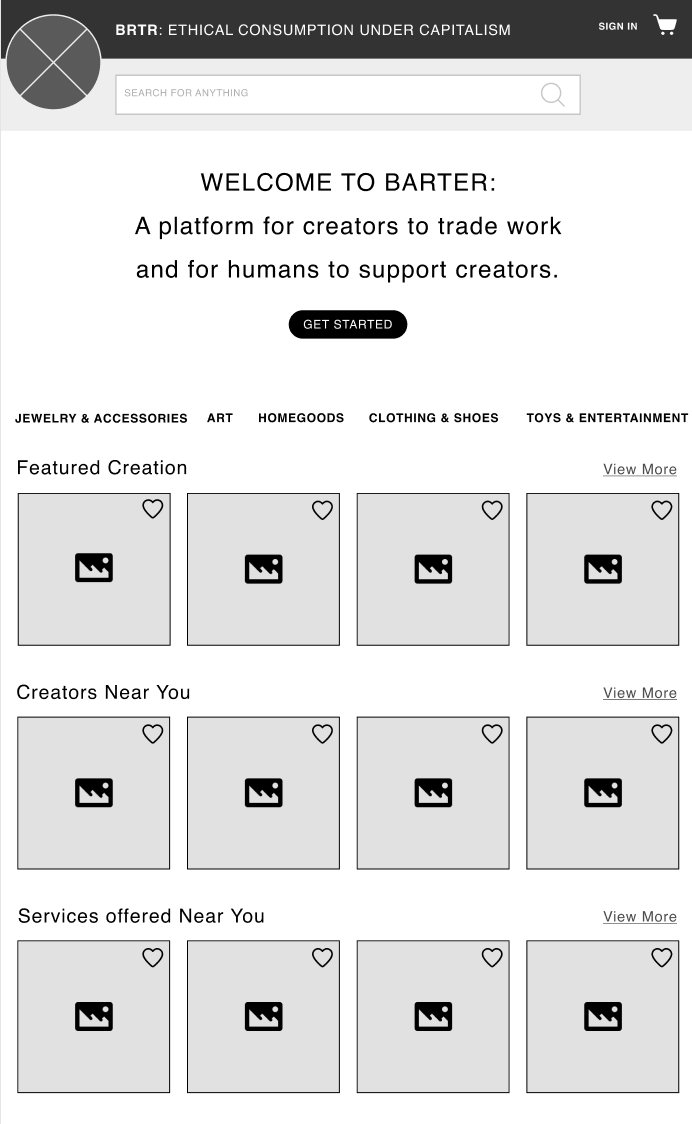
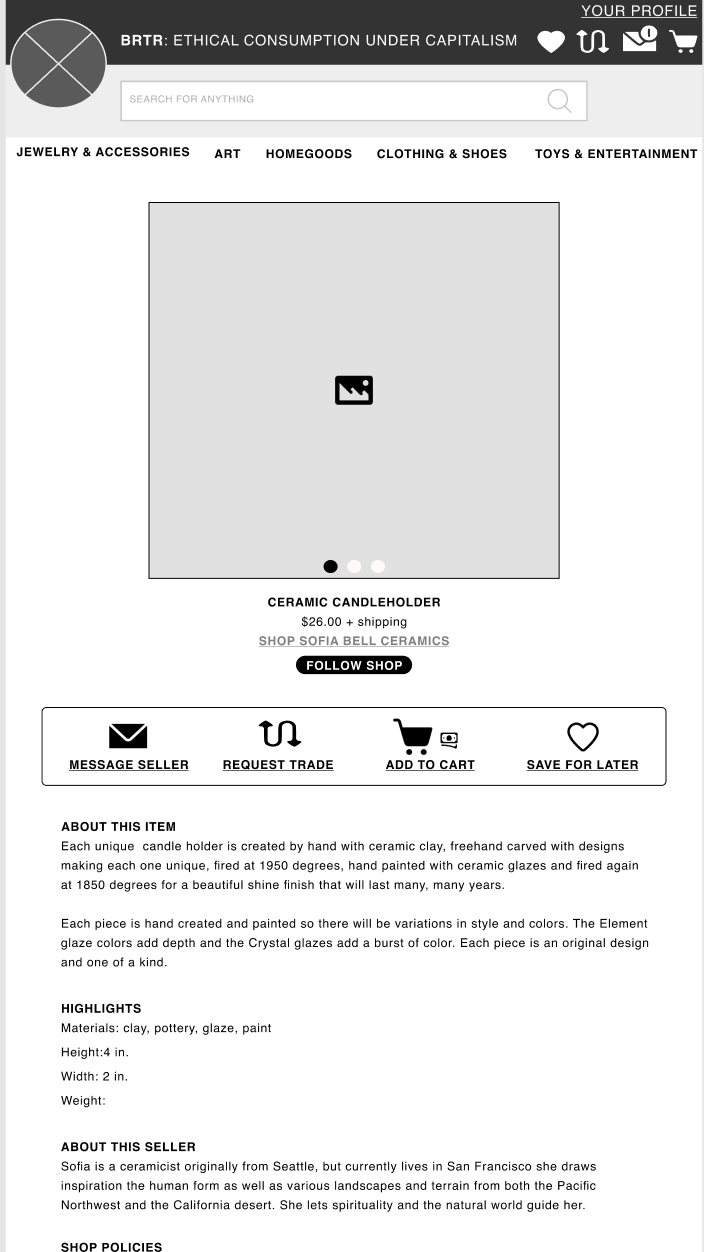
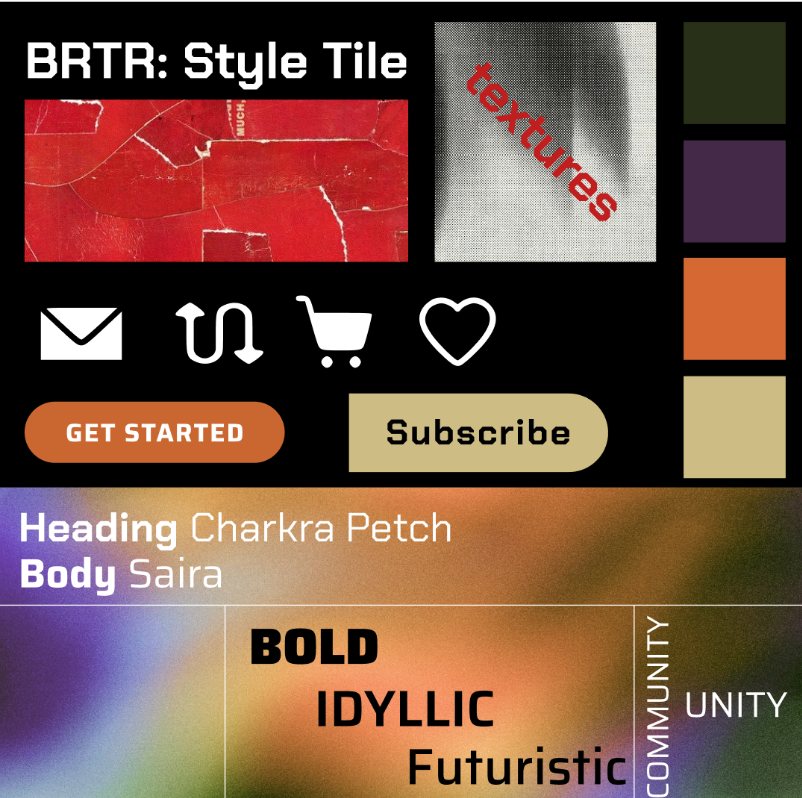
BRTR
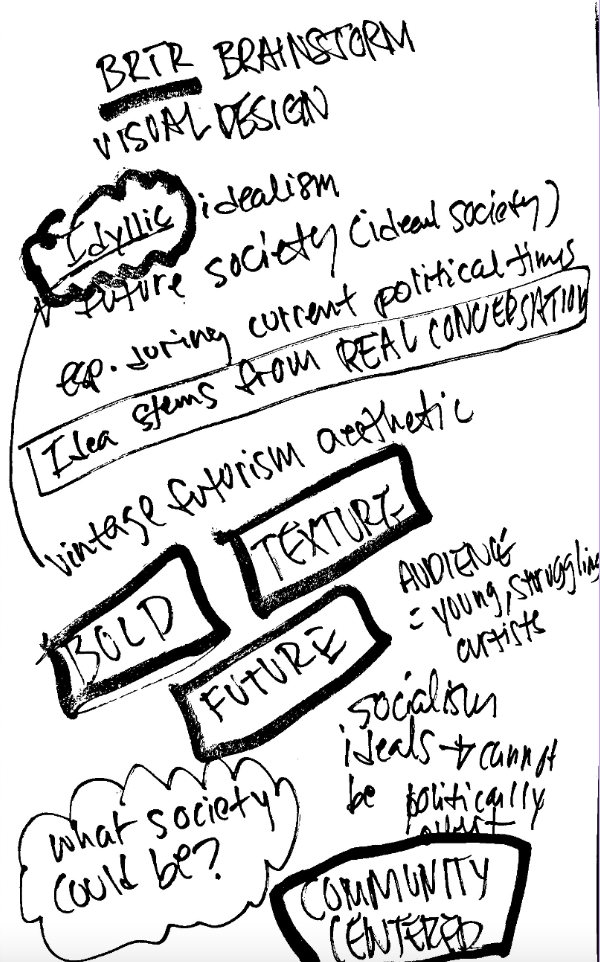
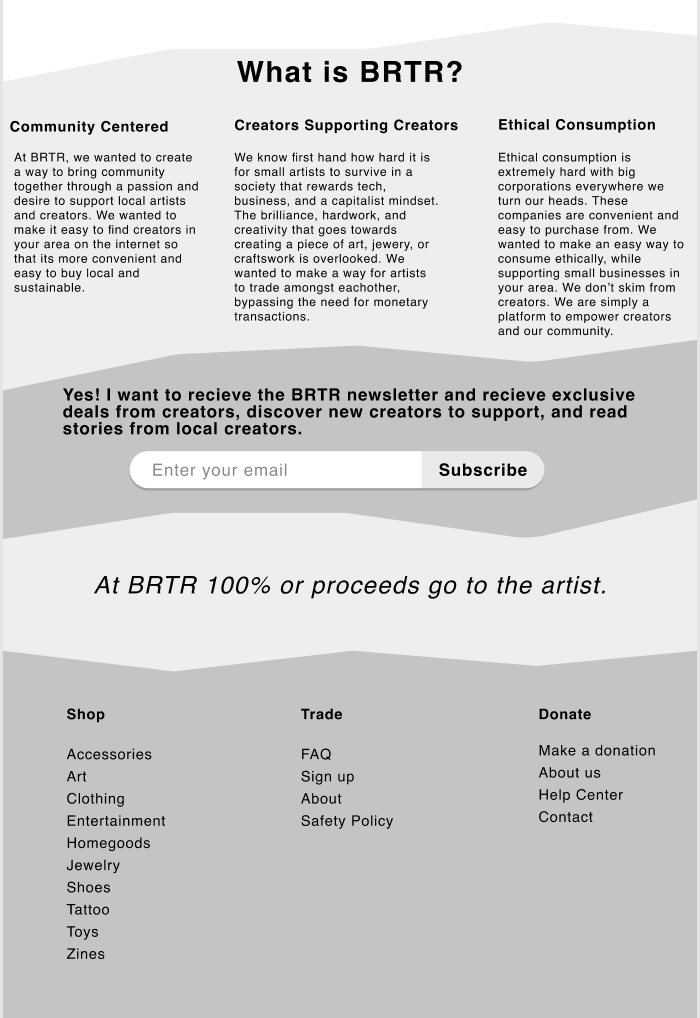
BRTR is a platform where artists trade handmade work with each other. Capstone project for the Thinkful UX/UI bootcamp: research, branding, and a clickable prototype in a three week sprint.
Kinetic Typography
Clint Eastwood
A kinetic type piece cut to the Gorillaz song Clint Eastwood, where every line of the lyric gets its own visual idea.
Editorial Design
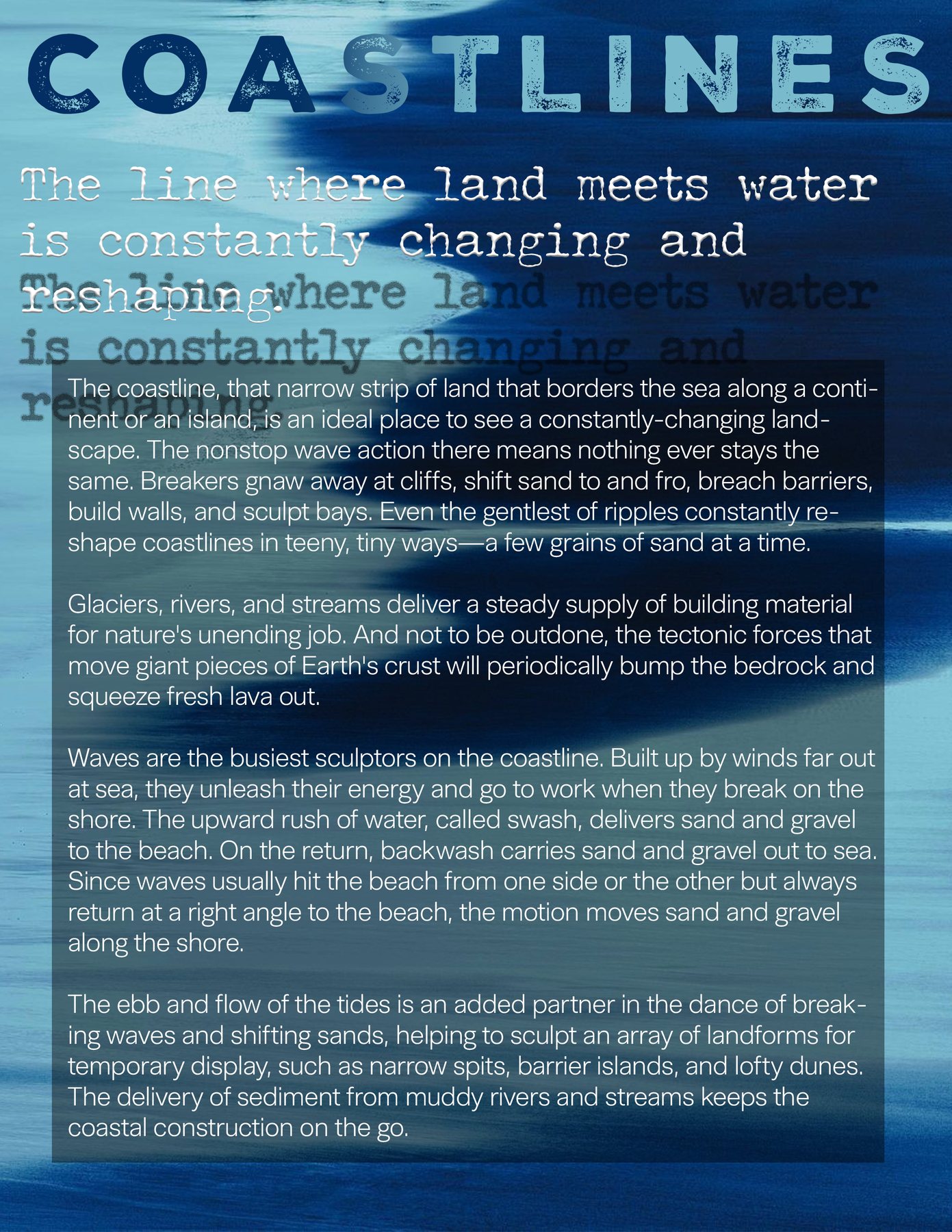
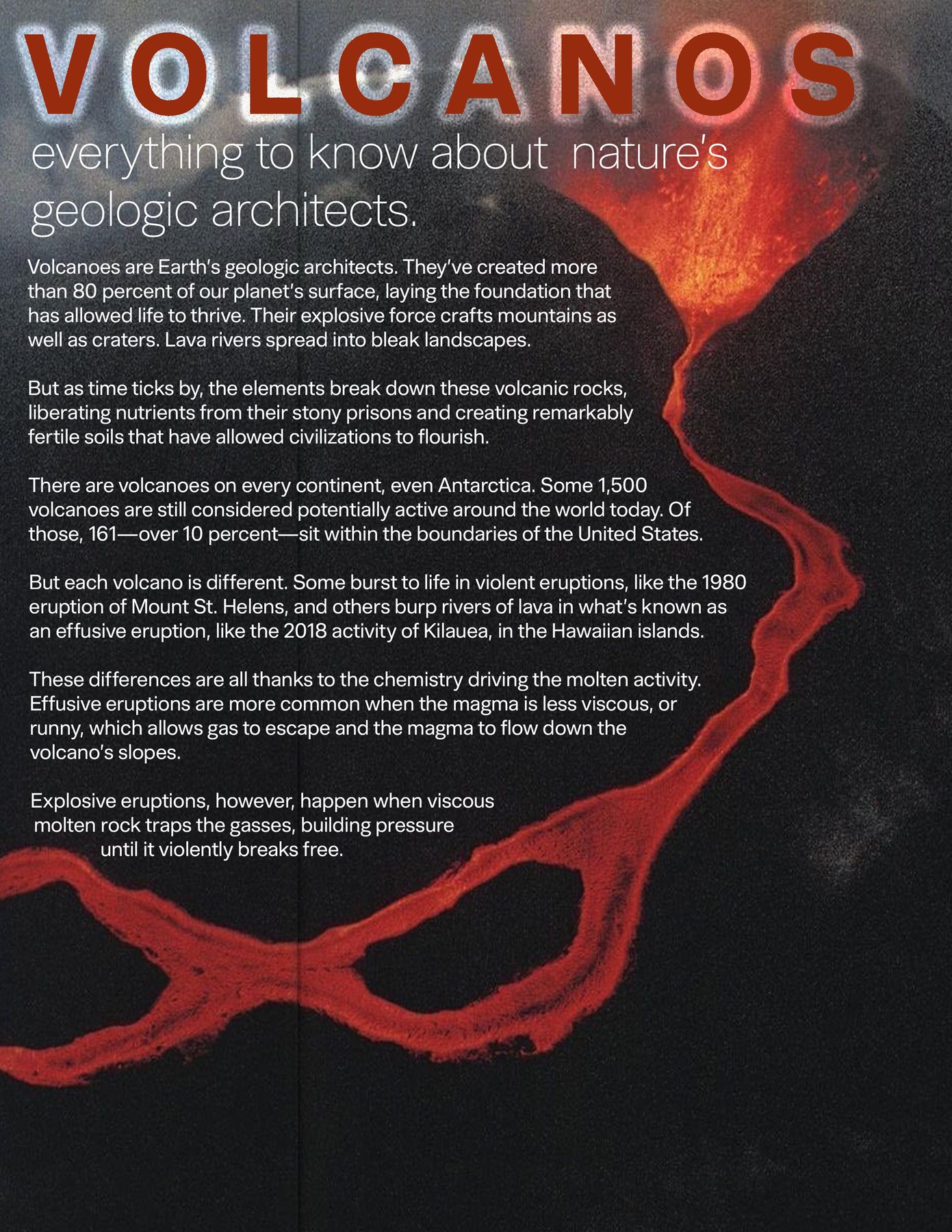
Editorial Spreads
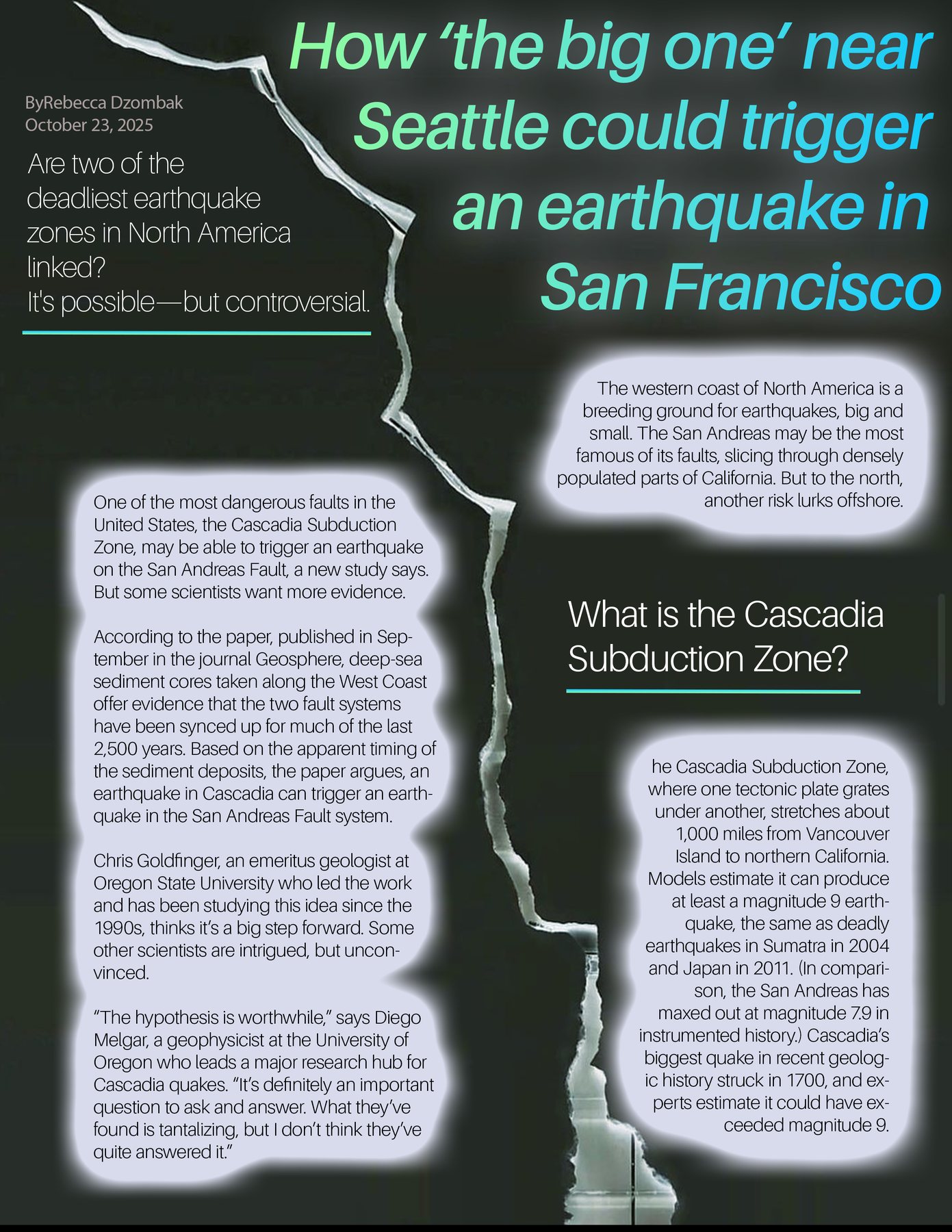
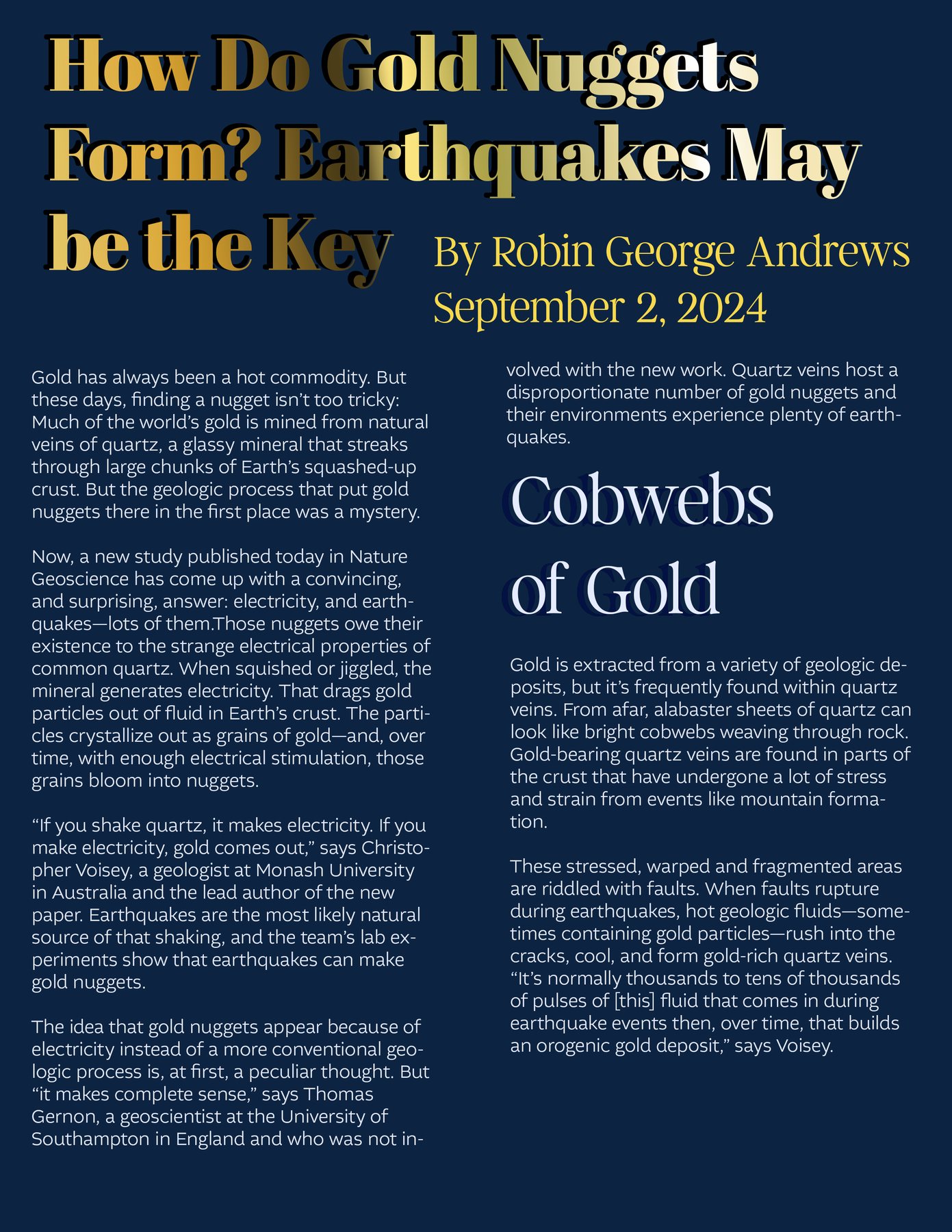
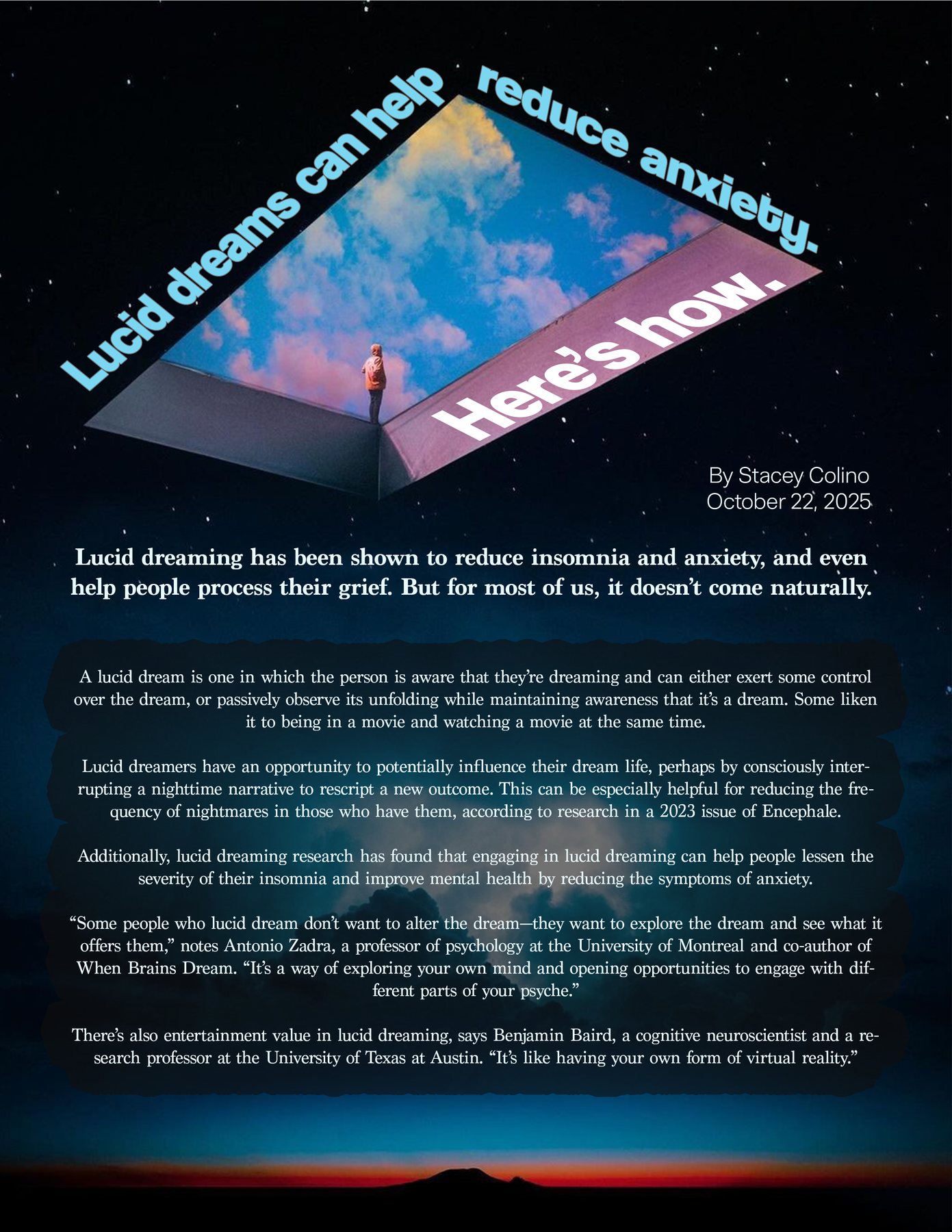
Five magazine spreads for real articles on coastlines, volcanoes, the Cascadia fault, gold nuggets and lucid dreaming, where the type steps back and lets you read.
Branding & Print
Empanadas del Surf
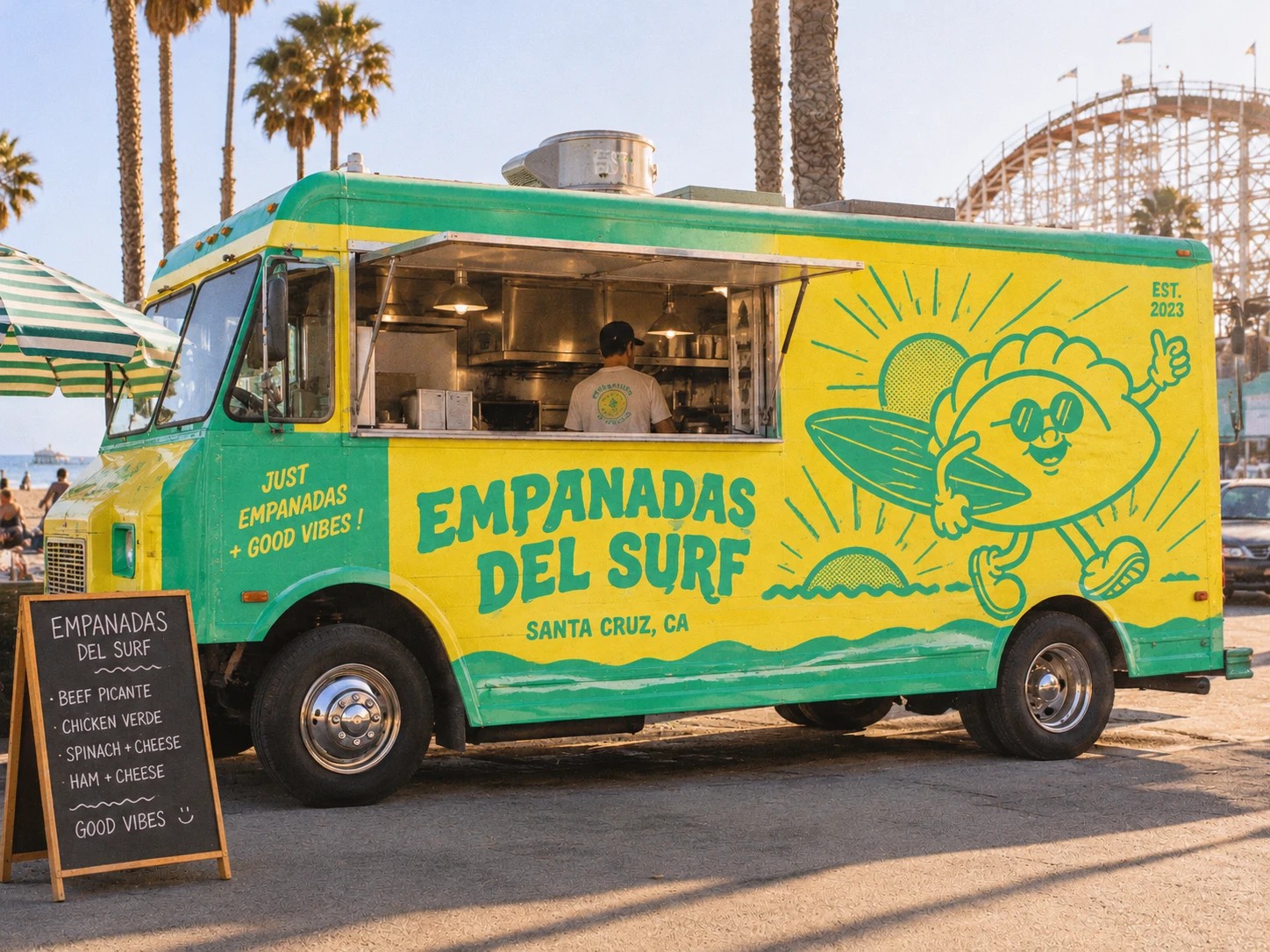
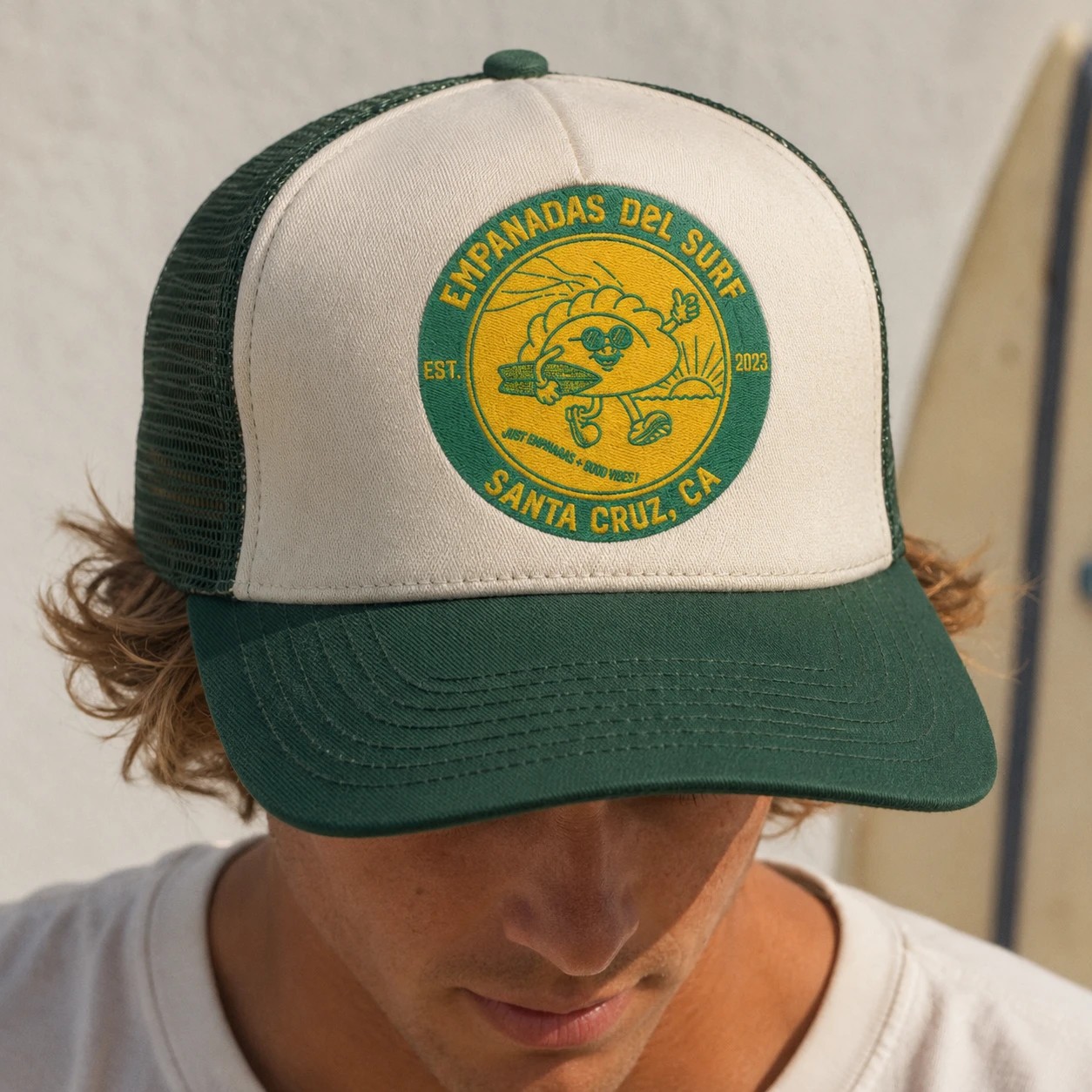
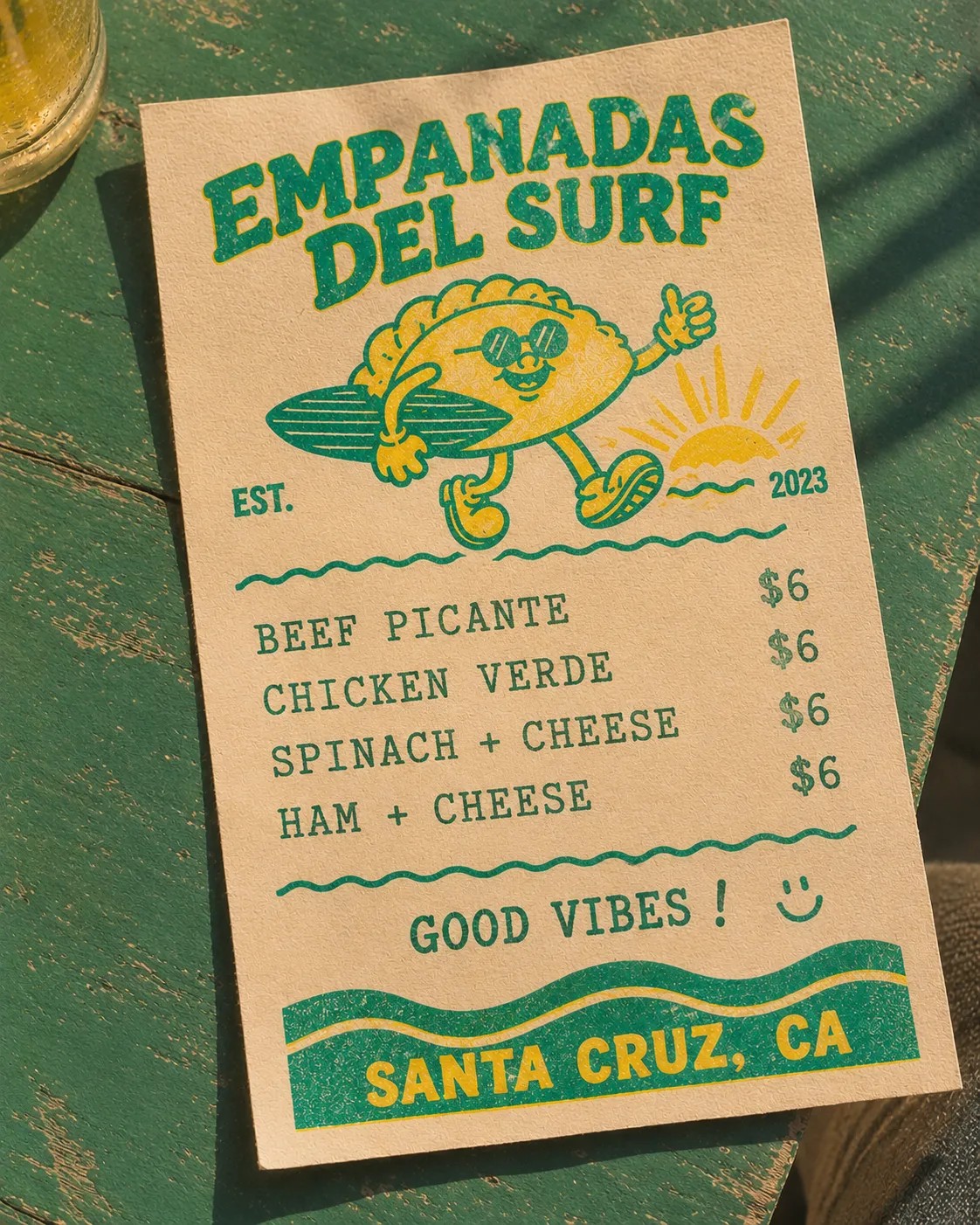
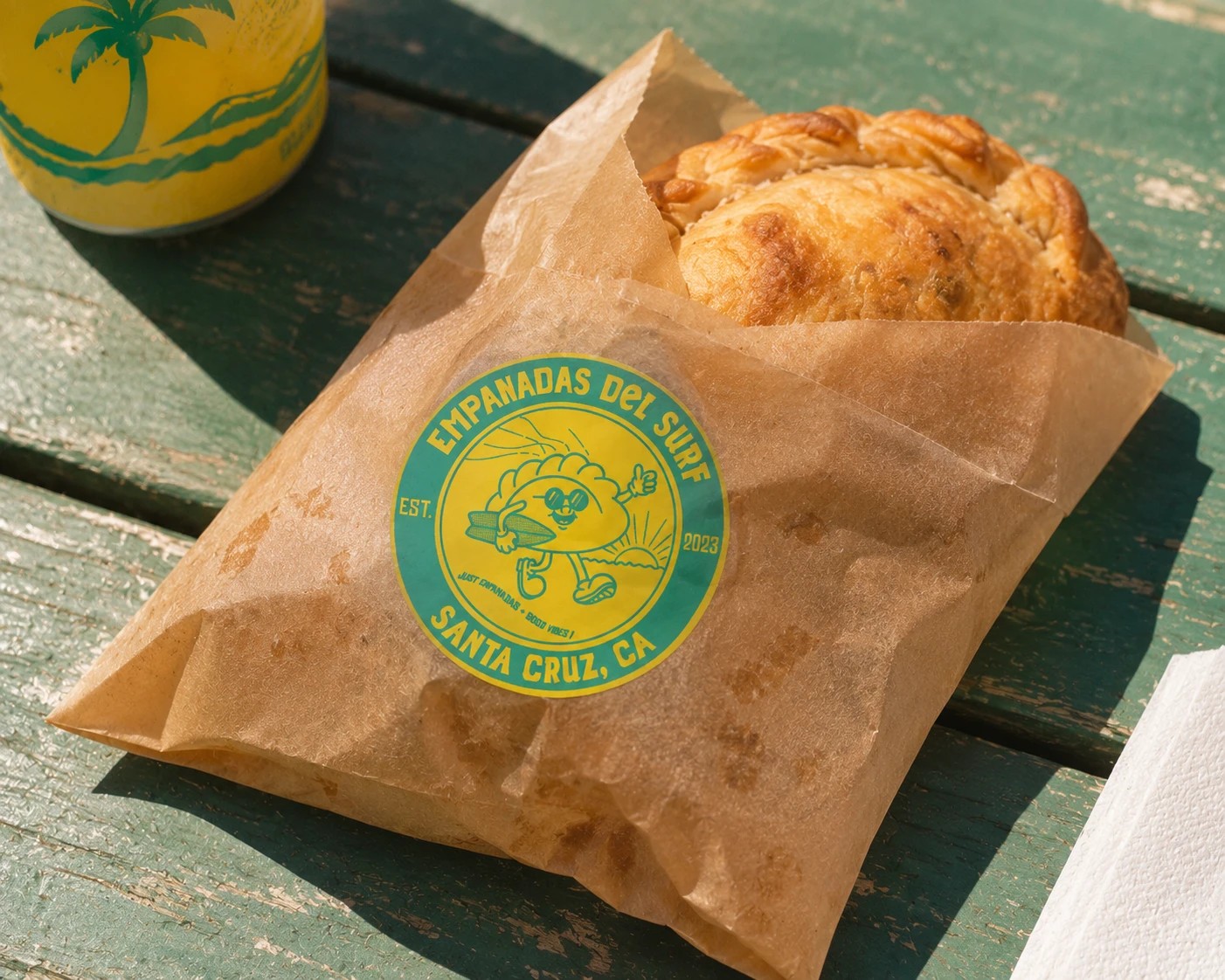
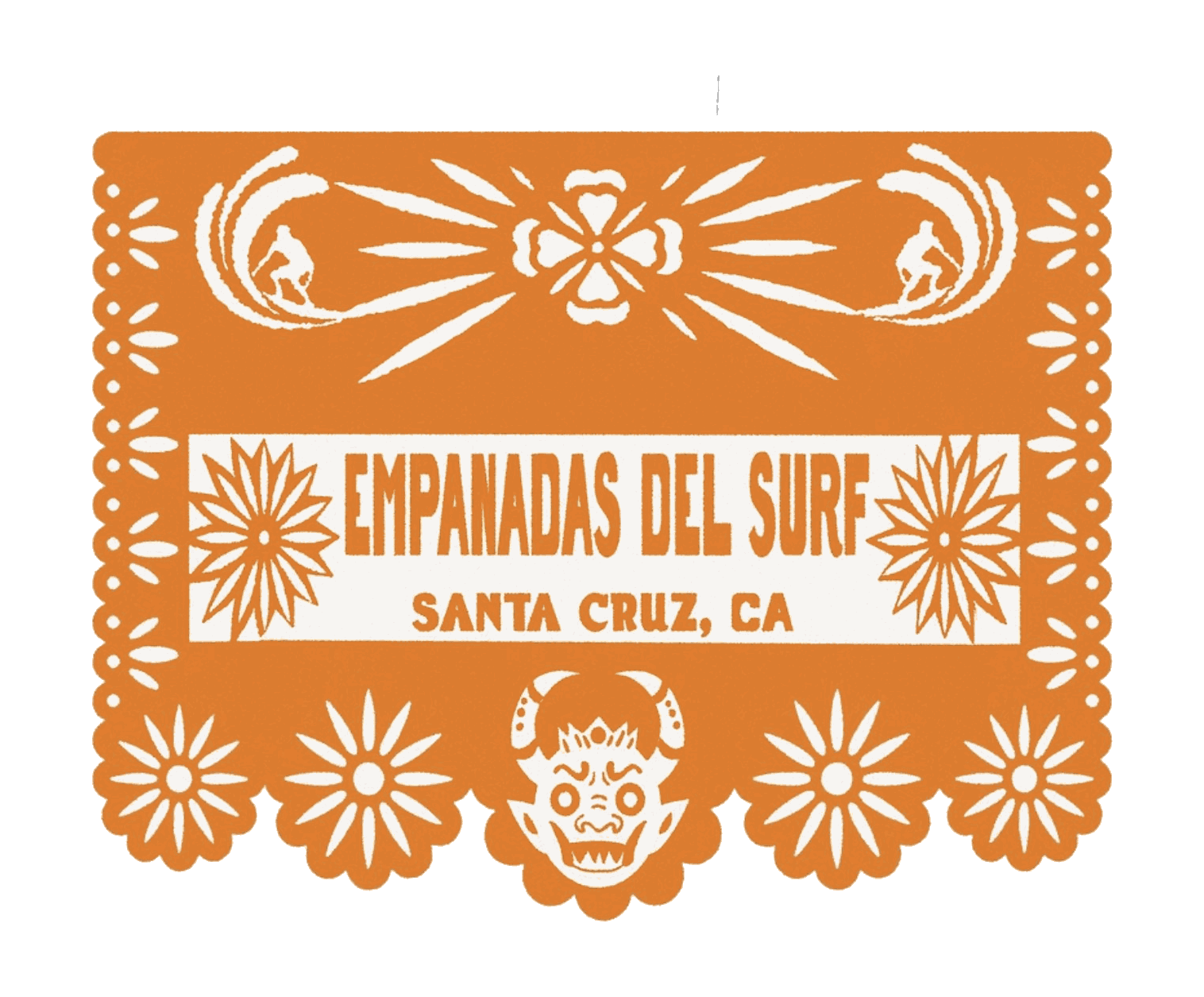
A surfing empanada for a Santa Cruz shop that sells exactly two things: empanadas and good vibes. The roundel rides everywhere, from the truck on the boardwalk to the cap, the menu and the sticker that seals every bag.
Gig Poster
Fog City Fest
A gig poster for a one day festival at Stern Grove, built out of halftone fog and a stack of band names.
Menu & Interface Design
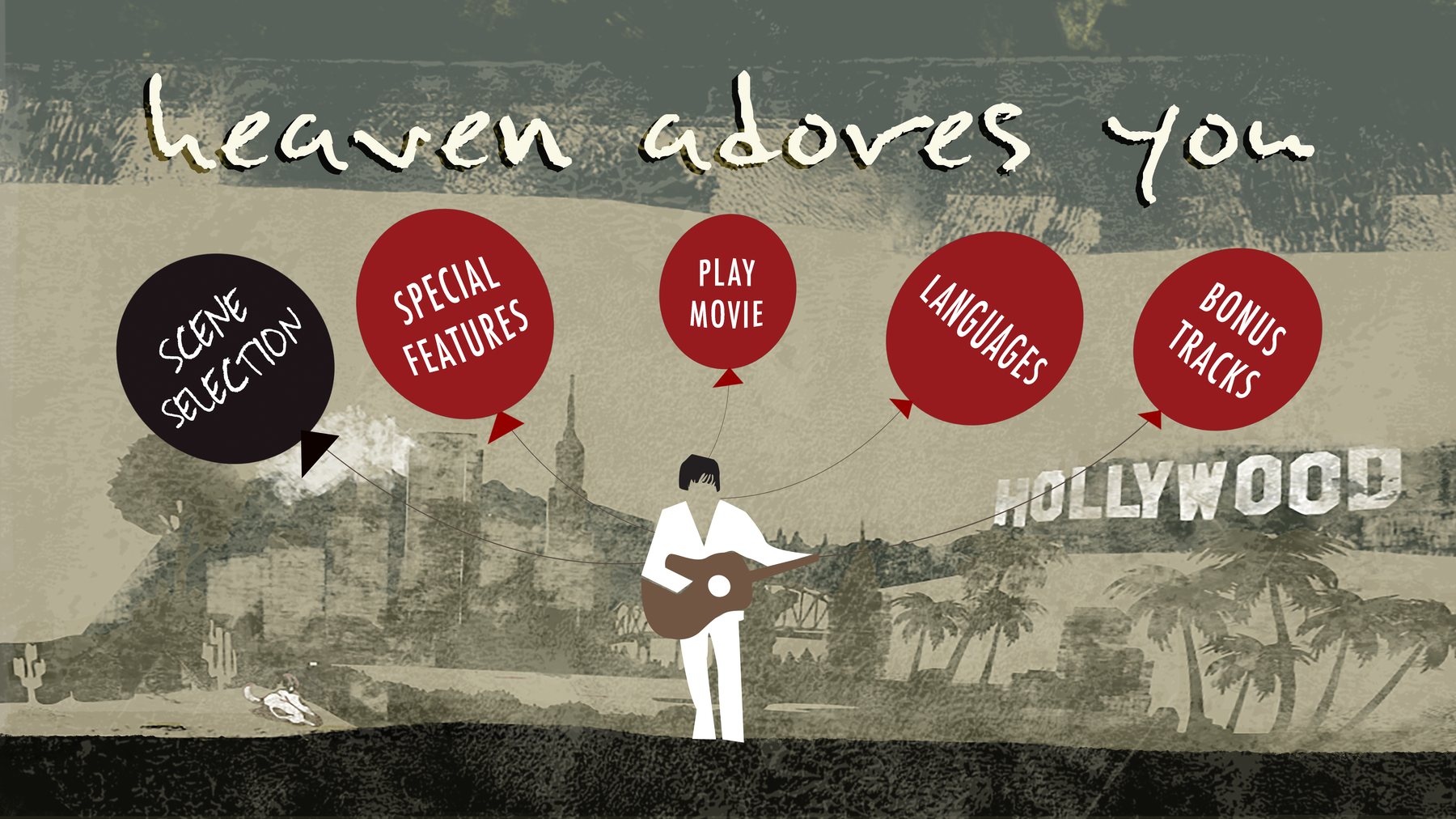
Heaven Adores You
A DVD menu system for the Elliott Smith documentary, built from cut paper, hand lettering, and navigation that lives inside the artwork.
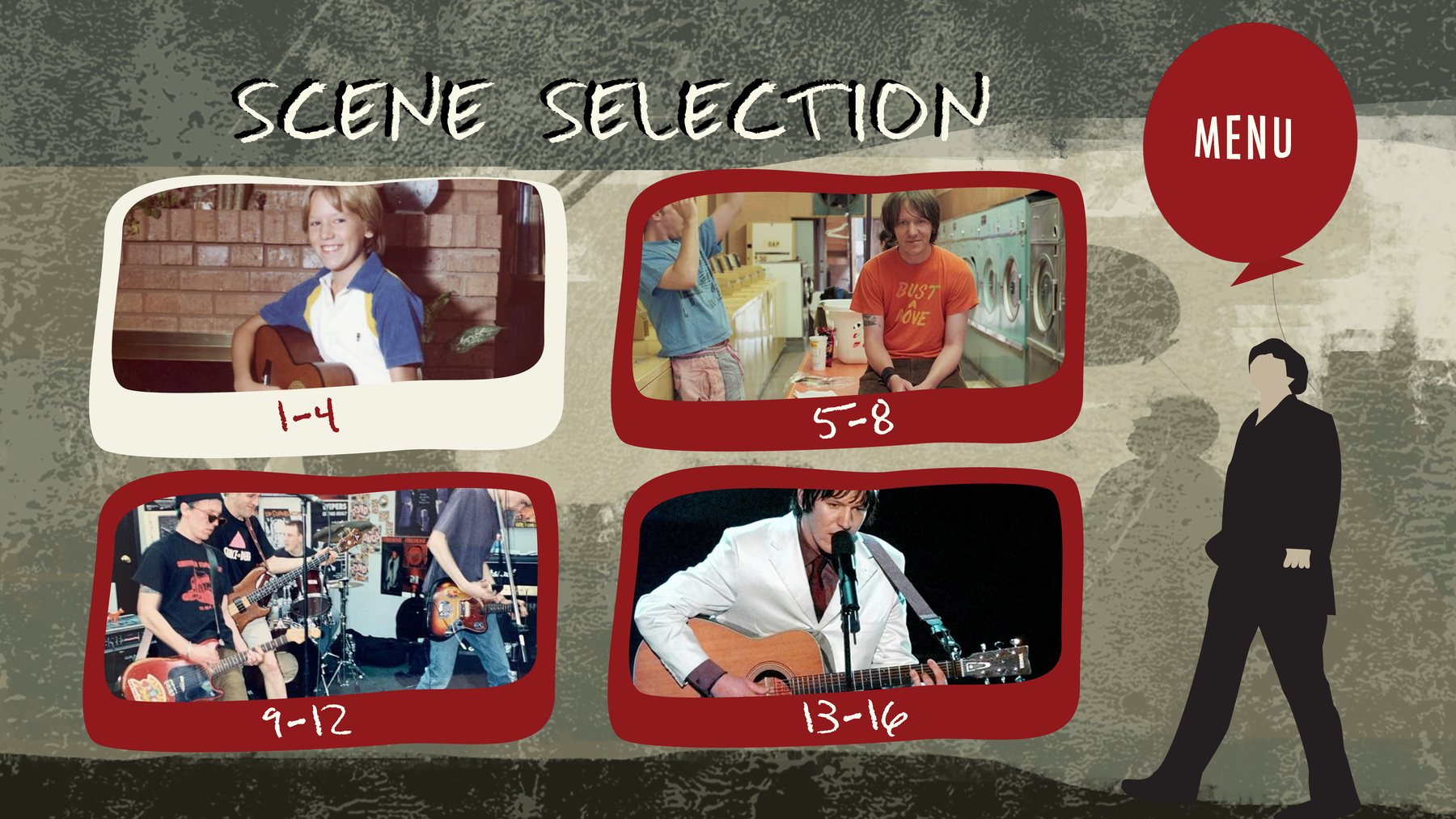
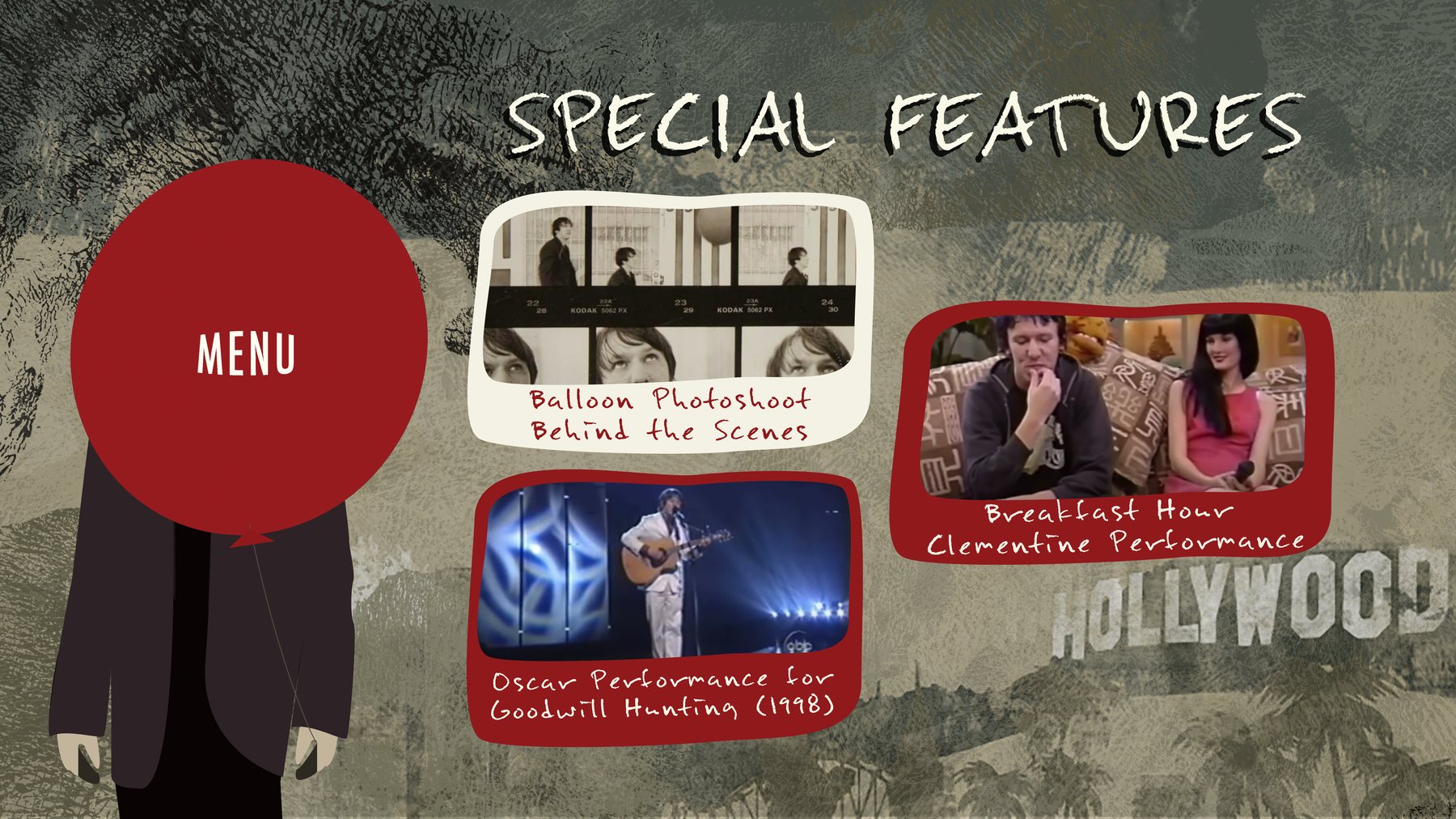
Illustration & Branding
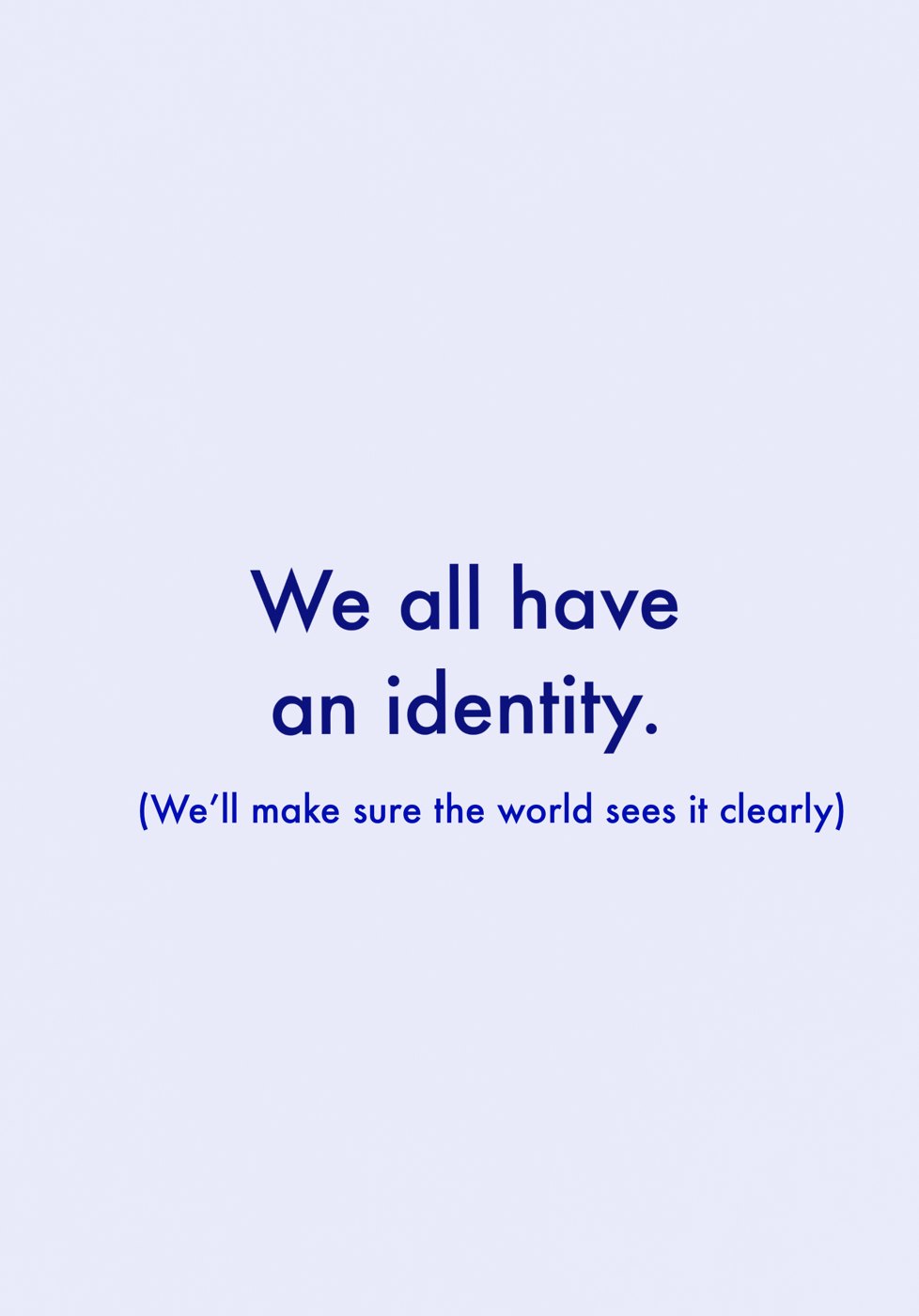
Identity Studies
Illustration branding: three characters drawn in a single cobalt blue, and the line that came with them, We all have an identity.
Sticker & Graphic Design
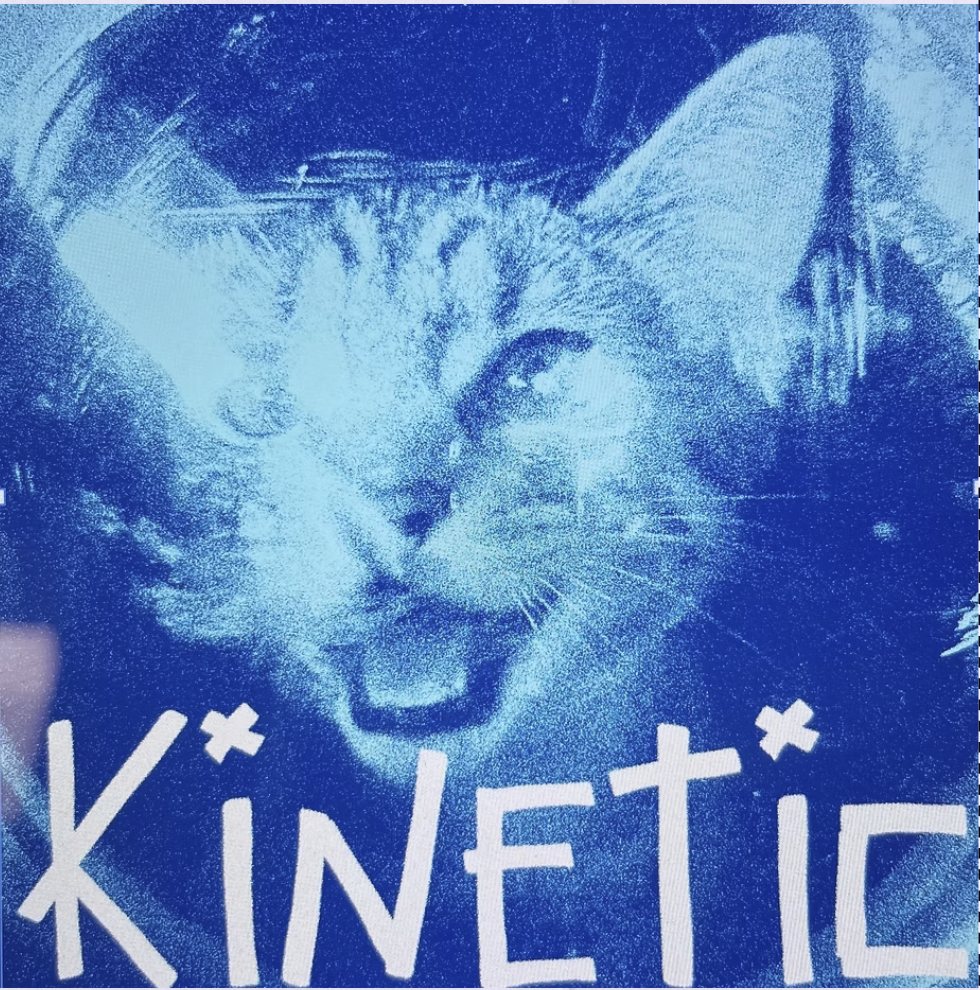
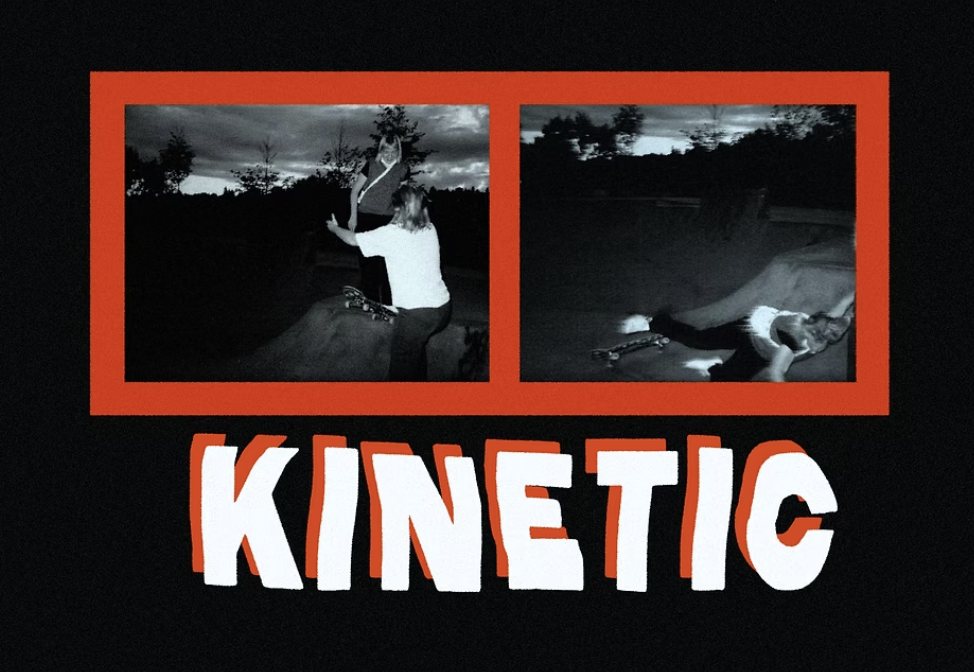
Kinetic
Sticker graphics for Kinetic, a skateboard brand out of Philadelphia. Hand lettering, high-contrast night photography and a cyanotype.
Event Flyer
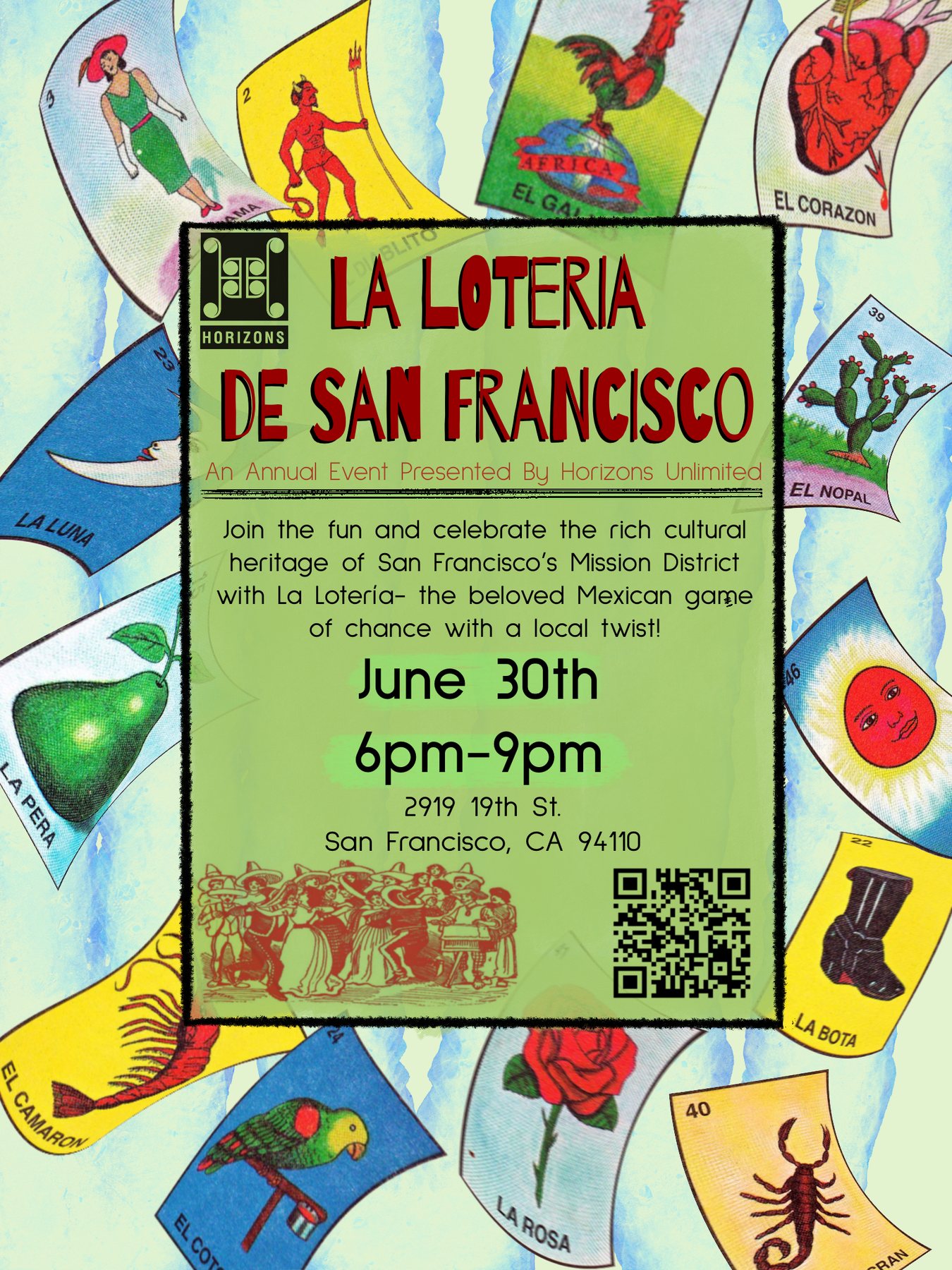
La Lotería de San Francisco
A flyer for a Lotería night in San Francisco's Mission District, built from the game's own card art.
Typography
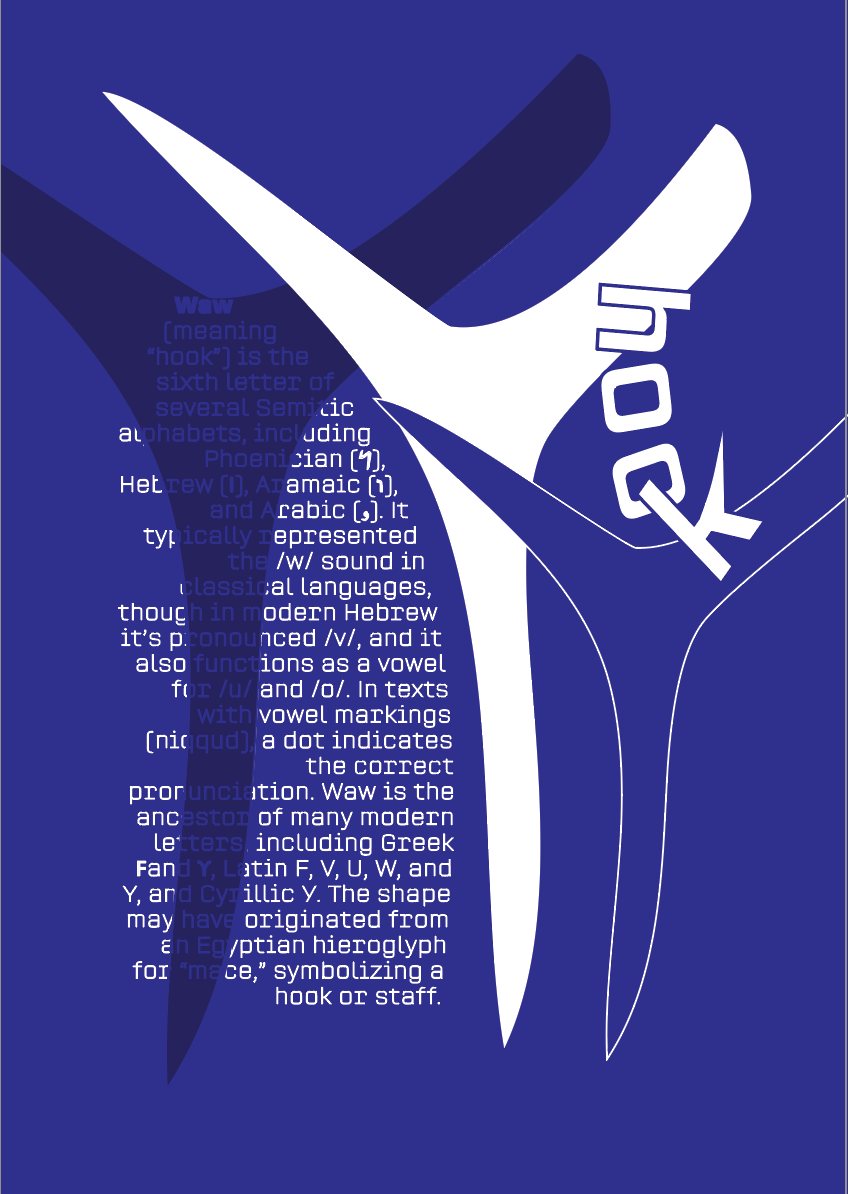
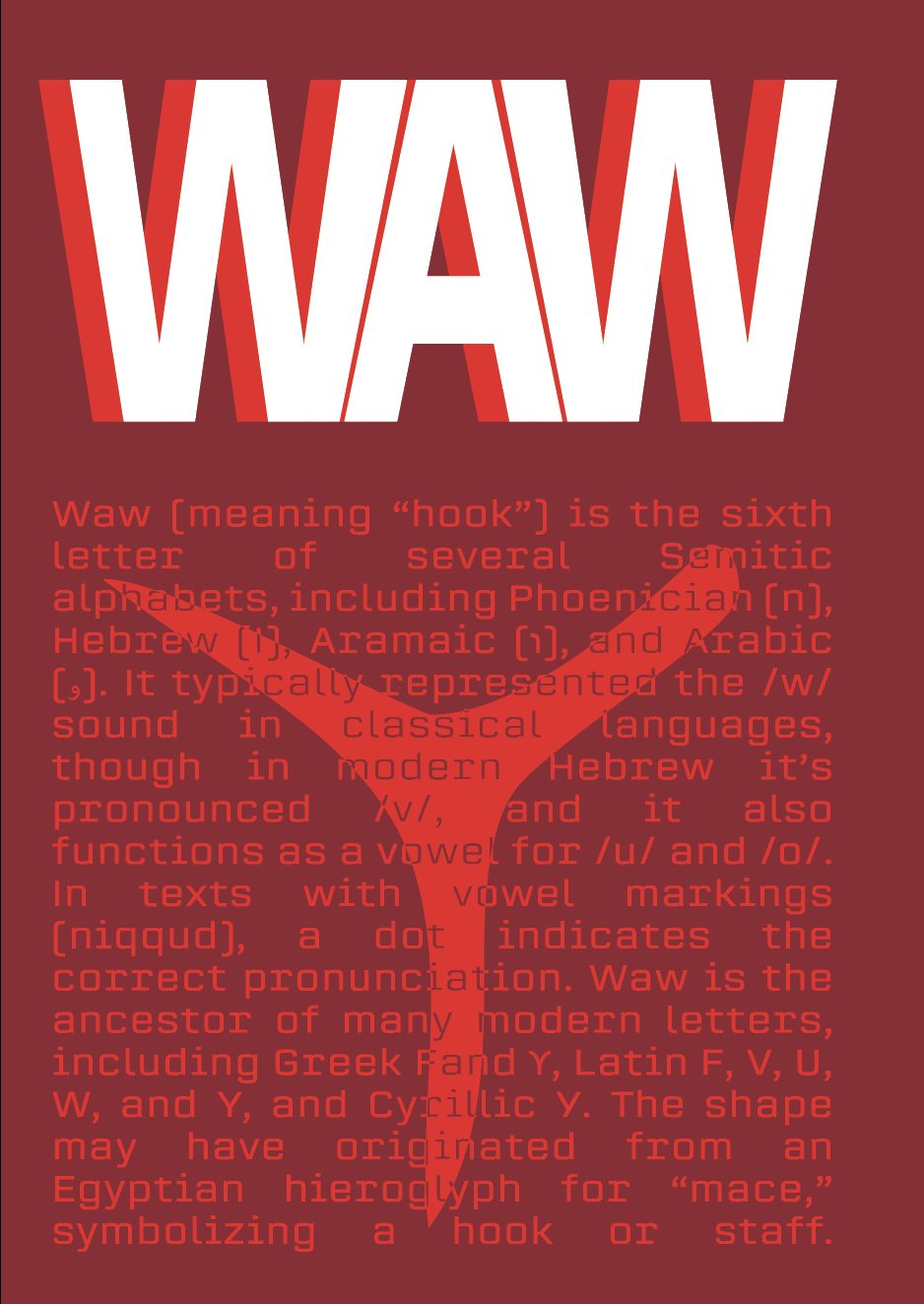
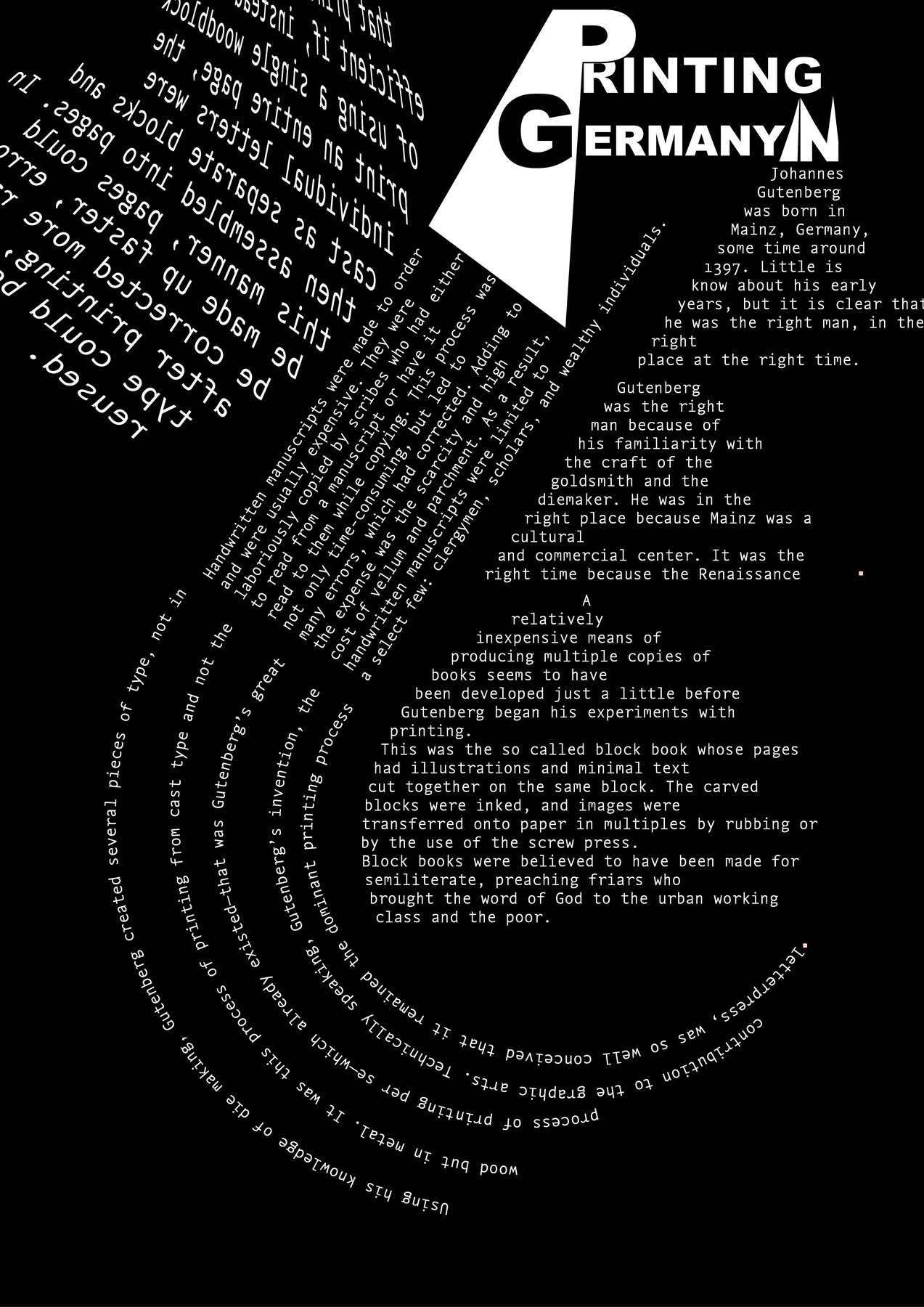
Letterform Studies
Three typographic posters where the letter is the subject: two takes on the letter Waw, and the story of Gutenberg set in a spiral.
Poster
Welcome to Outer Space
A poster built from chrome letterforms, a green alien and a line of type that keeps orbiting.
UX/UI & App Development
Planet
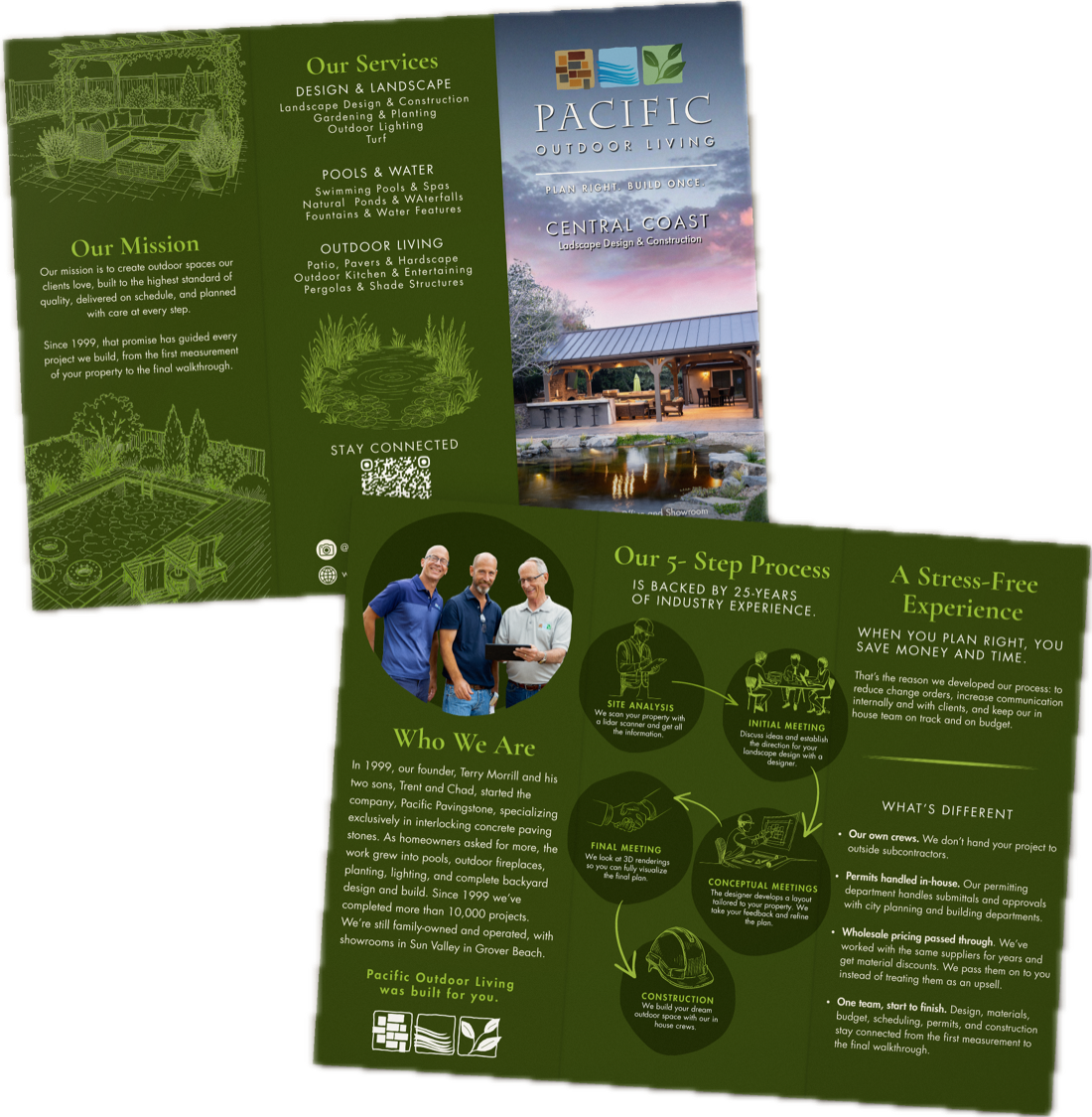
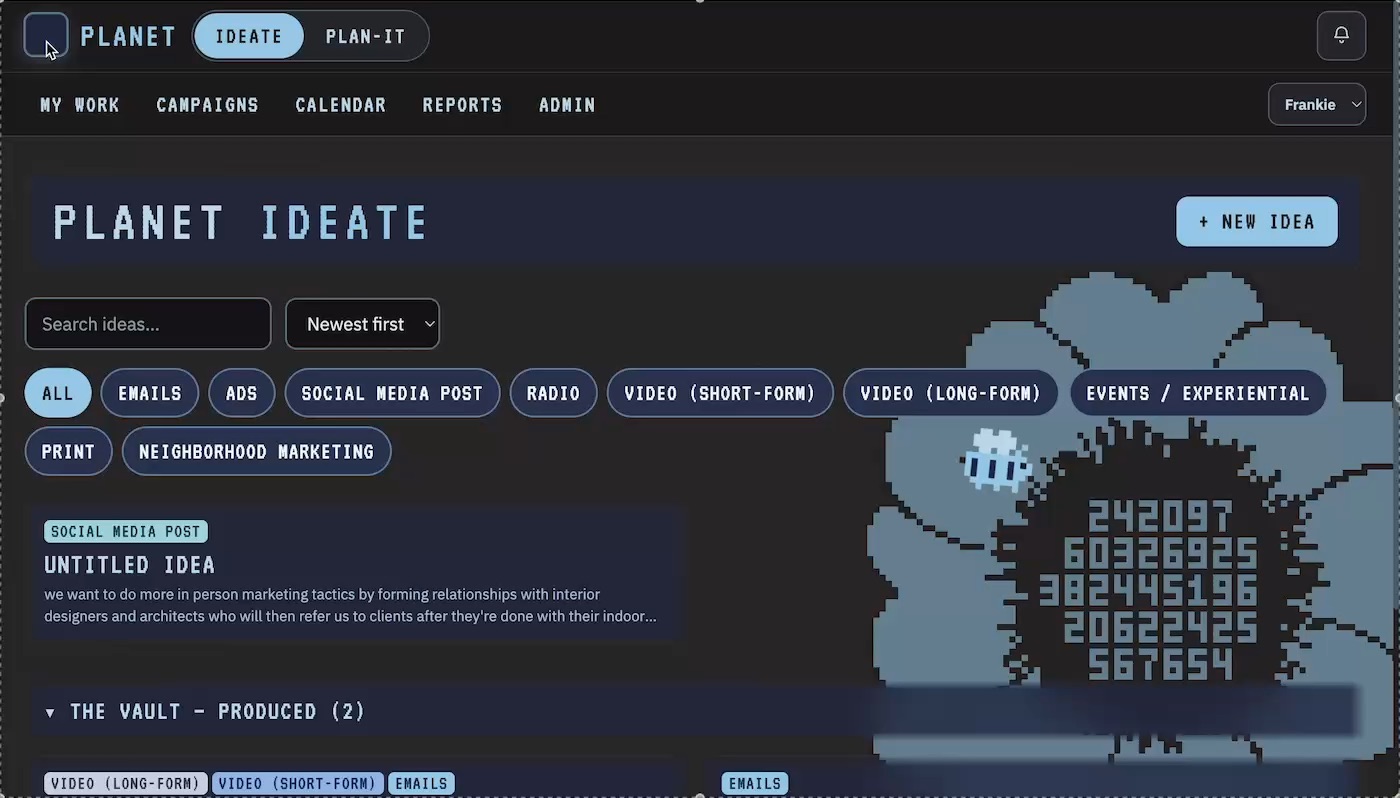
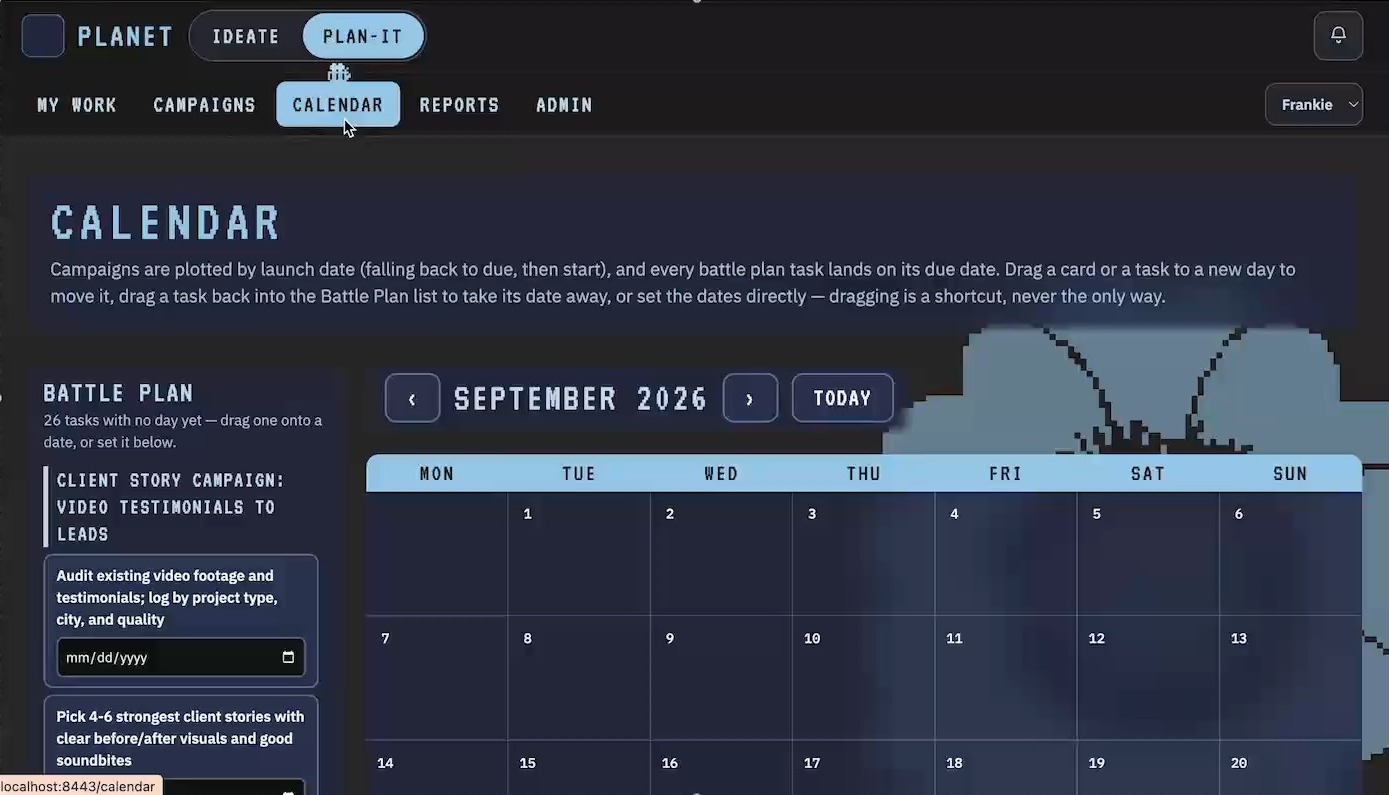
Planet, the marketing app I designed and built for Pacific Outdoor Living. Ideate turns a rough idea into a campaign plan, the Oracle sparks new ideas, and Plan-It schedules and tracks every campaign.
Title Sequence
Real News
A title sequence for a news program, with about four seconds to set the tone between authority and parody.
Logo Design
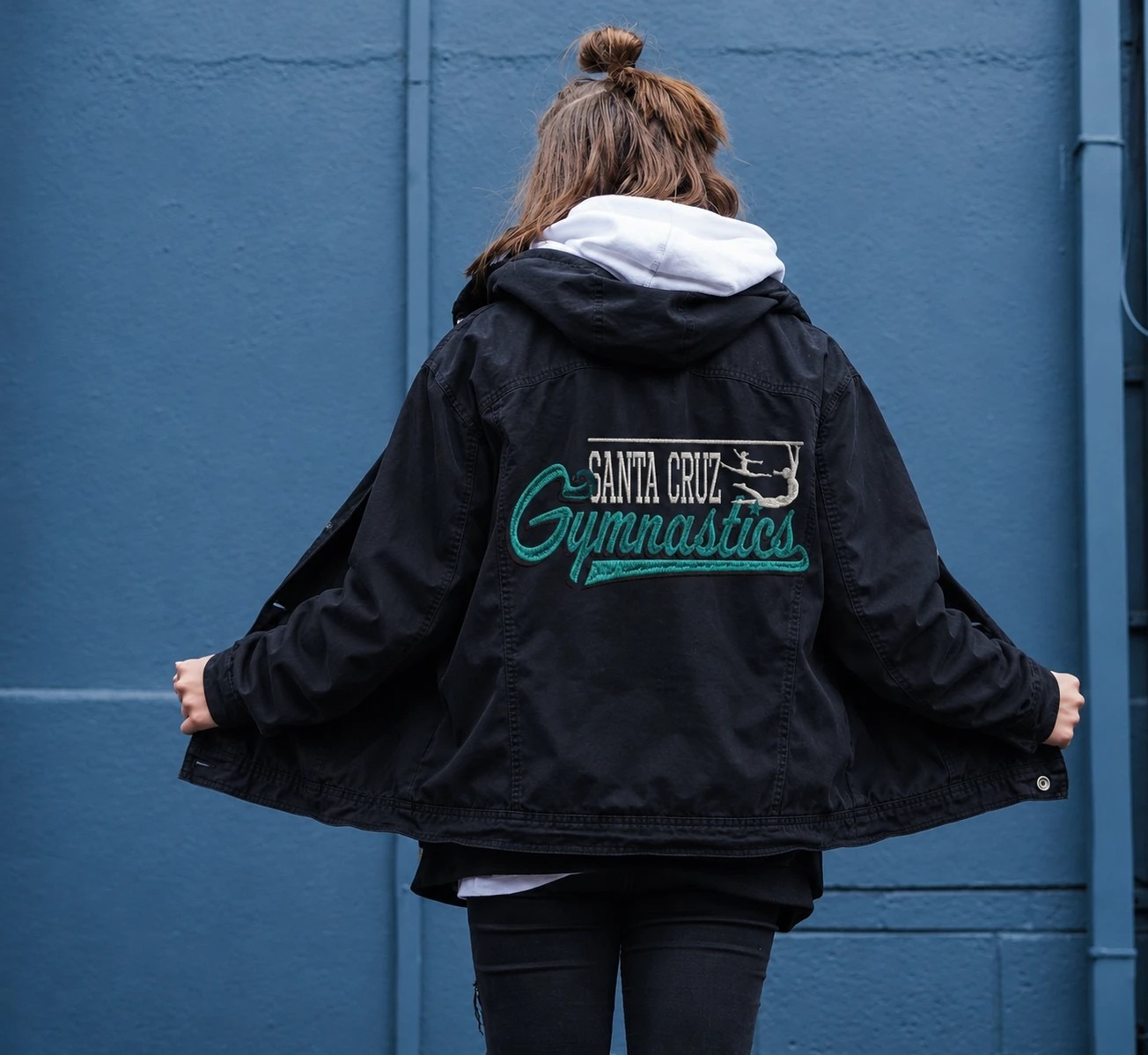
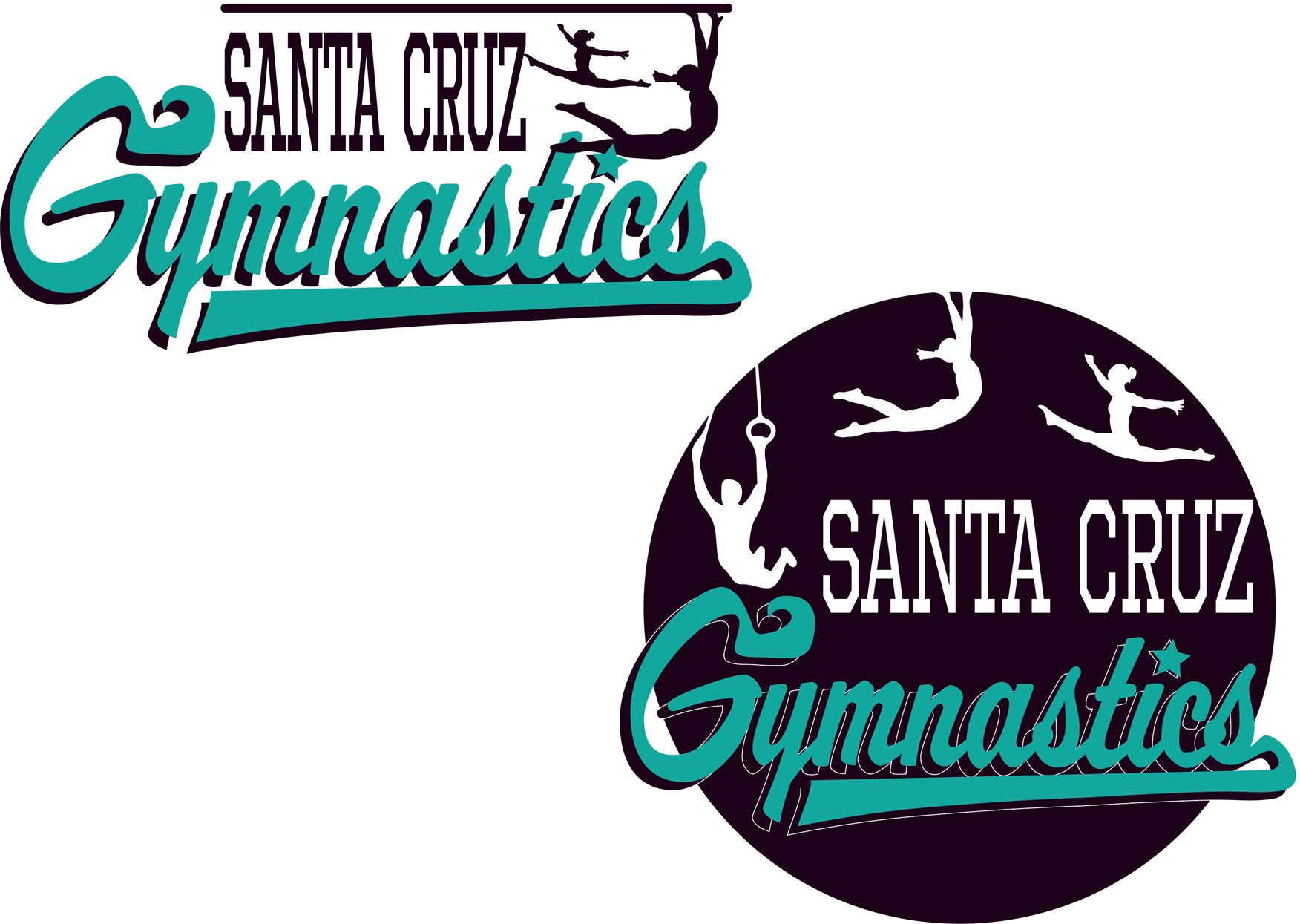
Santa Cruz Gymnastics
A script and badge identity for a gymnastics club, built to work on a leotard, a banner and a water bottle.

Event Graphic · 2023
Singapore National Day
A badge for the Singaporean diaspora in San Francisco, marking Singapore National Day with both cities in one arch.
Animation
Sutro Tower Monster
A looping animation of a small horned creature climbing Sutro Tower above the San Francisco fog at sunset.
Editing Study
Twin Peaks / Law & Order
An editing study that runs Twin Peaks against Law & Order and finds the seam where two different grammars become one scene.